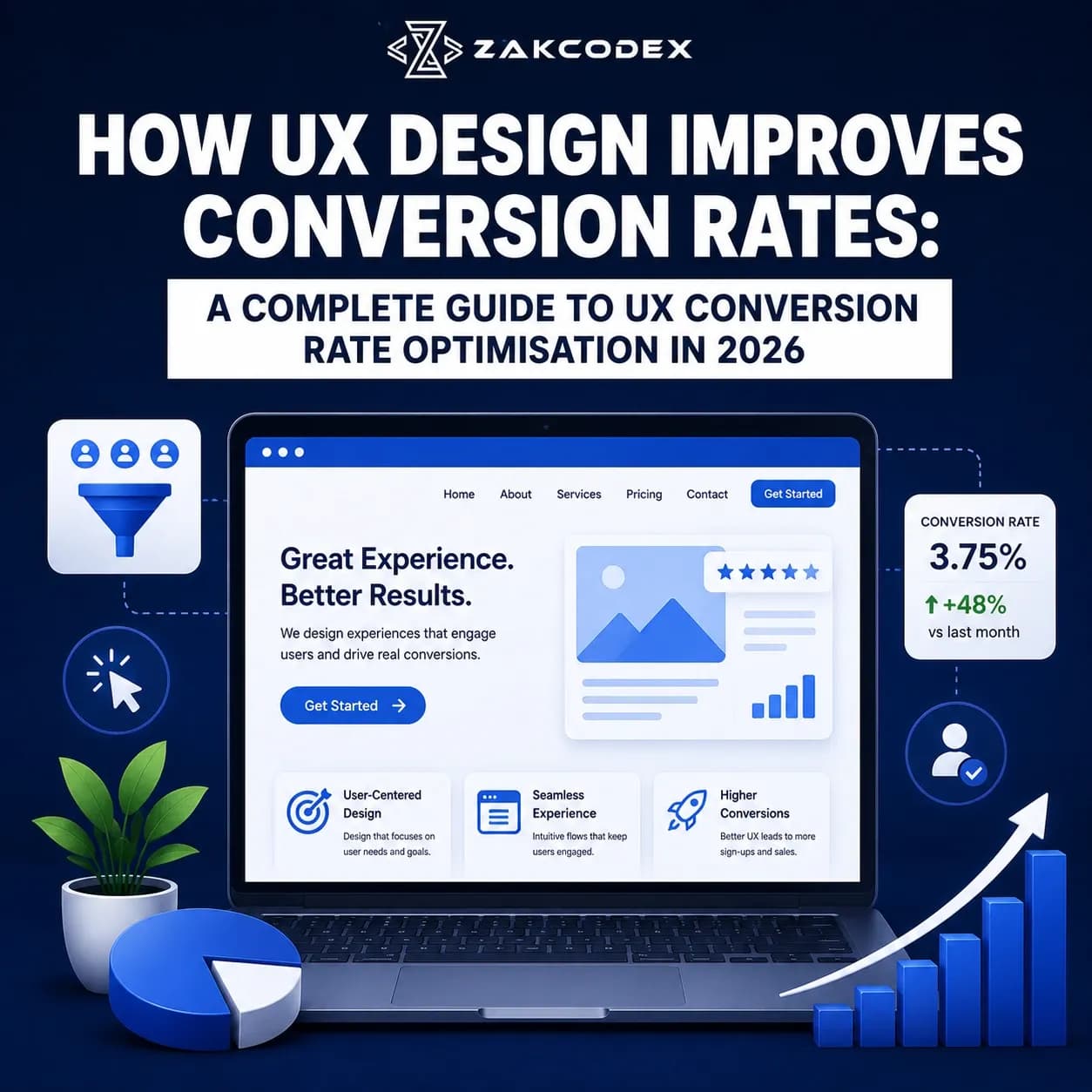
Bespoke user experience design directly accelerates website business revenue by systematically eliminating user friction points, clarifying interface interaction logic, and mapping intuitive paths that guide casual traffic toward qualified leads or transactions. Businesses invest heavily in professional ux conversion rate optimization because driving unoptimized web traffic to a poorly structured user interface ruins their marketing return on investment, spikes their ad spend, and destroys conversion metrics. Implementing a strategic approach to ux for conversion rate optimization ensures your digital platform works as an efficient, automated conversion engine, maximizing your baseline customer acquisition rates while building long-term, scalable product loyalty across competitive digital markets.
Quick Featured Snippet Answer: What is UX Conversion Rate Optimization?
The formal ux conversion rate optimization definition refers to the iterative, data-driven software engineering and research methodology of enhancing a digital platform's usability, information architecture, and user-centred design to systematically increase the percentage of visitors who complete a desired macro-conversion, such as a product checkout, lead submission, or SaaS platform registration.
As corporate digital landscapes become hyper-competitive in 2026, relying on superficial visual trends or unverified assumptions about user behavior leads to severe software performance degradation, high cart abandonment, and elevated client churn. Modern conversion rate optimization (CRO) requires technical leaders to view their web storefronts as living, interactive software environments that demand deep behavioral analysis, regular usability testing, and strict alignment with semantic architecture patterns. This comprehensive guide provides an objective, evidence-based roadmap to mastering user experience optimization for sustained revenue growth.
What Is UX Conversion Rate Optimization?
To fully understand the scope of this discipline, businesses must move past basic graphic design terms to examine behavioral metrics. The practice blends qualitative research frameworks with quantitative digital testing to align a product's interface directly with real human workflows. By looking at exactly how a user behaves on a page, teams can remove mechanical roadblocks, streamline form fills, and place interactive components where they match natural reading paths, ensuring steady improvements to the overall website conversion rate.
Why UX Matters More Than Visual Design Alone
An interface can look visually stunning but fail entirely as a commercial asset if the underlying interaction models confuse your target audience. Visual aesthetic choices only establish early brand impressions, whereas user experience optimization governs whether a visitor successfully finishes a registration path or abandons their cart out of sheer layout frustration. When engineering high-conversion architectures, companies must prioritize clear function over pure decorative form, making certain that every button, menu link, and text layout speeds up the user journey rather than causing unexpected delays.
How UX Impacts Website Conversions
The technical structure of your user journey directly dictates your final sales revenue. When an application reduces the cognitive effort required to process text, search for specific SKUs, and input billing data, it directly reduces the bounce rate across high-traffic landing pages. A clean, accessible interface layout gives users immediate clarity, building deep structural confidence in your corporate solutions and guiding traffic seamlessly down the conversion funnel.
UX vs UI for Conversion Optimisation
Technical solutions architects keep clear boundaries between User Interface (UI) and User Experience (UX) engineering. UI design centers on the surface aesthetics of the application - including brand color choices, button border radiuses, typography pairings, and custom iconography styles. UX design manages the strategic logic, systemic functionality, and operational usability of those visual elements.
Excellent UI design without strong UX architecture creates a confusing, fragmented digital app that looks attractive but operates poorly. Conversely, strong UX patterns wrapped in weak UI design can feel clunky or unpolished, reducing brand trust. Maximizing your digital success requires balancing both disciplines, ensuring that beautiful visual components match clean operational logic across all workflows, a core strategy delivered through professional ui and ux design services.
| Design Dimension | User Interface (UI) Focus | User Experience (UX) Architecture |
|---|---|---|
| Primary Mandate | Aesthetic look, brand alignment, visual style parameters. | Usability, functional logic, interaction velocity. |
| Core Technical Tools | Vector design tools, design tokens, style guides. | Wireframes, journey maps, analytics tools, testing modules. |
| Key Output Metric | Visual brand authority, interface style consistency. | Lower bounce rates, short time-to-task, high conversions. |
| Algorithmic Element | Visual contrast, typographic layout scaling. | Information architecture, accessibility rules, task flows. |
Common UX Mistakes That Reduce Conversions
Many digital properties suffer from preventable design mistakes that quietly hurt their conversion rate optimisation (CRO) metrics. The most damaging error is hiding critical call-to-actions (CTAs) below erratic scroll lines or inside cluttered text blocks, forcing users to search for the next logical step. Another major bottleneck is forcing visitors to create full accounts before allowing them to view basic checkout tiers, which introduces severe user friction. Finally, failing to optimize form input fields for touch devices instantly drives up abandonment rates for your mobile audience.
Understanding User Behaviour and Customer Journeys
Building an authoritative digital platform requires moving away from internal team opinions to study objective user analytics. Mapping detailed user journeys allows your technical product squads to visualize every step a visitor takes, from their initial landing page encounter down to the final goal transaction. This methodical process helps engineers identify exactly where users face confusion, experience loading lags, or hit dead ends, turning raw behavioral data into practical optimization tasks.
Qualitative and Quantitative UX Research Methods
Maintaining a high-performing digital property requires continuous validation through structured research pipelines. Technical teams must blend quantitative analytics with qualitative user feedback to maintain full visibility over system health:
- Comprehensive UX Audit: A thorough evaluation of your entire application to verify alignment with established design rules, fix technical link breaks, and identify hidden conversion bottlenecks.
- Behavior Analytics & Heatmaps: Deploying visual tracking scripts to monitor mouse movements, scroll depths, and click patterns, revealing which page sections capture real engagement.
- Session Recordings: Analyzing anonymous video replays of actual user sessions to watch exactly how visitors navigate menus and interact with registration forms.
- Usability Testing: Watching representative users complete specific goals within your application to surface unexpected points of friction in your layout.
| Research Methodology | Quantitative Data Points Gathered | Qualitative Human Insights Uncovered |
|---|---|---|
| Heatmaps & Tracking | Scroll depths, exact click counts, element engagement rates. | Reveals hidden components users mistake for clickable links. |
| Session Recordings | Form processing times, drop-off paths, rage-clicks. | Exposes exact spots where confusing text triggers hesitation. |
| Usability Testing | Task completion durations, error frequencies. | Highlights personal frustrations and user expectations during navigation. |
A/B Testing and Experimentation Frameworks
Once your behavioral analytics highlight potential problem areas, you should implement changes through structured A/B testing rather than unverified overrides. This methodology splits your incoming live web traffic between your baseline layout (Version A) and an updated design variation (Version B) to evaluate performance changes over a controlled period. Testing one isolated element at a time - such as a form layout, button placement, or headline structure - ensures all conversion gains are backed by clear statistical validation.
Specialised UX Optimization by Architecture Type
A professional design strategy must adapt its focus to match the explicit business models and user goals of different software environments.
Mobile UX Optimisation
With more than half of global web traffic originating from mobile devices, optimizing the mobile user experience is a foundational requirement. Interfaces must use single-finger layout targets, drop heavy hover-dependent interactions, and use clean responsive scaling models to ensure all text ranges remain highly readable on compact mobile screens.
Landing Page UX Best Practices
A dedicated landing page UX framework must concentrate entirely on a single, clear business objective. This requires stripping away distracting global navigation links, leading with a bold value proposition above the fold, and utilizing sticky CTA components to ensure the conversion action remains effortless to reach as the user reviews the content.
Ecommerce UX Best Practices
Transactional platforms require clean product categorization grids, high-speed multi-attribute filters, and transparent pricing declarations from the start. To minimize abandonments, the system must deploy advanced checkout optimisation patterns - including single-screen checkouts, explicit secure badge displays, and clear error validations across billing fields, as outlined in our comprehensive guide to ecommerce website development cost in the uk.
SaaS UX Best Practices
Software-as-a-Service products require clean, friction-free self-service onboarding flows. A successful SaaS UX path prioritizes a short time-to-value, using clean interactive setups, automated progress indicators, and simple workspace sharing tools to help corporate teams adopt the application quickly and reduce early churn.
Forms and CTA Optimisation
Forms are the ultimate bridge where a casual visitor transforms into a valuable business conversion. To optimize conversion efficiency, engineers should enforce strict form optimisation rules: slash fields down to the absolute bare essentials, implement real-time inline validation to highlight input errors instantly, and use autocomplete helpers to speed up entry. Additionally, execute targeted CTA optimisation by using highly descriptive, action-oriented button text (e.g., "Secure Your Free Audit" instead of "Submit") and maintaining high visual contrast to guide the user's eye naturally.
Navigation and Information Architecture
Information architecture governs how cleanly your application organizes, links, and displays data rows to users. A convoluted navigation structure forces visitors to guess where to find services, causing frustration and driving up bounce rates. Technical teams should design clean, flat menu frameworks - grouping related service nodes logically and using descriptive anchor text across all links to help both human users and automated search crawlers navigate the site with ease.
Website Accessibility and Inclusive UX
Designing an inclusive user experience means ensuring your digital platform can be easily navigated by individuals with visual, auditory, motor, or cognitive impairments. Aligning your code with Web Content Accessibility Guidelines (WCAG 2.2 AA) requires maintaining high color contrast ratios, providing clear alternative text (alt text) for all functional iconography, setting up full keyboard-only navigation paths, and writing clean structural labels for screen-reading software. Prioritizing accessibility expands your potential market size to include all digital consumers.
Website Speed and Perceived Performance
Slow page performance is one of the primary drivers of user abandonment. Beyond raw server execution speeds, your product must optimize its perceived performance - how fast a page feels to an active user. Utilizing smart content placeholders, lightweight skeleton screens, and immediate visual feedback loop indicators (like loading spinners on buttons) keeps visitors engaged while background assets finish rendering, a critical speed strategy detailed in our technical review of web development services.
Trust Signals and Credibility Architecture
Consumers will not share sensitive billing data or corporate contact records with a platform that feels unreliable or insecure. Your interface must display clear trust signals directly within natural reading zones. This includes showcasing verified customer reviews, displaying clear security badges near input forms, maintaining clear data privacy declarations, and providing transparent corporate ownership details, which builds deep consumer confidence and lifts conversion rates.
Measuring UX Success: Metrics and Key Performance Indicators
Maintaining a successful optimization strategy requires tracking precise user metrics over long-term lifecycles. Product teams must look beyond standard page views to evaluate exactly how efficiently traffic moves through the product ecosystem.
| UX Evaluation Metric | What the Metric Measures | Target Optimization Goal |
|---|---|---|
| Average Task Duration | The total time required for a user to complete a core action (e.g., finishing registration). | Continuous reduction (Indicates lower user friction). |
| Task Success Rate | The percentage of active users who successfully complete an intended process loop. | Sustained increase toward 100 percent. |
| Form Abandonment Rate | The proportion of visitors who click into an input form but leave without submitting. | Continuous reduction via field simplification. |
| User Error Frequency | The average number of times a user triggers an validation alert during data entry. | Minimize through clearer micro-copy and helper text. |
The Iterative UX Optimisation Process
Constructing a high-converting platform requires following a highly disciplined, multi-phase engineering process designed to systematically eliminate user friction and keep product growth predictable:
- Data Collection & Auditing: Reviewing your baseline quantitative analytics, evaluating heatmap distributions, and identifying major conversion drop-offs.
- Hypothesis Formulation: Mapping identified friction points to specific design solutions (e.g., "Moving the checkout CTA above the mobile fold will reduce abandonment by 15%").
- UI Component Prototyping: Designing clean, responsive interface variations and updating visual styles to align with your corporate brand identity.
- A/B Experimentation: Deploying the updated code via controlled testing networks to evaluate live performance changes against your baseline.
- Analysis & Deployment: Analyzing the test data, deploying the winning layout globally to production servers, and planning the next optimization cycle.
When Should Businesses Redesign Their UX?
A full layout overhaul is required when an aging application suffers from structural performance drops, high user drop-offs, or a complete mismatch with current cross-device screen layouts. If your company has recently pivoted its core business offerings, or if adding new software features has introduced severe interface clutter, investing in a structured redesign avoids technical debt, cleans up code repositories, and restores high conversion velocity. Technical teams can explore these structural updates in our guide on web design platforms.
Future UX Trends
The global user experience landscape is moving rapidly toward hyper-personalized, intelligent care interfaces. Systems are utilizing advanced real-time telemetry to dynamically adapt content layouts based on a returning user's past search patterns and goals. Furthermore, back-end code structures must be optimized to ensure your information architecture is easily parsed by next-generation search layouts, a modern requirement explored in our strategic study of seo vs aeo vs geo the complete guide to ai search optimisation.
Final Recommendation
Executing an optimized ux conversion rate optimization roadmap requires a flawless balance between user empathy and data-driven testing discipline. By prioritizing clear form validation, fast mobile interfaces, and clean information design, you protect your enterprise from marketing capital waste while building a highly resilient engine for business growth. Partnering with a dedicated software development specialty firm ensures your applications are engineered to convert traffic efficiently, maintain absolute data security, and scale smoothly as your organization expands.