
Booking system development should begin with what is being reserved and when the business commits to it. An appointment request, a temporary hold and a confirmed reservation are different states. A calendar interface does not establish how capacity is protected or how staff should handle an exception.
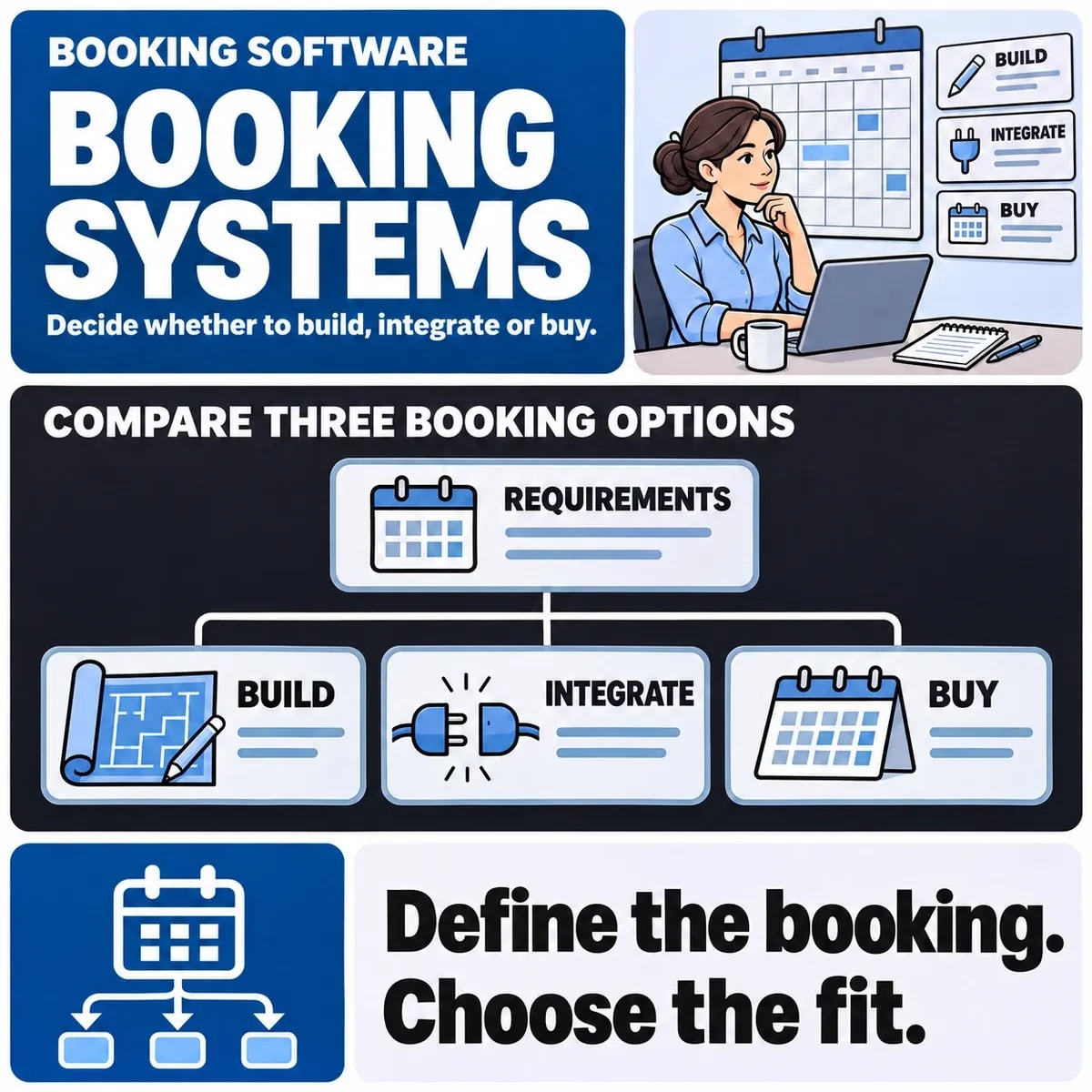
Decide whether an existing booking product can enforce your rules, whether it needs integration with other systems or whether a custom application is justified. Compare these options using the same reservation scenarios rather than their most attractive demonstrations.
Model the resource and capacity
Identify what can run out: staff time, seats, rooms, vehicles, equipment or a combination. Record opening hours, preparation and cleanup buffers, minimum notice and exceptions. A booking requiring both a qualified person and a room needs availability for both.
For a hypothetical training centre, one session could require a particular instructor and a room with a fixed seat capacity. Individual enrolment consumes seats, while a private session reserves the whole room. Decide whether those activities can overlap before discussing the calendar design.
Distinguish request, hold and confirmation
| State | Customer meaning | Requirement to settle |
|---|---|---|
| Requested | The business has received a preference | Does it consume any capacity? |
| Held | Capacity is reserved temporarily | When and how does the hold expire? |
| Confirmed | The reservation is accepted | Which resource and payment conditions apply? |
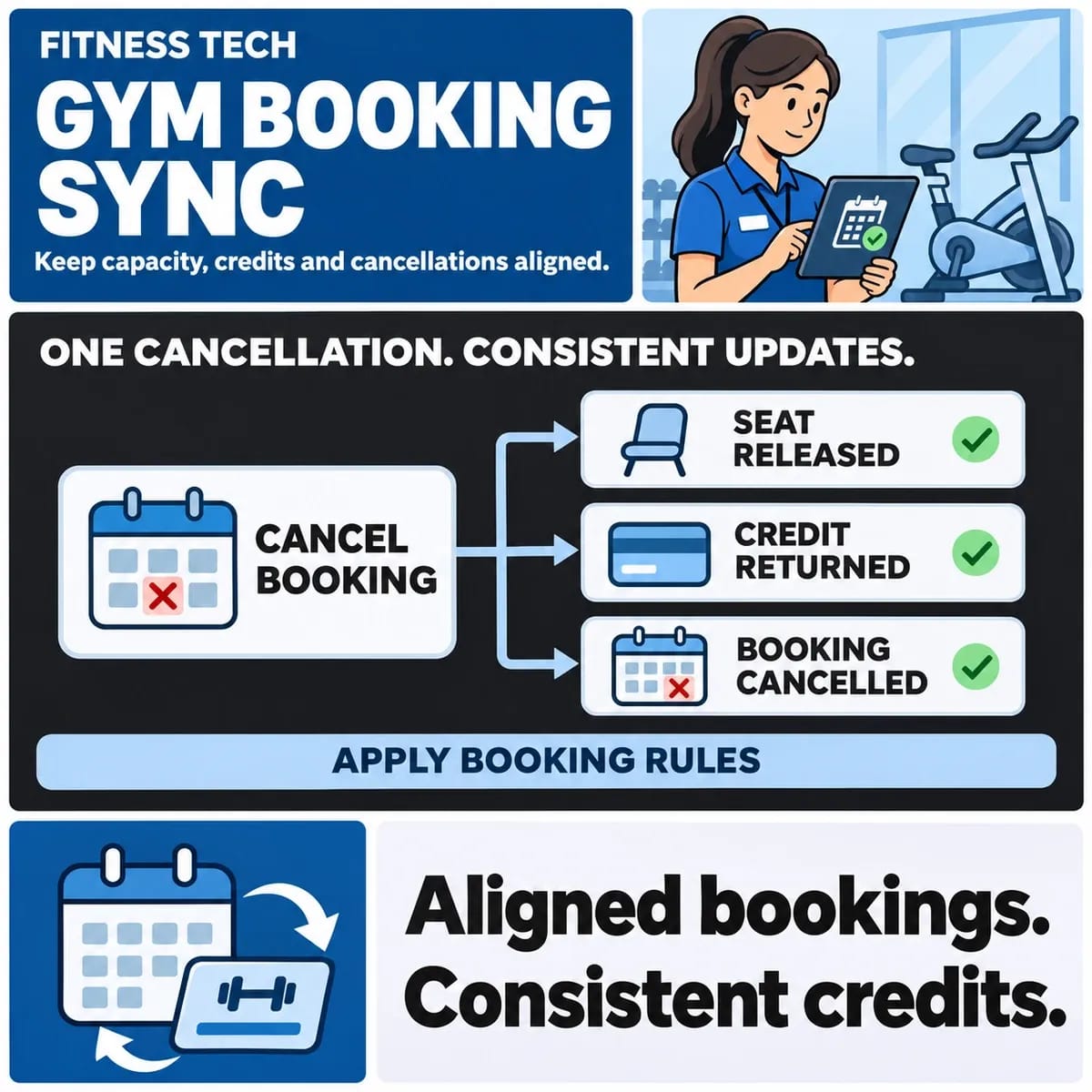
| Changed or cancelled | A prior promise has been altered | When is capacity released and who is informed? |
Use wording that reflects the actual state. If staff must approve a request, the interface should not call it a confirmed booking. Include the case where a customer loses connection after pressing submit and needs to discover whether anything was recorded.
Make time-zone behaviour explicit
Specify the location of the resource and how time is shown to customers and staff. For online sessions, decide whether confirmation includes both local and resource time zones. Test daylight-saving transitions and recurring sessions where the business operates across regions.
Google Calendar's event documentation explains time-zone treatment for events and recurrence in that API. Use the chosen provider's actual rules when integrating; a plain time string or a customer's current browser setting is not a complete scheduling contract.
Compare buying, integrating and building
Ask an existing product to demonstrate your hardest capacity and rescheduling rules. Identify which configuration handles them, what requires an extension and what staff must do manually. Check whether the supported API permits the needed read and write operations.
An integration can be enough if a booking platform already owns availability but staff need customer or finance records elsewhere. Custom development becomes a candidate when verified business rules cannot be represented adequately. It also brings responsibility for running and maintaining the scheduling logic.
Define payment and cancellation transitions
Decide whether payment is required before confirmation, whether a pending payment holds capacity and what happens when the payment result is delayed. Keep payment state distinct from booking state. A successful payment should not silently create a second reservation after a retry.
Document rescheduling, cancellation, partial attendance and refund decisions with the responsible business owner. The software should implement the approved policy and record necessary evidence. Do not infer a universal cancellation or refund rule from the choice of platform.
Choose the authoritative calendar
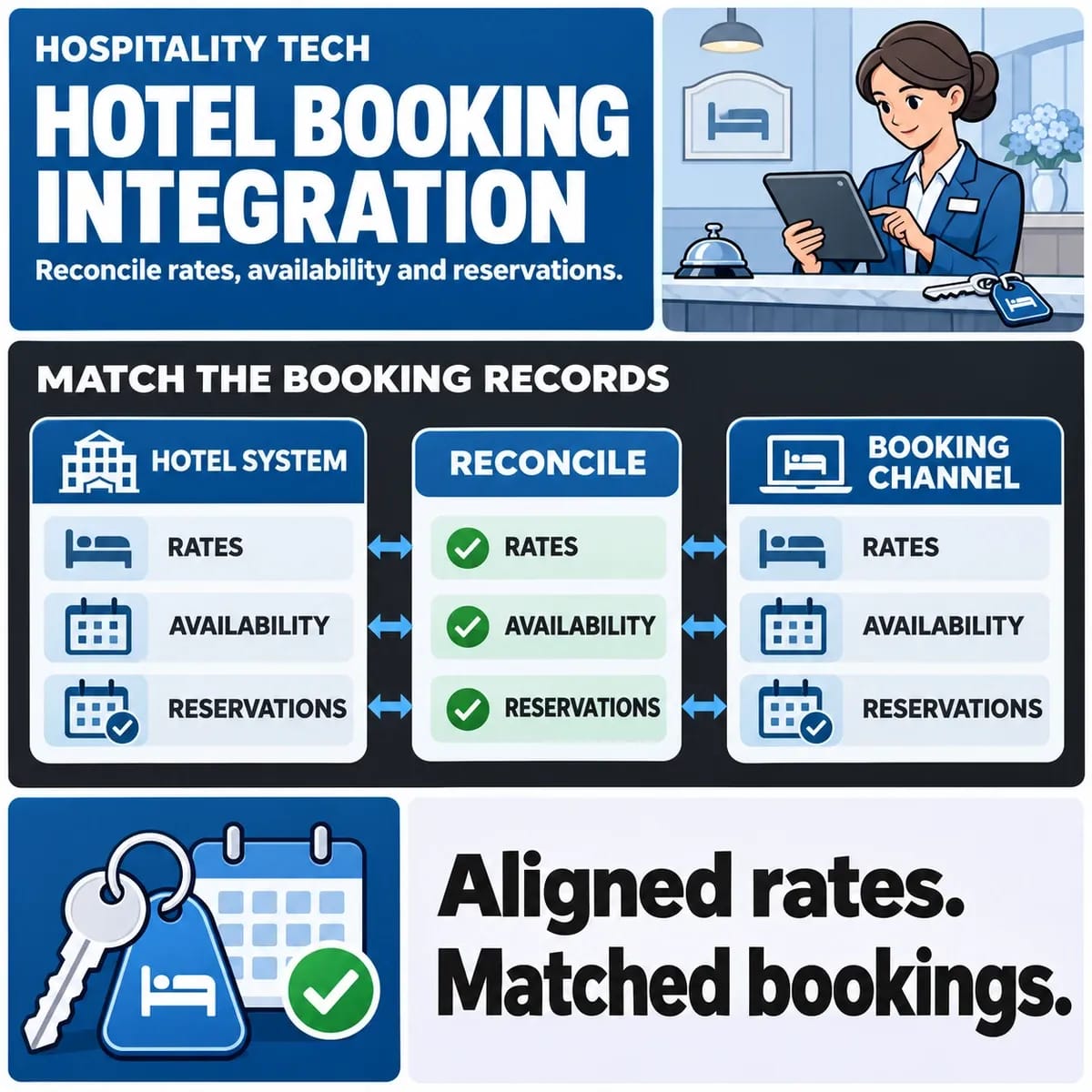
Identify which system makes the capacity decision. If staff can also book directly in another calendar, explain how conflicts are prevented or surfaced. An occasional synchronisation task may leave a period in which two systems show different availability.
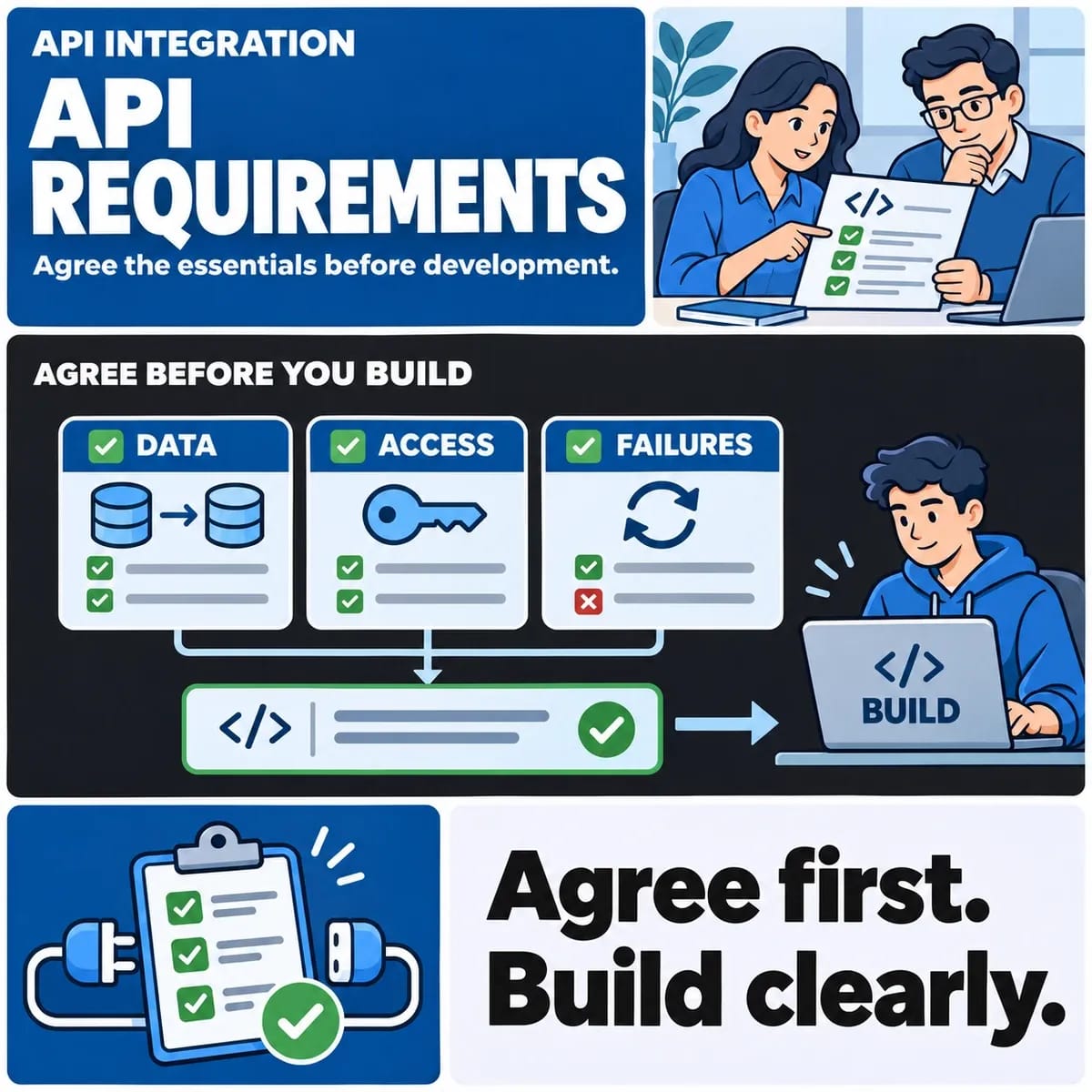
For every connection, specify update direction, identifiers, freshness, unavailable-service behaviour and reconciliation. An appointment reminder is not an authoritative reservation record. Agree what staff should trust when a calendar event and the booking system disagree.
Test simultaneous and interrupted actions
Use a controlled test in which two requests attempt to reserve the final seat or the same resource interval. Define the permitted result and customer feedback. Repeat it with one request timing out and retrying.
Also test a hold expiring while payment is pending, a staff member blocking a previously available period and a cancelled appointment still present in an external calendar. These cases distinguish a functioning scheduling system from a calendar that works only when actions arrive in a convenient order.
Estimate the full operating workflow
Scope customer selection, staff administration, resource rules, payments, integrations, notifications, reporting and acceptance separately. Include support actions such as correcting an incorrect contact address without losing the booking history.
Define who investigates missing confirmations, failed synchronisation and disputed availability. Record licence, hosting, support and maintenance responsibilities across the options. The cheapest initial interface may transfer substantial manual work to reception or operations staff.
Prepare the booking brief
Bring a resource model, state diagram, difficult examples and current calendar responsibilities to a custom software discussion. Use those requirements to test existing products before committing to a build.
The gym booking integration guide provides a more specific capacity and credit example. Keep industry rules with their own owner while making the shared scheduling assumptions explicit.