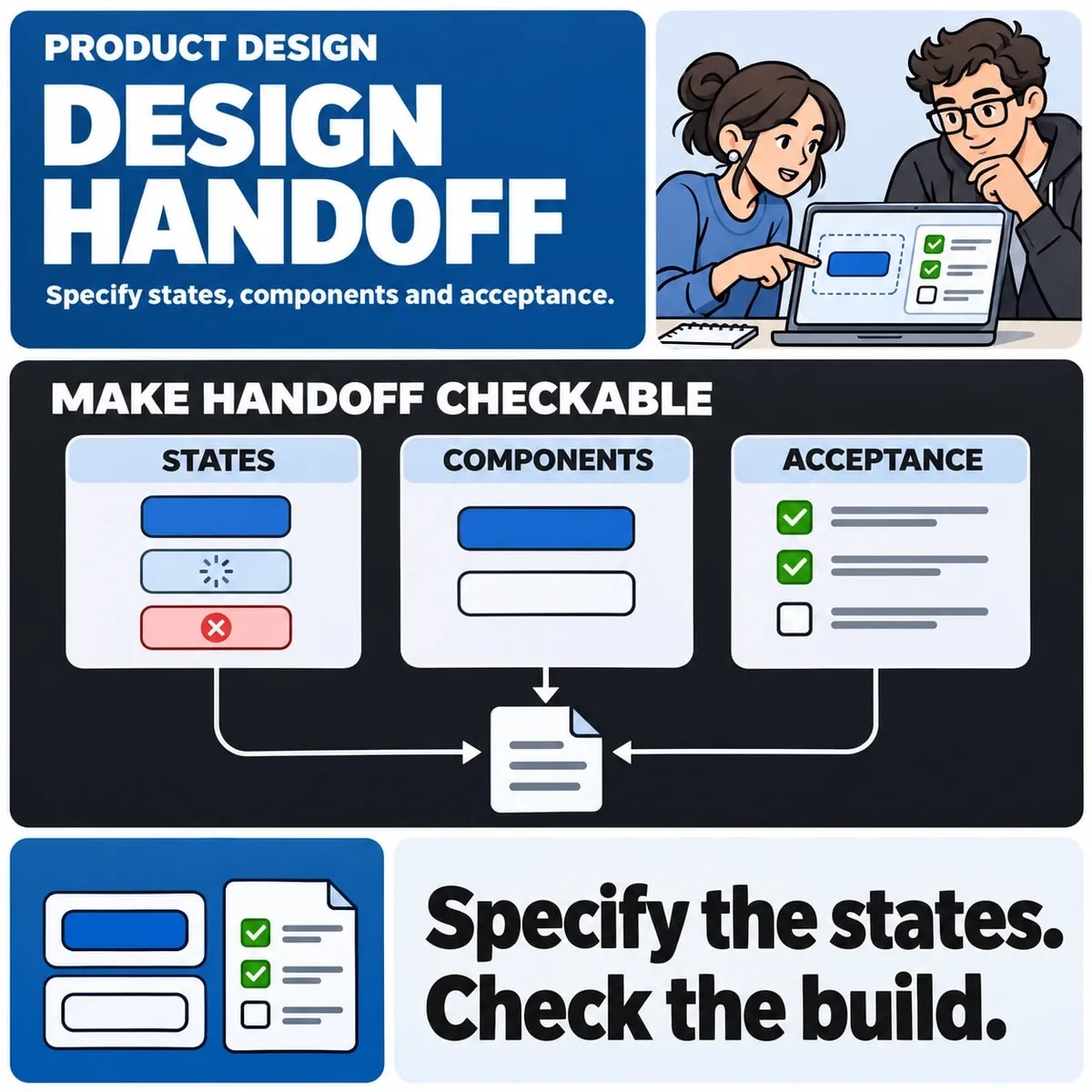

A design handoff gives a development team enough agreed information to implement and verify a user journey. It connects layouts with states, content, interactions and acceptance checks. The deliverable should make it clear what is ready, what remains uncertain and who can resolve a question.
Start with a bounded release. A complete design file can contain exploratory screens, old alternatives and unfinished flows. Identify the actual journey being built and keep its status visible so the team does not infer approval from a polished frame.
Name the journey and the acceptance boundary
List the roles, entry points and outcomes covered by the handoff. For a fictional booking request, the scope may include choosing a service, entering details and receiving an acknowledgement. A confirmed appointment could depend on another system and require a separately designed state.
Agree what the release must demonstrate. A visual match is one part of implementation; correct labels, focus movement, validation and connection to the intended outcome also need review.
Inventory states before polishing exceptions
| Element or flow | States to agree | Question for the team |
|---|---|---|
| Form | Initial, incomplete, invalid, submitting, accepted and failed | What evidence confirms the promised action? |
| Table | Populated, loading, no results and unavailable | How does filtering change the scope? |
| Account action | Permitted, restricted, expired and already completed | What can this role see or do? |
| Navigation | Current, expanded, keyboard focus and narrow layout | Can the intended destination be reached in each context? |
Tailor the inventory to the product. It is a prompt for finding gaps, not a requirement to add every possible state to every control. Record any unavailable integration that prevents a state from being tested.
Reuse named components and explain exceptions
Identify the existing button, input, navigation or table pattern that should be used. If a new variant is needed, name the requirement and explain how it differs. Avoid leaving the developer to infer whether two slightly different frames represent a new component or an accidental inconsistency.
The design systems guide covers reusable standards. A handoff applies those standards to the current journey and records a specific exception when reuse does not fit.
Describe behaviour between the supplied screen sizes
Explain what grows, wraps, changes order or becomes scrollable as space changes. A desktop frame and a phone frame leave many intermediate widths unspecified. Include long labels, translated text where relevant, increased text size and content that is shorter or longer than the sample.
For a table, decide whether horizontal scrolling, a different presentation or a narrower task view preserves meaning. Mark any behaviour that still needs a prototype test. Avoid letting a cropped screenshot become an accidental overflow specification.
Specify interaction and content together
Include labels, helper text, errors, loading messages and confirmations. Explain which message follows an accepted request and which requires a completed downstream operation. The wording should match the system's actual commitment.
Document keyboard entry and exit, focus movement and visible focus for interactive controls. W3C's WCAG 2.2 supplies accessibility criteria, while the product team still needs concrete acceptance checks for the implemented journey. A handoff checklist alone does not establish conformance.
Use tooling to expose details, not to close decisions
Design inspection tools can help a developer examine properties, measurements and assets. Figma's Dev Mode guide describes its development handoff facilities. Confirm the tools available to the project and the permissions needed to inspect the relevant design.
Generated measurements or code suggestions do not decide the application's component architecture, data model or business rules. Keep those decisions with the responsible team. The handoff should make unresolved behaviour easy to find regardless of the tool used.
Make review and change ownership explicit
Give the release package a version or review reference and identify its owner. Keep decisions and unresolved items near the relevant journey. If the design changes during implementation, record which acceptance checks or completed screens need review.
A short joint walkthrough can expose assumptions about loading, permissions or external systems before they become rework. Record what was agreed and who will answer the remaining questions. Do not treat silence on an ambiguous frame as approval.
Verify the implemented journey
Review behaviour as well as appearance: labels, content, input errors, keyboard use, responsive layouts and the actual completion state. Use safe representative data. Include the relevant engineer, designer and business owner so discrepancies can be resolved against the intended task.
A UI/UX design engagement can scope the journey, prototype and handoff together. Use the mobile UX checklist for platform-specific considerations where relevant. A clear handoff reduces uncertainty about what to build; any effect on delivery time still needs evidence from the project.