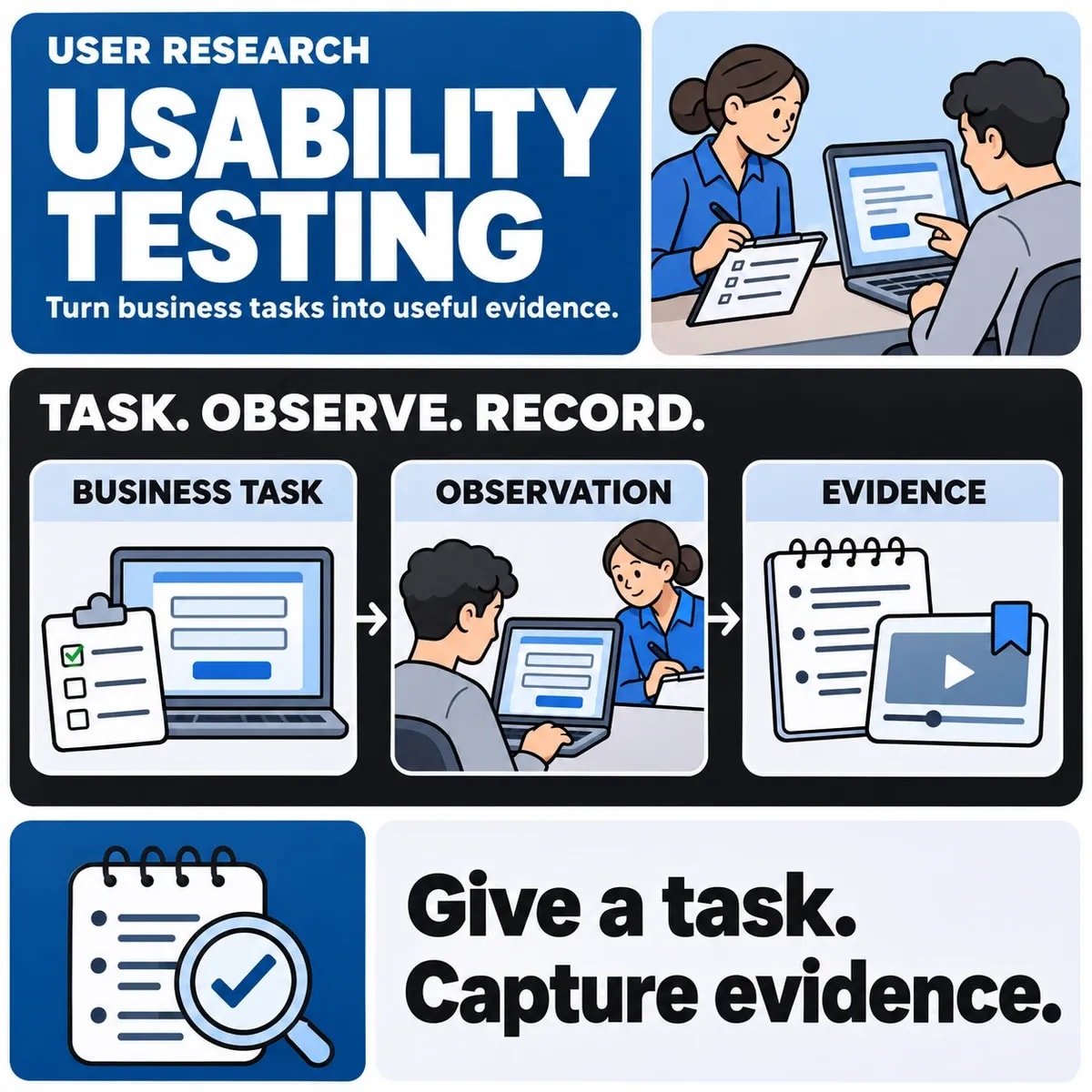

A usability testing plan explains what you need to learn about a user journey, who should attempt it and what observations will help the team decide what to change. It turns a broad request to make software easier into a practical research session.
Begin with the task and the uncertainty. If staff repeatedly abandon an invoice workflow, the question may concern terminology, permissions or the sequence of steps. Testing a polished dashboard without that workflow would provide different evidence.
Define the decision the research must support
Write one or more research questions in terms of behaviour. For example: can a new operations user find an unassigned job, understand its status and assign it to the correct team? Identify what the team might change depending on the observations.
Keep this example separate from a client result. It is a fictional scenario for planning. Its purpose is to show how a business task produces testable questions, rather than to claim that a particular design has already been validated.
Choose participants from the intended users
Describe the roles, relevant experience, devices and access needs that matter to the task. An experienced administrator may understand an interface that a new team member finds confusing. Include the range of circumstances needed to investigate the question.
Choose the number and session format from the research purpose, practical constraints and variation among users. There is no universal small participant count that establishes every journey is usable. Explain what the recruited group can and cannot represent, and arrange appropriate consent and handling of recordings or notes.
Write realistic tasks without revealing the answer
Give participants enough context to act, while avoiding the label of the control you are trying to test. A prompt such as “find the client's unpaid invoice and check the next action” leaves room to observe the route they choose. “Click Unpaid, then Escalate” tests a much narrower instruction-following task.
Use representative, safe test data. Real customer information is rarely necessary to learn whether a navigation label is understandable. Confirm that prototypes or test accounts cannot send messages, charge payments or change live records unintentionally.
Agree what to observe
| Observation | Record | Interpret carefully |
|---|---|---|
| Task completion | Whether the agreed outcome occurred | A participant may complete through an unexpected route |
| Assistance | What help was given and when | Assisted completion is different evidence from independent completion |
| Confusion | The label, state or action involved | Separate observed behaviour from the researcher's explanation |
| Consequences | Wrong record, repeated work or uncertainty | Prioritise the effect on the task, not only the number of comments |
If timing is relevant, define when the task starts and ends and record interruptions. A small research round does not establish a population-wide conversion rate or a universal speed improvement.
Run a consistent session with room to investigate
Use a discussion guide, neutral prompts and a way to capture notable moments. Explain the participant's role and let them know the session is examining the design. Avoid turning every hesitation into immediate coaching, because that changes the behaviour you can observe.
The GOV.UK Service Manual's moderated usability testing guidance describes a structured research approach. Adapt the method to the actual users, task and available environment. A clickable prototype and a working system answer different questions; state which was used.
Include accessibility needs without overstating coverage
Research with people who have relevant access needs can reveal barriers in a journey. Arrange a suitable session format and allow participants to use the equipment or settings appropriate to the study. Note where a prototype cannot reproduce a real interaction.
Usability research complements accessibility checks. It does not by itself demonstrate conformance with an entire accessibility standard. Use the accessibility design guide to scope the separate technical and content work.
Separate usability findings from UAT
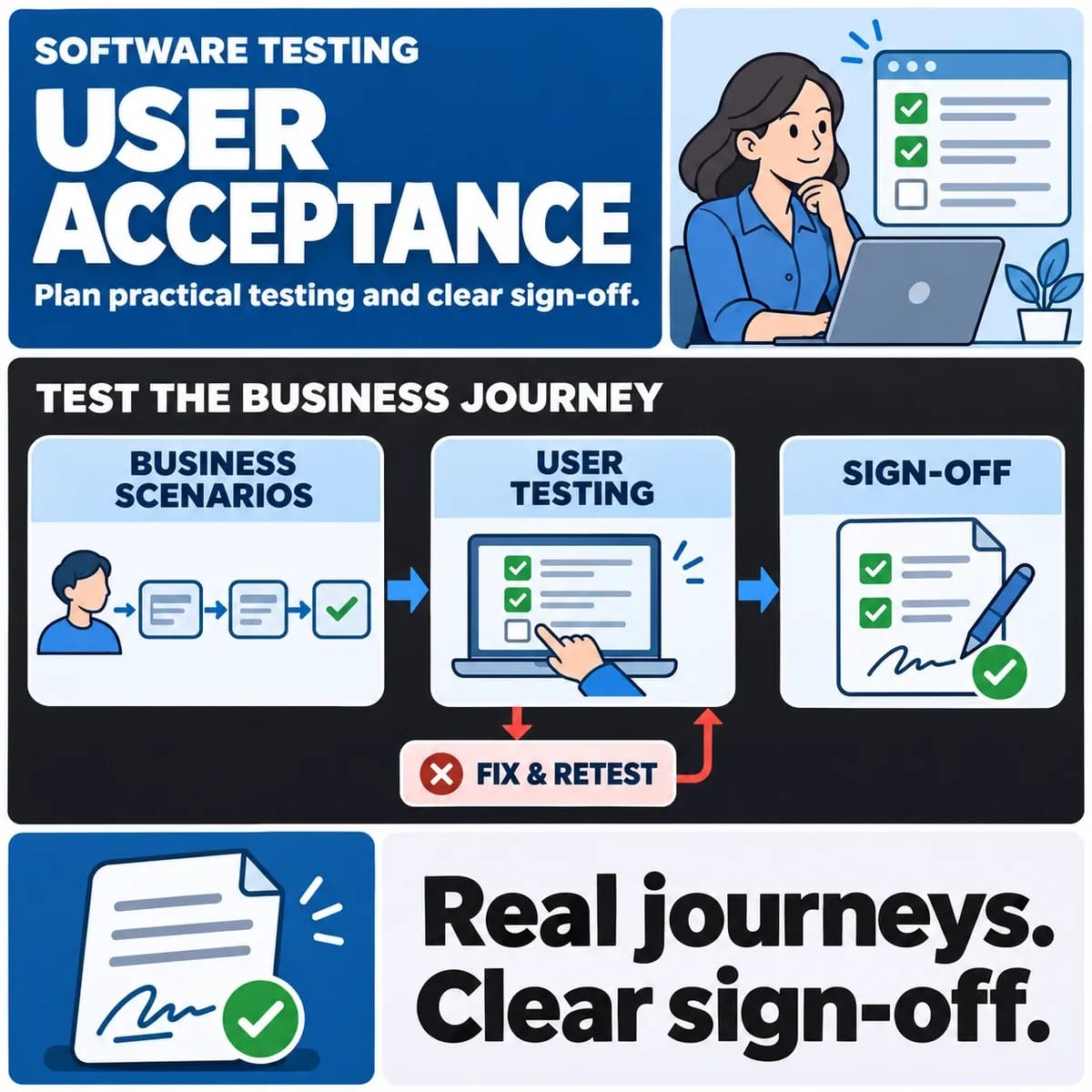
Usability testing investigates how people understand and complete tasks. User acceptance testing checks agreed business acceptance conditions for a release. They can inform each other, but a session participant's preference does not automatically constitute contractual sign-off.
Keep the research worklist separate from the release decision. The UAT sign-off guide covers acceptance evidence and unresolved exceptions. A design may need a usability improvement even when the underlying calculation is correct.
Turn observations into reviewable changes
For each finding, keep the task, observed behaviour, impact, uncertainty and a proposed next step. A note such as “users dislike navigation” is difficult to act on. “Two participants opened account settings while looking for invoices; investigate the Finance label” records a fictional example of more useful evidence.
Review proposed changes against other journeys before implementation, then decide what should be tested again. A fix for one role may alter another role's route or permissions.
Prepare the brief for a design team
Bring the user roles, important tasks, existing research and constraints to a UI/UX design discussion. Explain which decisions the research should inform and who will act on the findings. The UX audit checklist can help identify questions for research, while observed sessions provide evidence about the selected tasks.