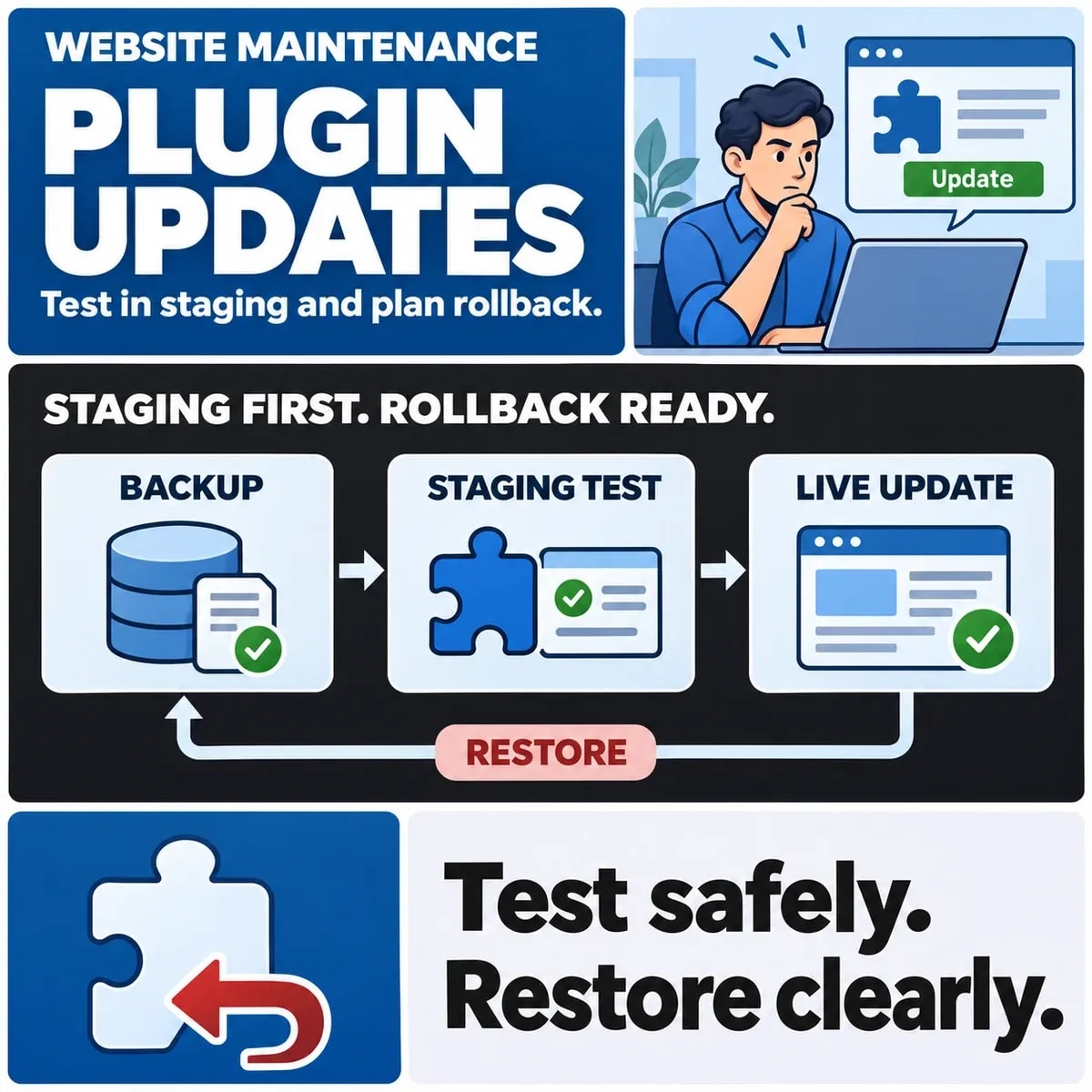

Before updating a WordPress plugin, identify the workflows it can affect, test them in suitable staging and agree a recovery route for both files and data. An update completing successfully in the administration screen does not establish that forms, checkout or connected systems still behave as intended.
The right depth of review depends on the change. A plugin that influences payments or stored business records needs different evidence from a small presentational change. Make that judgment explicit rather than treating all updates as equivalent.
Decide what the plugin change could affect
Record the installed and proposed versions, the reason for the update and the relevant provider notes. Identify dependencies on WordPress, the theme and other plugins. Check the actual supported combinations rather than assuming a successful download proves compatibility.
WordPress's plugin management documentation provides the platform context for managing plugins and updates. The business still needs to assess what a particular change touches on its own site.
Map those dependencies to user journeys. A forms plugin may affect submission, attachments, delivery and confirmation. A checkout extension may affect order creation as well as the visible payment form. List the outcomes that matter to the people operating the site.
Choose a release owner and a route for urgent changes. An urgent security-related update may require a faster decision, but it still needs an understood recovery and verification process. Avoid adopting a universal waiting period or update frequency without reference to the actual change.
Also identify custom modifications. If behaviour depends on theme code or an undocumented plugin change, record that dependency before it is overwritten or interpreted as standard vendor functionality.
Prepare staging without repeating live business effects
Staging should represent the parts of production the update can affect. Note important differences in versions, data and integrations. A demonstration copy with missing dependencies can answer only a limited compatibility question.
Control outbound effects deliberately. A production-like copy might contain working email, payment, fulfilment or CRM connections. Use approved test arrangements and verify them before running journeys that could contact customers or create real work.
Handle copied data under the organisation's actual access arrangements. Prefer appropriate test records where possible. Restrict staging access and avoid treating a publicly reachable copy as a convenient place to share customer information.
Keep the change boundary clear. If several plugins are updated together, a failure can be harder to attribute. Choose a sequence that fits the dependencies and the team's ability to diagnose and recover, while recording any changes that must be tested as a group.
Test the workflows that matter
Test the journey beyond the first page load. Submit a controlled form and check the receiving record or approved notification route. Complete a test checkout through the authorised test setup and inspect the resulting order state.
Choose regression testing around the forms, logins and integrations that the update can affect.
Include unsuccessful paths: rejected input, a failed external response and a user returning to an interrupted journey. A plugin update can change error handling or validation while leaving the ordinary success path apparently intact.
Review relevant roles and devices. An editor may encounter a problem that a site administrator does not. If a plugin changes stored data or content formatting, inspect representative existing records as well as newly created ones.
Record the environment, scenario, expected result and observation. Screenshots can help explain a visible issue, but the evidence should also show the business outcome where it occurs in another system.
Choose recovery for files, database and new activity
A recovery plan must explain what it restores. WordPress's backup guidance distinguishes site files and database content. An older plugin directory alone may not reverse a database change introduced by the update.
Include backup scope and recovery decisions in application maintenance planning.
Confirm that the proposed recovery route is supported for the particular change. If a plugin migrates data, consult its actual documentation and responsible maintainer. Do not assume that installing the older version recreates the earlier data structure.
New activity complicates restoration. In a hypothetical shop, an order arrives after the backup but before a fault is discovered. Restoring the entire earlier database could remove that order from the site's current records. The plan needs a decision for preserving or reconciling the newer activity.
The same issue can affect leads, bookings and content edits. Identify the writers, the relevant change window and who can pause or account for them. A backup timestamp is not a complete rollback decision.
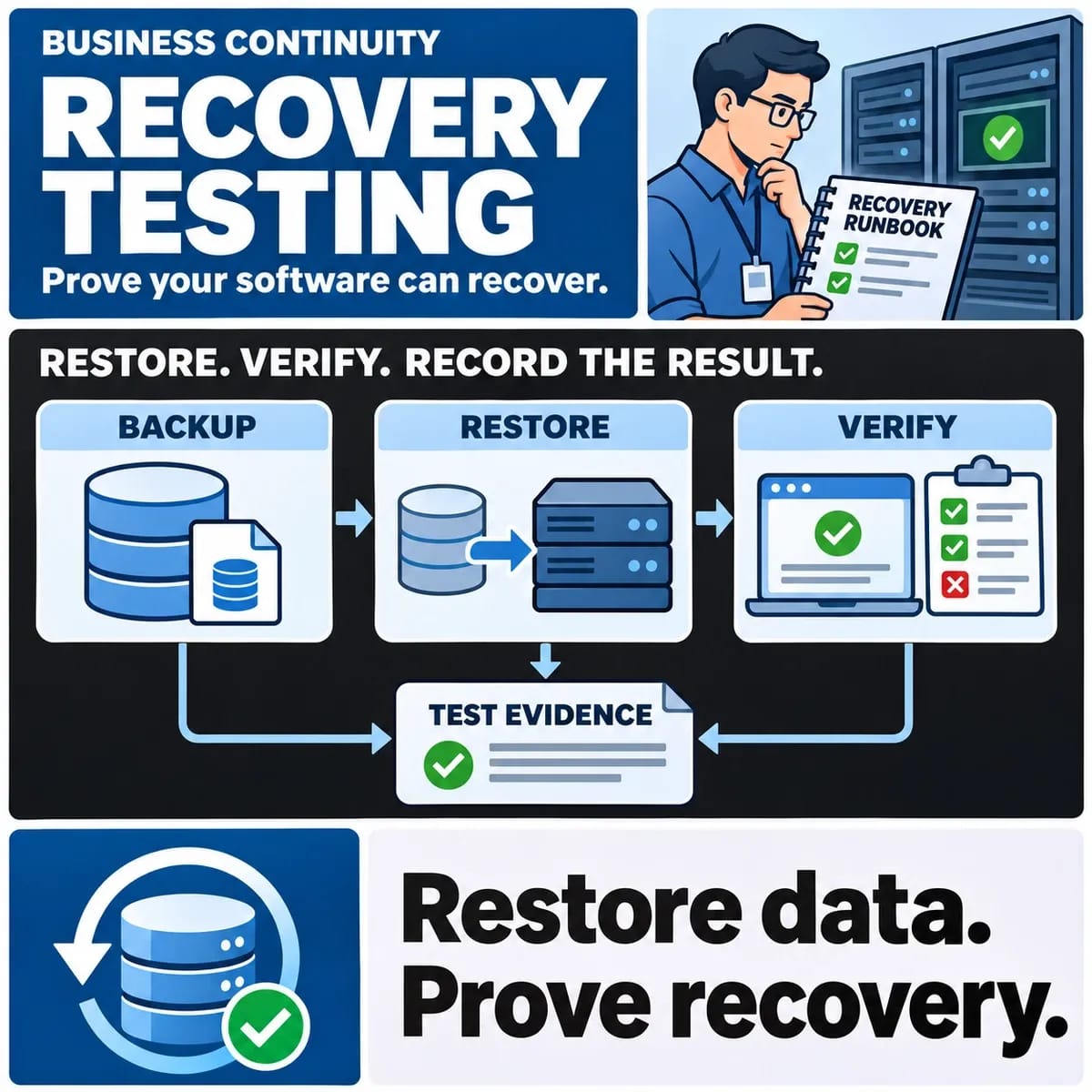
Confirm who can access recovery materials and how a restore will be verified in an approved setting. Possessing an archive is different from having evidence that the intended recovery route works.
Keep a release and verification checklist
Use a compact decision record that connects preparation to the release. This illustrative checklist is a planning aid; it does not describe an update performed on any live site.
- Change: record versions, dependencies and affected workflows.
- Staging: confirm representative configuration and controlled outbound effects.
- Evidence: record workflow results, defects and separately accepted exceptions.
- Recovery: identify files, data, newer activity and authorised decision makers.
- Release: obtain the required operational approval and define stop conditions.
- Verification: check the important journeys and related records after the authorised change.
Assign each unresolved item an owner. If a checkout case cannot be exercised because the test account lacks a feature, keep that limitation beside the decision. Do not mark the workflow checked merely because its landing page was visible.
After release, compare observations with the agreed checks and record issues through the support route. Decide who can choose recovery or forward correction. Avoid making an improvised database restore the first response to an unexplained symptom.
Use an interrupted form submission as a release case. The fictional visitor submits once, receives no clear response and tries again. Check whether the update changed validation, duplicate handling or the receiving record. A visual comparison of the form would miss those effects. If the destination is simulated in staging, note which part of the actual delivery path still needs authorised verification.
For a data-changing update, retain the before-change assumptions in the release record. Identify which content or settings the plugin transforms and whether the vendor supports reversing that transformation. If that remains unknown, the owner needs an explicit decision about proceeding; an old plugin archive is not sufficient evidence of reversibility. This question can alter the release plan even when the staging site appears healthy.
Plan ongoing WordPress care
Maintain a current record of installed components, custom dependencies and business-critical journeys. This makes later updates easier to assess and reduces reliance on the memory of the person who last changed the site.
Update ownership continues between releases: someone needs to review vendor information, prioritise changes and keep recovery evidence useful. Agree those responsibilities with the team maintaining the website, using the site's actual operating needs.
Discuss workflow checks and update ownership for WordPress development and support with ZakCodeX.