
A dental booking website should say clearly whether the patient has requested an appointment or secured a confirmed slot. That distinction must match the practice system and staff workflow. An acknowledgement that sounds like confirmation can create confusion when the practice still needs to review the request.
Choose the intended model before changing the form. Define availability ownership, request states, conflict handling and the messages patients and staff receive. This article concerns scheduling design, not clinical advice.
Choose request-based or confirmed-slot behaviour
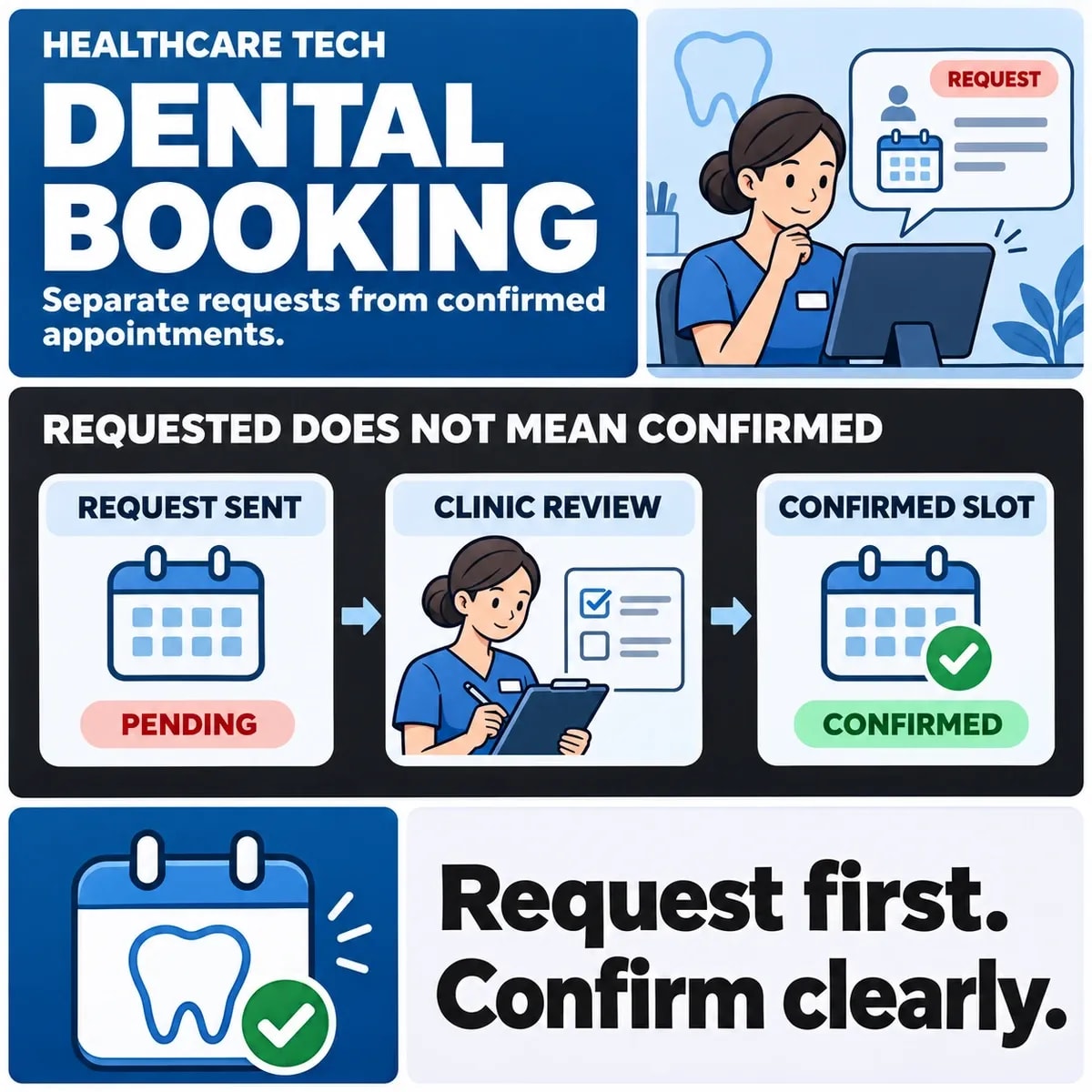
In a request-based journey, a patient submits a preferred time or appointment choice for review. In a confirmed-slot journey, the supported scheduling system makes the booking under its actual rules. The visible calendar alone does not tell the visitor which model is operating.
Principle's appointment-request guidance provides an example of online requests being distinct from confirmed appointments. Baya's request workflow also illustrates review and availability checks before confirmation. These are examples of possible workflows, not features to assume in every practice system.
Give each model truthful language. “Your request has been received; confirmation will follow” describes a different outcome from “Your appointment is confirmed”. The copy should reflect the state the integration can establish.
Decide what information the practice needs to route a scheduling request. Keep the initial form focused on that task and have the responsible practice team approve any additional information requested. Do not collect detailed clinical material merely because a generic free-text field is available.
Map the practice system's source of availability
Identify which system owns appointments and which supported interface the website may use. Availability can depend on appointment type, practitioner, location and other scheduling rules. A website should not infer permission to book every gap shown in a diary.
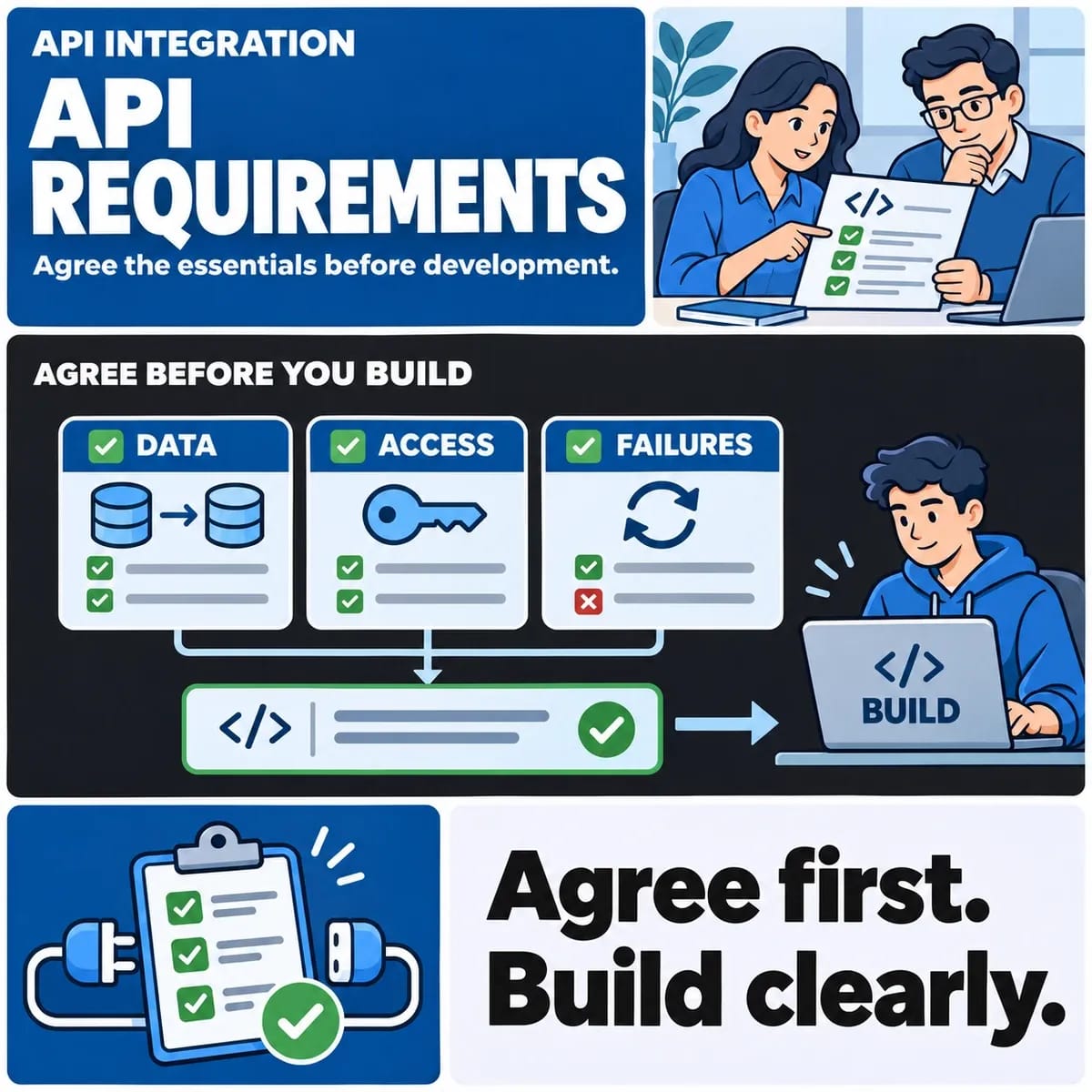
Agree availability ownership and confirmation events within the practice system integration.
Clarify whether displayed availability is current, cached or indicative. If a slot is only a preference until staff review it, say so near the selection. A recent refresh is not necessarily a reservation.
Ask what the interface supports when two people choose the same time. Does the scheduling system make an authoritative allocation, or must staff resolve the conflict? The website's promise should stay within that supported behaviour.
Include staff-created appointments and changes in the model. Reception may update the diary while a patient is using the website. Define how the integration discovers the change and rechecks the intended booking.
Define request, review, confirm and reject states
Give requests stable references and meaningful states. A useful starting sequence is submitted, awaiting review, confirmed or declined, with a separate route for withdrawal or change where needed. Adapt those states to the actual scheduling platform.
For each state, record what it means, who may move it and what message follows. “Reviewed” should not automatically mean “confirmed” if another decision remains outstanding.
Walk through a fictional patient requesting a preferred afternoon slot. The acknowledgement identifies the request and explains whether any place is held. Staff review the appropriate appointment type and current availability. The system then records a specific result and sends matching wording.
If staff need clarification, define that branch rather than forcing it into an inaccurate acceptance or rejection. The patient should know what action is required and the practice should know who owns the follow-up.
Agree the treatment of a requested slot while review is pending. If nothing is held, make that clear. If the supported system creates a temporary hold, record its conditions and what happens when it ends. Do not let a website-only label suggest that a resource has been reserved in the practice diary when no such reservation exists.
Give staff a way to find requests awaiting action independently of their email inbox. A missed message should not make a submitted request invisible. The current request record should show its owner, state and next decision.
Handle conflicts, duplicate submissions and changes
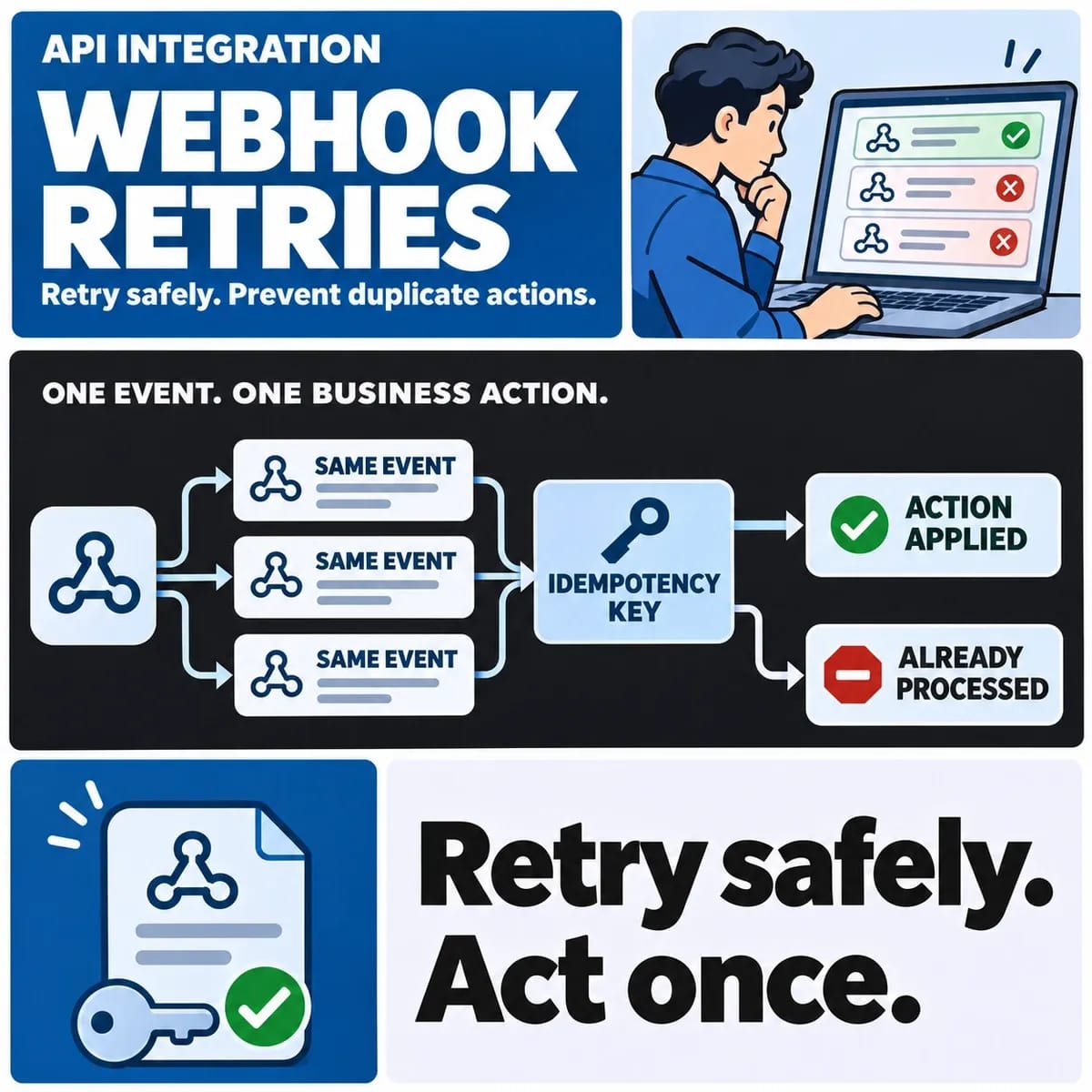
An interrupted response can lead a patient to submit again. Decide how repeated requests are identified and reviewed. A duplicate acknowledgement should not silently create two confirmed appointments.
Where a result is unknown after a system call, investigate the original request before attempting another booking effect. The practice system may have accepted the appointment even when the website did not receive its response.
Changes after confirmation need their own rules. A staff edit, cancellation or moved appointment should reach the patient through the agreed route. Keep the earlier acknowledgement from remaining the only visible record of a now-changed arrangement.
Do not imply that an unsuccessful notification reverses an appointment. Booking state and message delivery are separate. The practice needs a procedure for a confirmed change whose communication remains unresolved.
Review the patient and staff messages together
Use this hypothetical walkthrough to inspect both sides of the journey. It is a design aid, not evidence that a live booking system has been tested.
- Submitted: the patient sees whether a request or a reservation exists, with a reference.
- Reviewed: the responsible staff member checks the scheduling requirements and current availability.
- Confirmed or declined: the recorded result and patient wording agree, with a usable next step.
- Changed: later edits follow the agreed update and communication process.
Include acknowledgement wording and conflict handling in the scope of website form development.
Inspect emails, on-screen messages and staff views together. A cautious on-screen acknowledgement can still be undermined by an email subject saying “appointment confirmed”. Likewise, a staff screen should distinguish a pending request from an occupied slot.
Tell users the scope of the booking route. The practice should approve appropriate contact information and any instructions for needs outside the online scheduling workflow. Avoid having the form imply that it provides a clinical assessment or handles every situation.
Acceptance cases should include two requests for the same time, repeated submission, staff amendment and a failed notification. Use fictional patients and authorised test arrangements, inspecting both website and scheduling evidence.
Rehearse an alternative slot offer. The preferred time is unavailable, so staff offer another appointment without yet recording patient acceptance. Decide how that offer differs from a confirmed booking and how long any supported hold remains valid. An outbound message proposing a time should not automatically be recorded as the patient's agreement.
Check the return journey when the patient responds. Staff need to locate the original request, the offered alternative and the current availability before recording the outcome. Preserving those relationships helps prevent a second, apparently independent appointment from being created merely because the conversation continued through another supported channel.
Agree the integration before changing the booking journey
Bring the practice manager, reception owner and delivery team into the review. Confirm the supported scheduling interface, state model, staff responsibilities and exact wording of the promises made to patients.
The resulting scope should explain what the website can confirm and what still requires review. Any specialist information-governance or clinical requirements need the practice's appropriate reviewers; a scheduling checklist alone does not establish those requirements have been satisfied.
Discuss dental website booking requirements with ZakCodeX and the practice-system owner before promising a new booking flow.