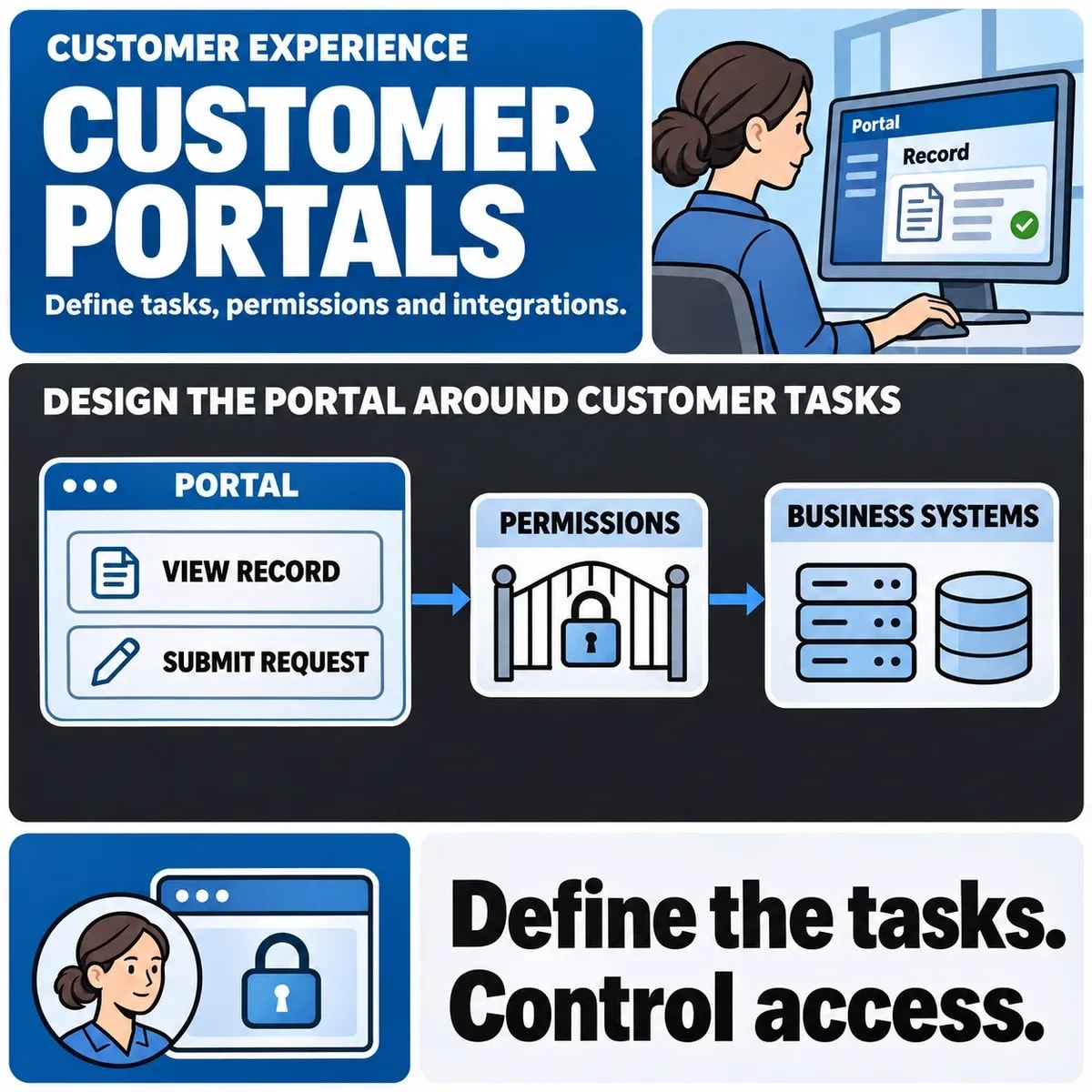

Customer portal development creates a place where customers can complete agreed tasks without a separate email conversation for every update. Useful tasks might include checking an order, approving a document, raising a request or reviewing an account. The brief should say which outcomes the first release will support.
Start with the customer and the record they need to act on. A login screen, dashboard and upload form are components, not a complete self-service workflow. Permissions, data freshness and unsuccessful actions determine whether the portal is dependable.
Select the tasks that deserve a portal
Salesforce's customer portal overview describes self-service access to information, accounts and support. Turn that purpose into a ranked list of actual tasks. Use support enquiries and staff observations where available; not every internal process needs a customer-facing equivalent.
For a hypothetical maintenance provider, the first release could let a customer view open jobs, upload a requested document and acknowledge a proposed visit. Changing contracts, paying invoices and managing every employee account can stay outside that boundary until their requirements are understood.
Define organisations, people and record access
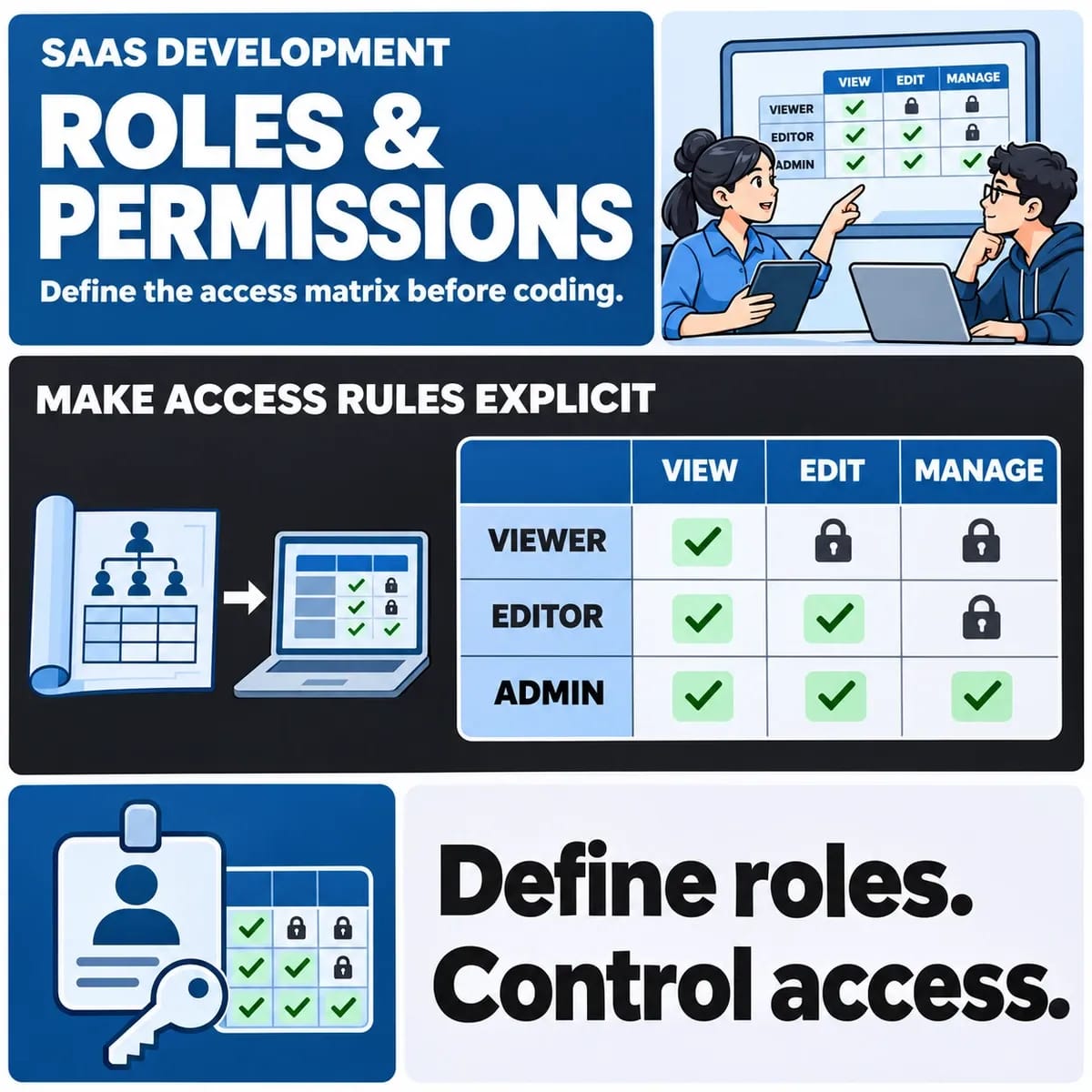
A business customer may have several people, sites and billing accounts. Decide whether a user belongs to one organisation or several, whether they can switch context and which records a customer administrator can share. A role name such as “manager” needs a definition of actions and record scope.
| Example role | Permitted task | Required denial case |
|---|---|---|
| Site contact | See jobs for an assigned site | Cannot retrieve another site's attachment |
| Customer administrator | Invite a colleague to an authorised site | Cannot grant access to a different company |
| Billing contact | Review assigned account documents | Cannot change operational approval |
| Provider support | Investigate within assigned access | Cannot silently act as a customer without an agreed control |
This matrix is an illustrative starting point. Test permission checks on the server as well as the interface. Hiding navigation does not establish that its underlying record cannot be requested directly.
Design invitations, recovery and departures
Specify who invites a user, when an invitation expires and what happens when the recipient already has an account. Decide how organisation changes are verified. Include recovery when a customer's only administrator leaves.
For departures, agree when access stops, what happens to pending approvals and which history remains visible to authorised colleagues. Keep account administration distinct from internal support access. These cases often reveal requirements missed by a successful sign-in demonstration.
Map displayed facts to their source
Record which system owns job status, identity, documents and visit dates. Define whether the portal displays a live value, a synchronised copy or a pending change. If the operational system is unavailable, a previous value must not look like a newly confirmed action.
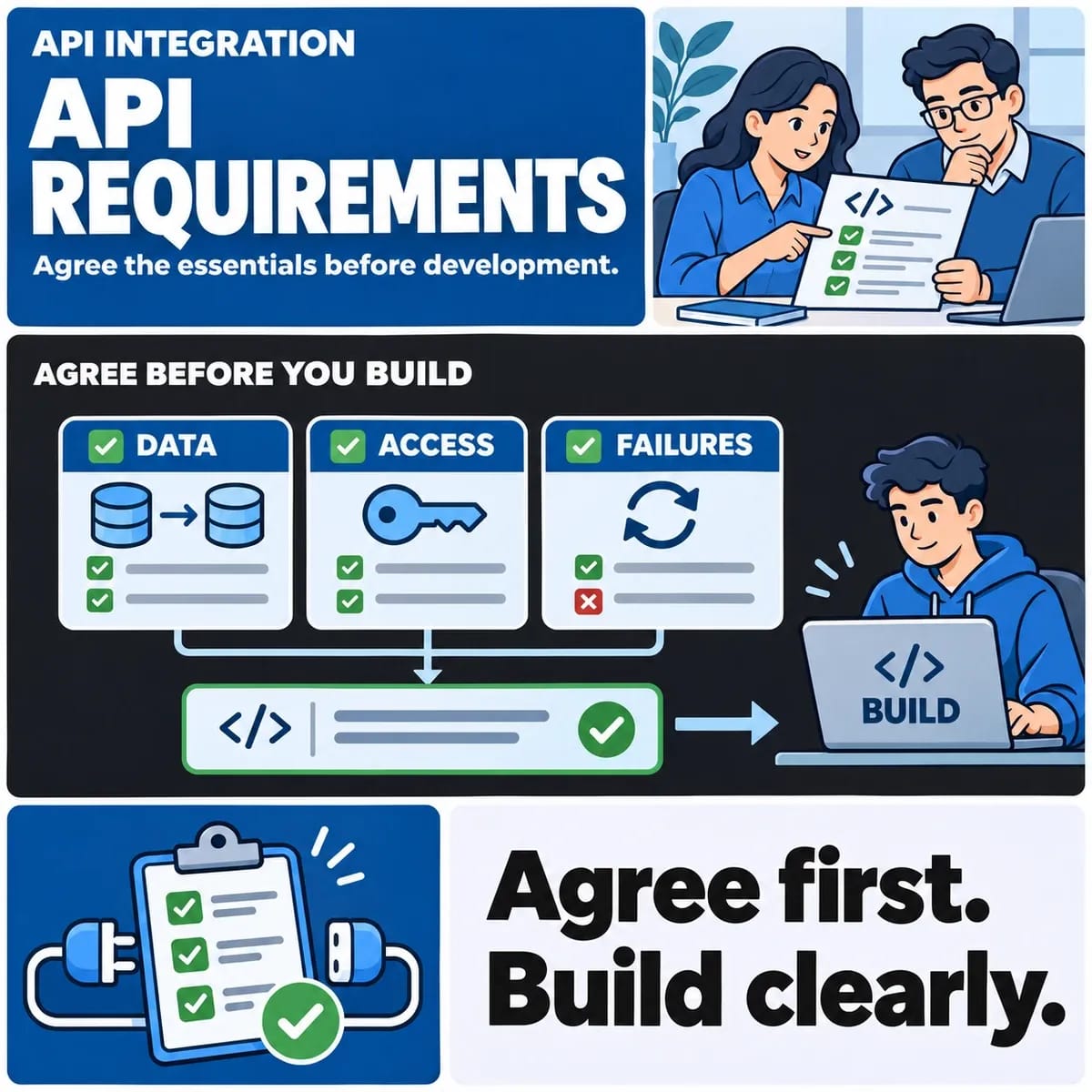
Use a mapping with source and portal identifiers, update direction, expected freshness and failure owner. The API integration requirements guide covers the connection contract. Portal-specific decisions should explain what the customer sees and can do.
Write complete action states
For a proposed visit, define awaiting response, confirmed, declined, superseded and cancelled states as appropriate. Decide what happens when a customer opens an old email after a visit changes. Rechecking the current state before acting belongs in the requirement.
Specify repeated clicks and interrupted connections. Someone who sees an error should know whether the action happened, whether retrying is appropriate and how to get help. Otherwise staff may inherit duplicate requests with no clear relationship to the original attempt.
Scope files and notifications separately
For documents, agree permitted types and sizes, ownership, access, replacement and retention with the responsible team. Include the case where someone forwards an old link after their access ends. Successful upload alone does not demonstrate appropriate retrieval controls.
Distinguish a portal action being recorded from an email being delivered. Keep a visible history so failed email does not erase the business event. Decide which messages contain details and which direct the customer to an authenticated view.
Turn requirements into acceptance examples
- A site contact sees the correct jobs and cannot retrieve another customer's job by changing an identifier.
- A superseded visit cannot be confirmed from an old browser tab.
- A repeated document submission has the agreed result and traceable history.
- An unavailable source produces an understandable pending or failed state, without a false confirmation.
- The primary task works with keyboard navigation and meaningful validation feedback.
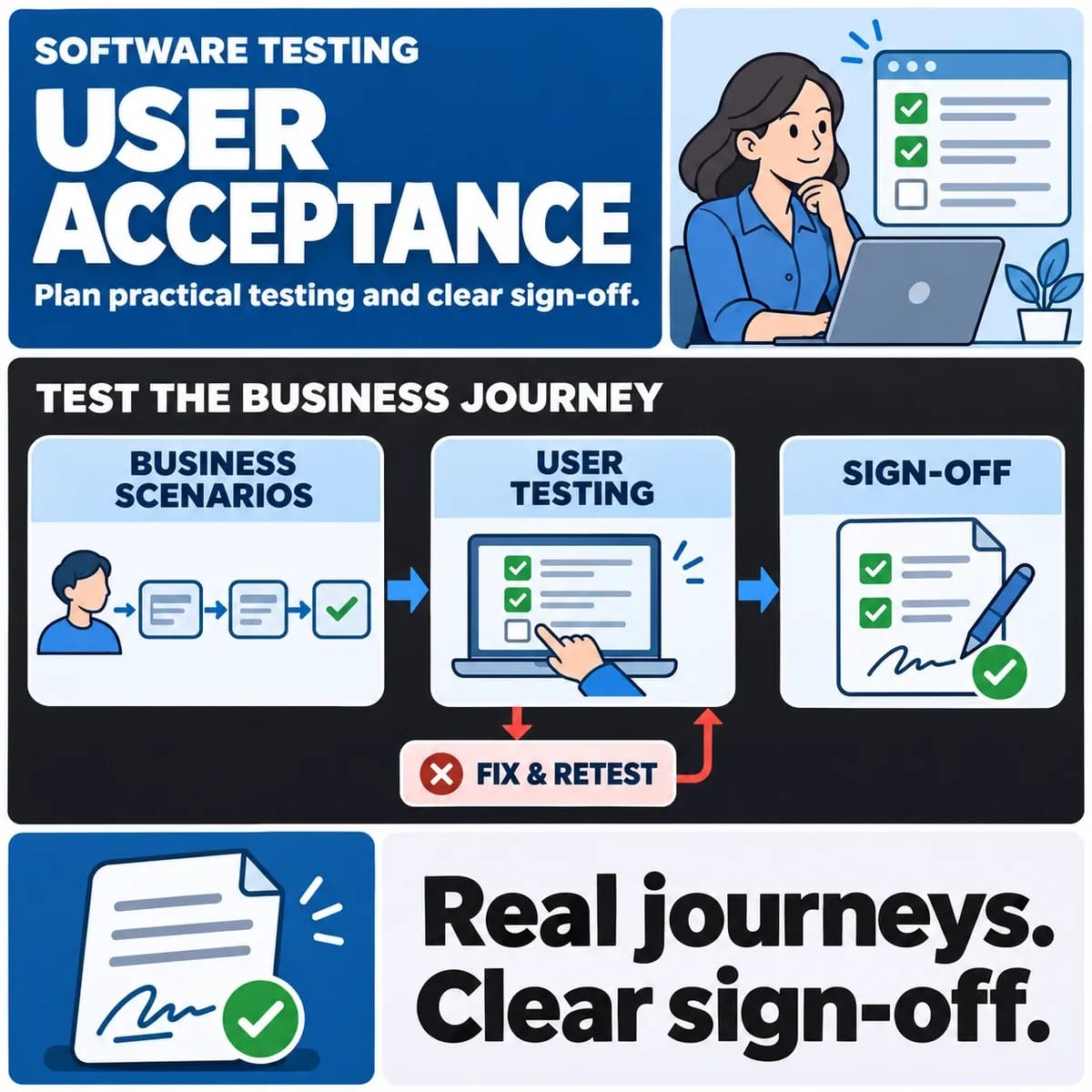
Use controlled but realistic records, including customers with similar names. Test support and recovery tasks as well as customer screens. Agree who supplies the records and approves outcomes before treating the portal as ready for use.
Choose a platform after testing the difficult cases
Evaluate a product portal, supported extension or custom application against the permission matrix and action states. Ask for the awkward cases first. A polished dashboard can be straightforward while organisation boundaries or account recovery expose a poor fit.
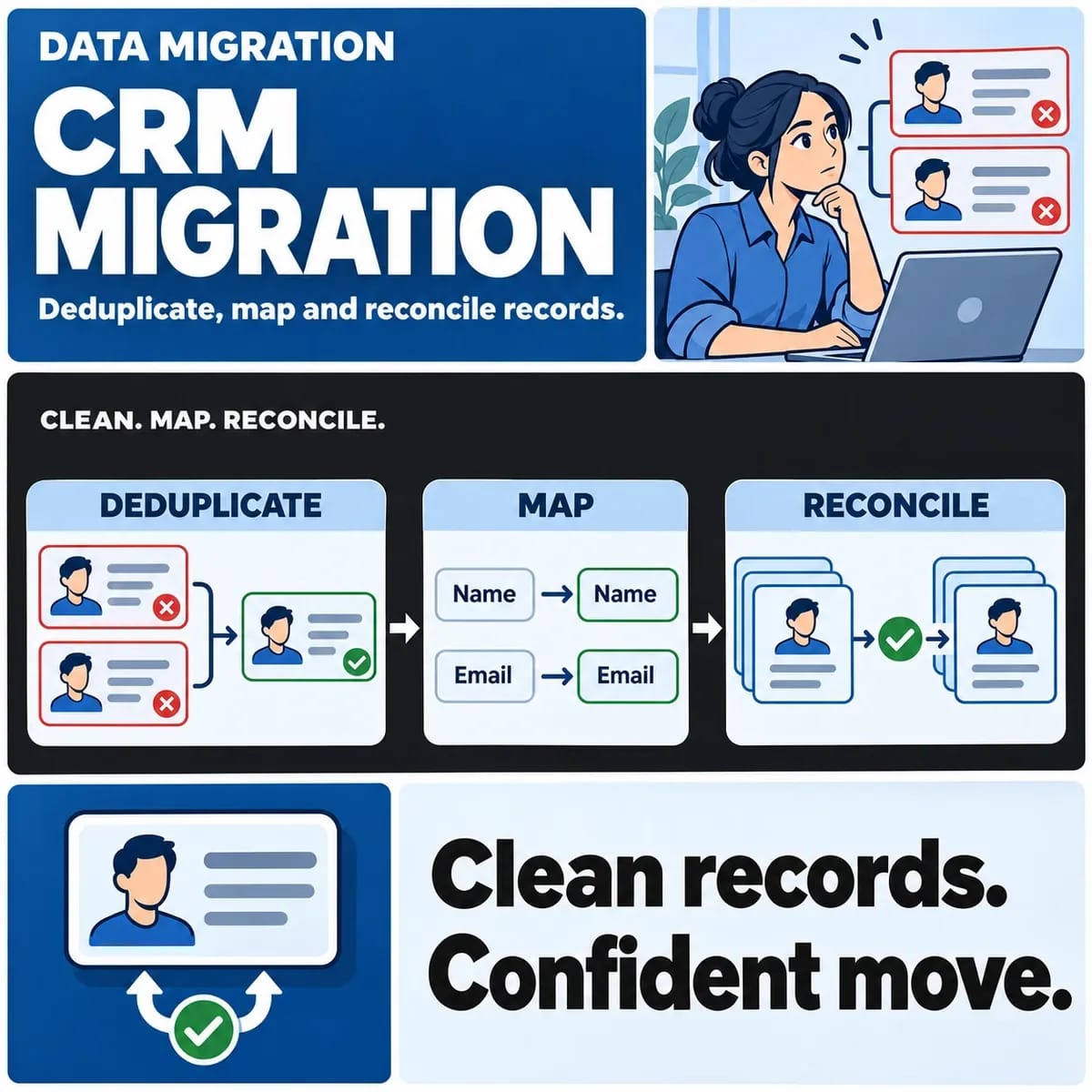
A web application development brief should include tasks, access rules, source systems, exceptions and an operating owner. Coordinate any customer-record changes with CRM development rather than creating conflicting customer truth inside the portal.