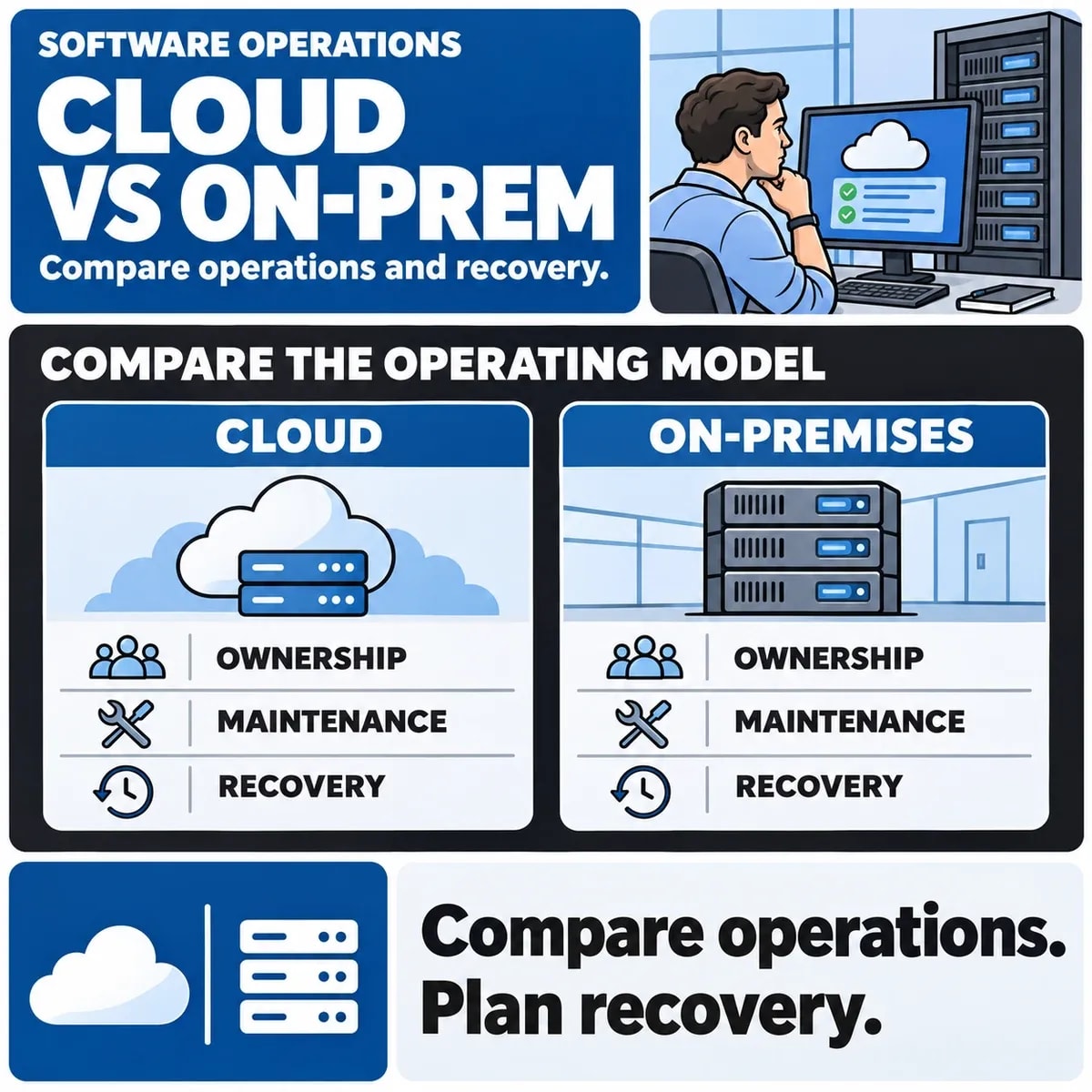

Cloud and on-premises describe different ways to host and operate software. The useful comparison is who is responsible for each part of the service, how users reach it and what is needed to keep the intended workflows available.
A cloud label does not establish lower cost, security or compliance. An on-premises label does not establish control over every dependency. Compare the actual architecture and operating arrangements against the same business requirements.
Describe the service being compared
Distinguish a ready-made online product from an application running on rented virtual infrastructure and from a managed application platform. Those options transfer different responsibilities. A comparison between a subscription product and an internally maintained server is incomplete if it ignores the application and support included in each.
Record the users, locations, required integrations, sensitive information and service expectations. For a fictional warehouse system, local device connectivity may matter as much as the dashboard's hosting location. Identify where the real workflow depends on a network or external service.
Map operating responsibilities explicitly
Microsoft's shared responsibility guidance explains how duties differ across cloud service models. Use it as a framework for questions; confirm the actual provider terms and project responsibilities rather than assuming a diagram is a contract.
| Responsibility | Question to resolve | Evidence to request |
|---|---|---|
| Application changes | Who tests and approves a release? | A release process and named owner |
| Identity and access | Who manages users and privileged accounts? | Role rules and access-review arrangements |
| Infrastructure | Who patches and monitors the relevant layers? | Documented operating scope |
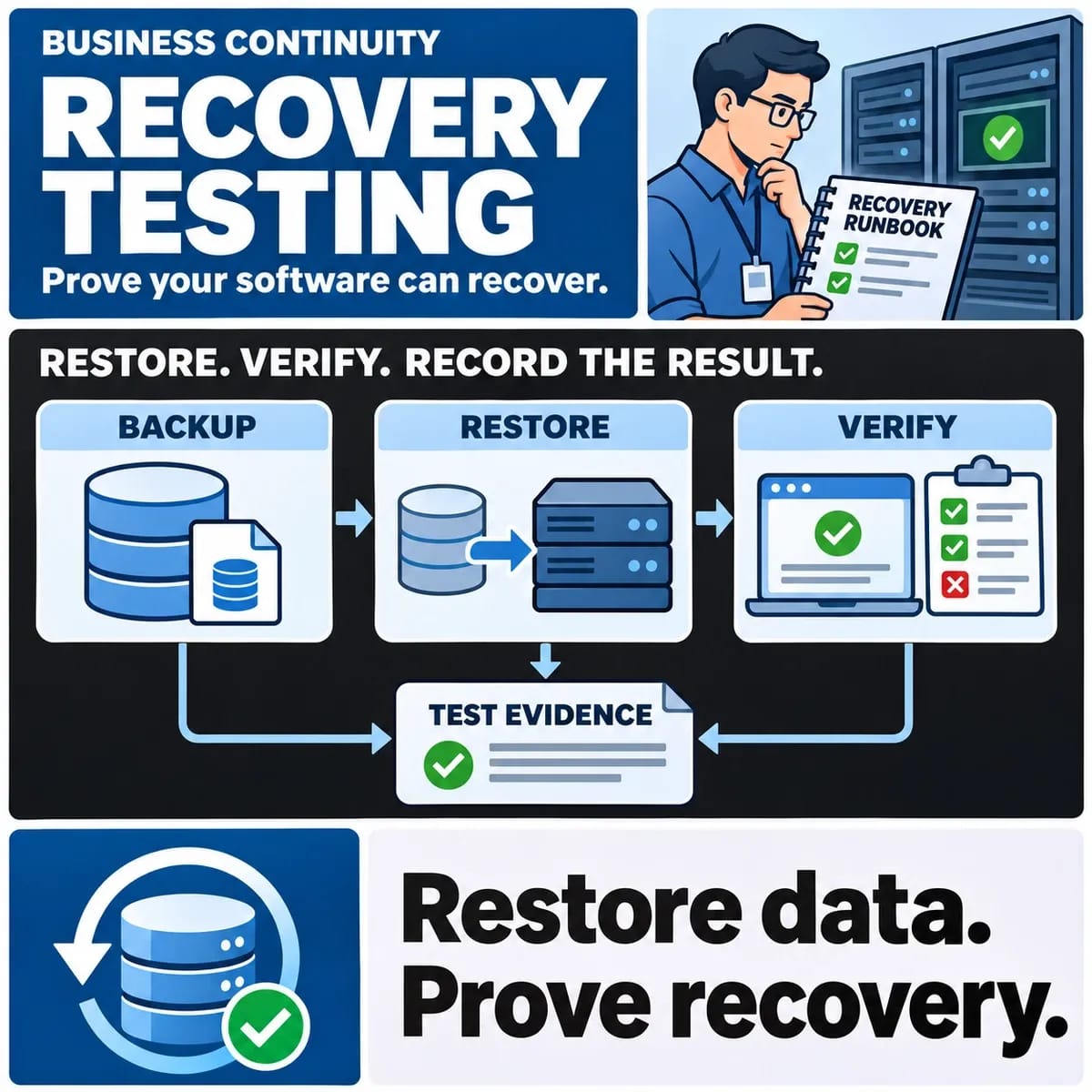
| Recovery | Who restores the service and data? | A tested recovery procedure and its limits |
Keep gaps visible. An agreement to host a server does not automatically include application maintenance, user support or a tested restore.
Compare costs using one workload and period
Include the relevant infrastructure, subscriptions, support, maintenance, monitoring, backups and staff effort. Record assumptions about storage, usage, users and retained history. Use the same workload and planning period for each option.
Ask which costs vary as usage changes and which commitments remain fixed. Include moving information out of a service or maintaining an additional environment where relevant. This guide supplies estimation questions, not a verified price comparison or a promise of savings.
Evaluate access and integration requirements
Identify office, remote and device access patterns. Test the expected network route and failure conditions rather than assuming users always have reliable connectivity. An application may need a local component even when its main service is hosted elsewhere.
List integrations and their permitted access methods. Review identity, data mapping, rate limits and support ownership for each boundary. Moving hosting does not automatically resolve an unreliable connection between business systems.
Set recovery expectations around the business task
Agree how long a workflow can be unavailable and how much recent information the business could reconstruct if necessary. Use those needs to assess backups, restore processes and alternate working arrangements. Have the responsible team validate the proposed targets.
A successful restore in an isolated environment is useful evidence, with a date and scope. It does not guarantee that every production incident will follow the same path. Record unavailable dependencies and untested assumptions.
Review data responsibilities and exit options
Document what information is held, the approved access arrangements and the process for exporting it. Obtain the specialist privacy or contractual review appropriate to the actual service. A hosting region alone does not settle all responsibilities.
Test whether an export preserves the relationships and formats needed for a future move. Keep accounts, configuration and integration ownership in view. An exit plan should explain how the service can continue while records or dependencies are transferred.
Separate the decision from the migration
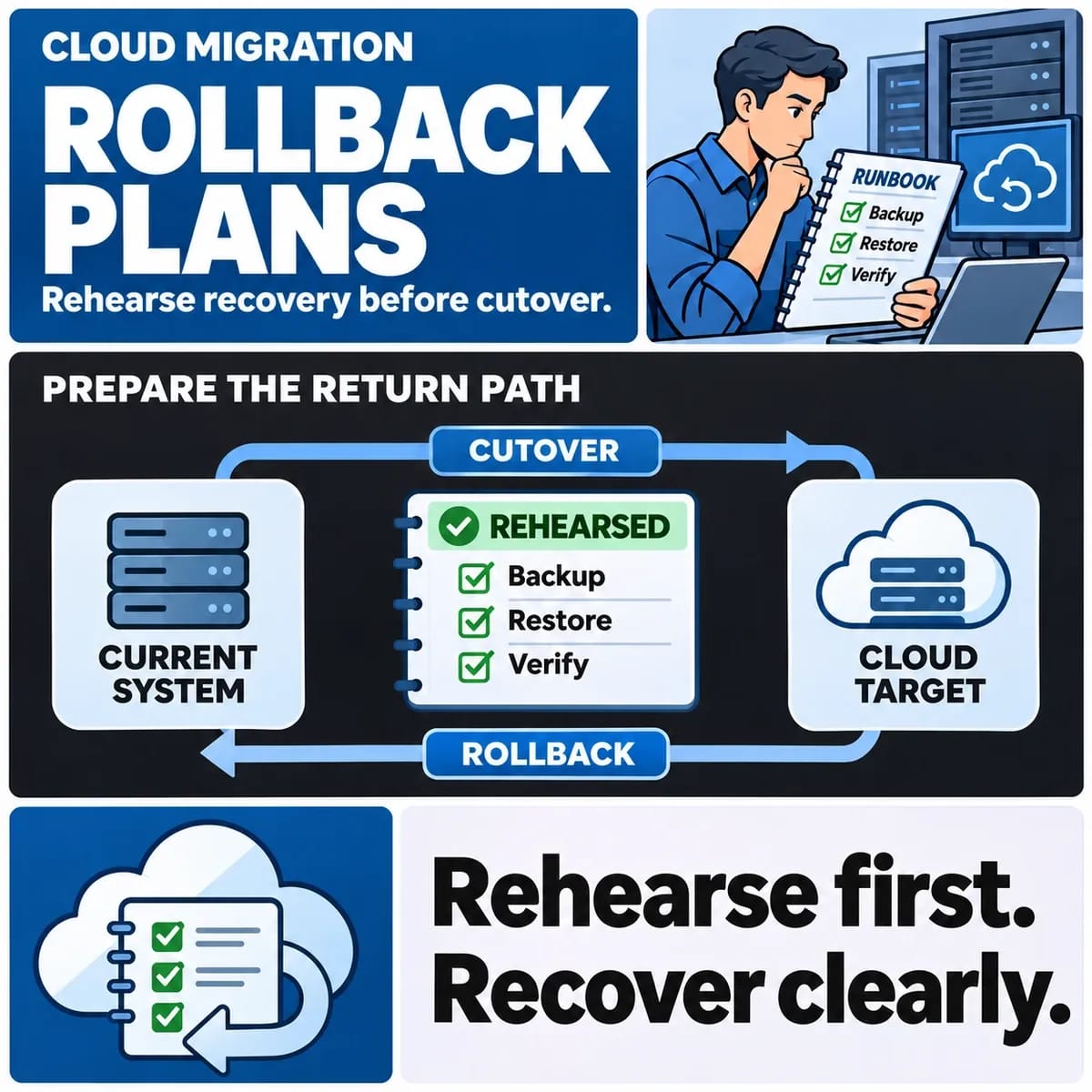
Choosing an operating model is followed by a separate migration plan. Inventory dependencies, test the new environment and define a reviewed cutover and recovery decision. The cloud migration rollback guide addresses that later stage.
Bring a workload outline and responsibility matrix to an enterprise software discussion. The first decision may be to investigate a missing dependency or operating duty. That can be more useful than selecting hosting before the service is understood.