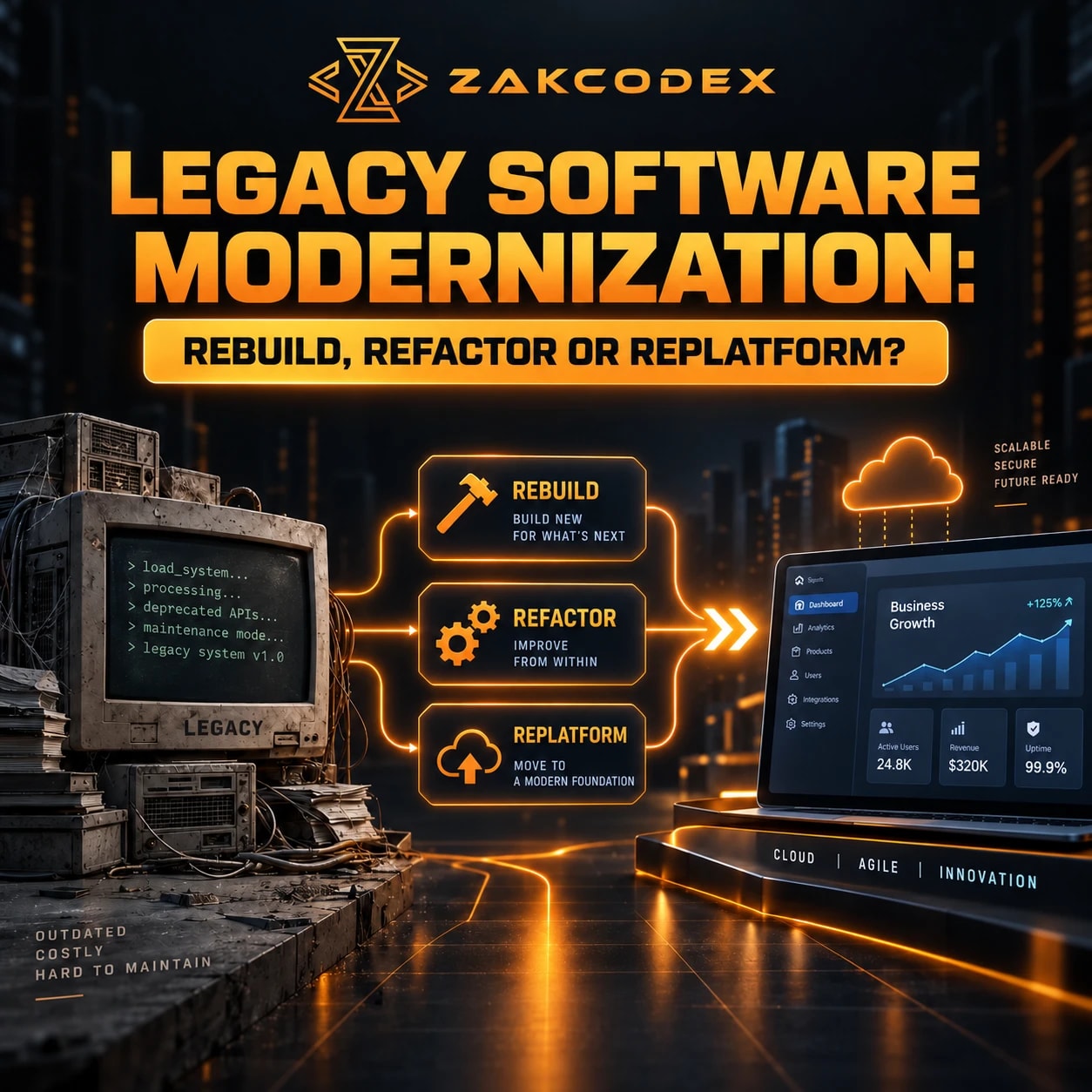

Legacy software modernisation improves, migrates or replaces ageing applications so they remain useful, secure and maintainable. Refactor when valuable software has repairable code problems; replatform when the operating platform is the constraint; rebuild when incremental changes cannot meet essential requirements. The right choice depends on business value, architecture, integrations, data, cost and operational risk.
Other options include retaining a supportable system, rehosting its infrastructure or replacing it with an existing product. For organisations evaluating custom software development, the central question is how much change the business actually needs. Age alone does not justify a rewrite.
What makes software a legacy system?
Legacy software is software whose constraints make continued operation or change difficult. Unsupported dependencies, scarce skills and undocumented business rules matter more than its release date.
Newer applications can accumulate legacy problems; older systems can remain fit for purpose. Warning signs include disproportionate effort for small changes, risky manual deployments, missing patches, difficult testing, recurring workarounds and slow outage diagnosis. Poor performance or difficult developer onboarding warrants investigation, rather than automatically proving that rebuilding is necessary.
What should a legacy modernisation assessment examine?
Assess business value and technical condition together before selecting a strategy. An application may contain valuable operational knowledge despite weak code or obsolete infrastructure.
- Business: revenue dependency, users, critical processes, differentiation, downtime tolerance and future requirements.
- Technology: architecture, code, dependencies, databases, infrastructure, security, performance and scalability.
- Delivery: tests, deployment pipelines, observability, documentation, incident history and maintenance skills.
- Connections: APIs, file transfers, scheduled jobs, shared databases and downstream consumers.
Distinguish local technical debt, such as duplication or missing tests, from structural limitations that prevent necessary change. Interview users about exceptions: an obscure pricing rule or month-end adjustment may explain behaviour that a replacement must preserve.
Which modernisation strategy fits the problem?
Choose the smallest intervention that addresses the verified constraint and supports future needs. These options are alternatives that can be combined, rather than a sequence every application must complete.
Terminology varies: AWS migration guidance groups refactoring and rearchitecting together. This comparison separates behaviour-preserving code changes from structural redesign to make scope clearer.
| Factor | Retain | Rehost | Replatform | Refactor | Rearchitect | Rebuild | Replace |
|---|---|---|---|---|---|---|---|
| Business logic preserved | Yes | Yes | Usually | Yes | Selected | Reimplemented | Product-dependent |
| Code changes | Maintenance | Minimal | Targeted | Internal | Substantial | New code | Configuration |
| Architecture changes | None | Minimal | Limited | Local | Structural | Redesigned | Vendor-defined |
| Infrastructure changes | Optional | Primary | Primary | Optional | Likely | Likely | Product-dependent |
| Migration complexity | Minimal | Dependencies | Compatibility | Usually limited | Boundaries | Data and behaviour | Data and processes |
| Technical debt reduction | Limited | Infrastructure | Platform | Targeted | Structural | Potentially broad | Transfers responsibility |
| Business disruption | Limited change | Cutover | Cutover | Incremental | Transition-dependent | Potentially substantial | Process change |
| Flexibility | Existing limits | Similar | Platform-dependent | Improved maintainability | New boundaries | Design freedom | Product limits |
| Best suited for | Supportable fit | Hosting constraints | Platform constraints | Repairable code | Structural bottlenecks | Fundamental mismatch | Commodity needs |
Retain, rehost or replatform
Retain stable software with funded maintenance, monitoring and dependency reviews. Rehost when moving infrastructure is sufficient, such as transferring a workload from physical servers to virtual machines or another hosting environment.
Software replatforming changes the operating foundation: a supported runtime, managed database or container platform may preserve business logic while changing deployment. Test database compatibility, connection behaviour and performance. Managed services introduce their own costs and vendor dependencies.
Refactor, rearchitect or rebuild
Code refactoring improves internal structure while preserving observable behaviour. Remove duplication, strengthen module boundaries and simplify error handling under regression tests; functional changes and dependency upgrades should have separately defined acceptance criteria.
Rearchitect when service boundaries, data ownership or deployment coupling obstruct delivery. Rebuild legacy software when essential requirements cannot be met economically through smaller changes. New code still requires discovery: forgotten business rules, scope growth and parallel operations can outweigh apparent implementation simplicity.
Replace with an existing product
Legacy system replacement suits standard needs that a supported CRM, ERP or SaaS product already meets. Evaluate process fit, licensing, integrations, export capabilities and user training; replacing software does not remove migration work.
Should you refactor, replatform or rebuild?
Refactor a viable application with maintainability problems; replatform a viable application constrained by its environment. Rebuild only when evidence shows that preserving the implementation prevents the required outcome.
| Factor | Refactor | Replatform | Rebuild |
|---|---|---|---|
| Code reuse | Extensive | Usually extensive | Selective |
| Architecture change | Local restructuring | Usually limited | Substantial freedom |
| Infrastructure change | Optional | Central | Design-dependent |
| Development effort | Debt-dependent | Compatibility-dependent | Whole capability |
| Migration risk | Behaviour regressions | Platform differences | Data and logic |
| Business disruption | Release-dependent | Cutover-dependent | Transition-dependent |
| Flexibility | Existing foundations | Platform capabilities | New foundations |
| Debt reduction | Selected code | Operating platform | Broader opportunity |
| Time to value | Per improved area | After validated move | After usable releases |
| Best fit | Useful, repairable application | Outdated environment | Fundamental constraints |
For example, duplicated order-validation code suggests targeted refactoring. An otherwise healthy application on an unsupported runtime suggests platform assessment. A system unable to represent essential new transaction types may need rearchitecture or rebuilding, depending on how deeply that limitation is embedded.
How should migration, integrations and architecture be handled?
Treat legacy migration as a separate workstream with its own acceptance criteria. Moving code does not automatically move data, identities, files, configuration or connected business processes correctly.
Inventory records, owners and retention needs; profile quality; define mappings, transformations and deduplication rules. Rehearse secure transfers, backups and reconciliation against source totals and representative records. Rollback planning must explain what happens to transactions created after cutover.
Adapters and APIs can expose a legacy capability without replacing its core. Replace brittle point-to-point connections selectively with documented REST interfaces, webhooks or events, while defining retries, duplicate handling and authentication.
Cloud migration can change hosting, storage and observability; managed services, containers or serverless components require workload-specific assessment. None automatically repairs tightly coupled code. Similarly, a modular monolith may be more manageable than microservices when one team owns delivery. Independent deployment or scaling must justify distributed operations, data consistency and additional DevOps demands.
Measure response times, database queries, resource saturation and concurrency before redesigning for performance. Indexing, caching, queues or appropriate vertical and horizontal scaling may address the actual bottleneck.
How can teams reduce modernisation risk?
Preserve required behaviour with tests and reduce uncertainty before changing critical components. Security remediation and operational controls belong throughout the programme, including any period of parallel running.
| Risk | Practical mitigation |
|---|---|
| Hidden dependencies or lost logic | Trace transactions; interview users; add characterisation tests. |
| Data loss or downtime | Rehearse migration, reconciliation, recovery and cutover. |
| Scope growth or budget overruns | Separate essential capabilities from improvements; review estimates at gates. |
| Integration or performance regressions | Test contracts and representative production loads. |
| Security exposure | Review dependencies, authentication, permissions, encryption, secrets and audit logs. |
| User resistance or knowledge loss | Involve operators; provide training, documentation and paired handover. |
| Vendor lock-in or skills gaps | Verify exports, ownership, support arrangements and team capability. |
Combine unit, integration, regression, security and performance tests with data validation and user acceptance testing. Characterisation tests record existing behaviour; business owners should distinguish essential rules from defects that should change. Test migration and rollback procedures as operational workflows.
Is incremental modernisation better than a big-bang replacement?
Incremental delivery limits the scope exposed in each release and can provide value before the whole programme finishes. A single cutover concentrates transition risk but may suit a small, tightly bounded system with a rehearsed recovery plan.
| Approach | Advantage | Trade-off |
|---|---|---|
| Incremental | Validate capabilities gradually | Longer coexistence and synchronisation work |
| Big bang | One coordinated transition | Concentrated disruption and recovery demands |
The Microsoft Strangler Fig pattern describes gradually routing functionality to replacement components. Its usefulness depends on separable boundaries and reliable routing; incremental delivery does not guarantee a shorter overall programme.
What does a practical modernisation roadmap include?
A legacy modernisation roadmap connects business objectives to assessed options, controlled releases and measurable outcomes. Assign an accountable owner for both the transition and the resulting system.
- Define outcomes: agree service requirements, constraints, stakeholders and success measures.
- Inventory and assess: map business value, code, debt, security, integrations and data.
- Compare options: test future requirements against retain, migrate, improve and replacement approaches.
- Validate uncertainty: run a focused proof of concept for the riskiest assumption.
- Plan delivery: define migration, testing, ownership, training and rollback criteria.
- Release and verify: deliver incrementally where practical; validate business behaviour and operational readiness.
- Monitor and retire: track outcomes, resolve defects and decommission superseded components after dependencies are cleared.
How much does legacy software modernisation cost?
Cost depends on the change required and the uncertainty uncovered during assessment. Compare total ownership costs over an agreed planning horizon, rather than development estimates alone.
- Upfront: discovery, code changes, integrations, data migration, security, testing and documentation.
- Transition: parallel infrastructure, downtime planning, reconciliation, training and support.
- Ongoing: hosting, licences, maintenance, monitoring, skills and future upgrades.
Timeline depends on these same factors, plus access to users and release windows. Use evidence from an initial delivery slice to refine estimates instead of assuming every legacy software overhaul takes a standard duration. Record assumptions explicitly so decision-makers can compare proposals on equivalent scope.
The strongest recommendation is to preserve useful business capabilities while removing demonstrated constraints. Refactoring, replatforming and rebuilding each solve different problems; select the approach whose benefits justify its migration risk and continuing operational cost.