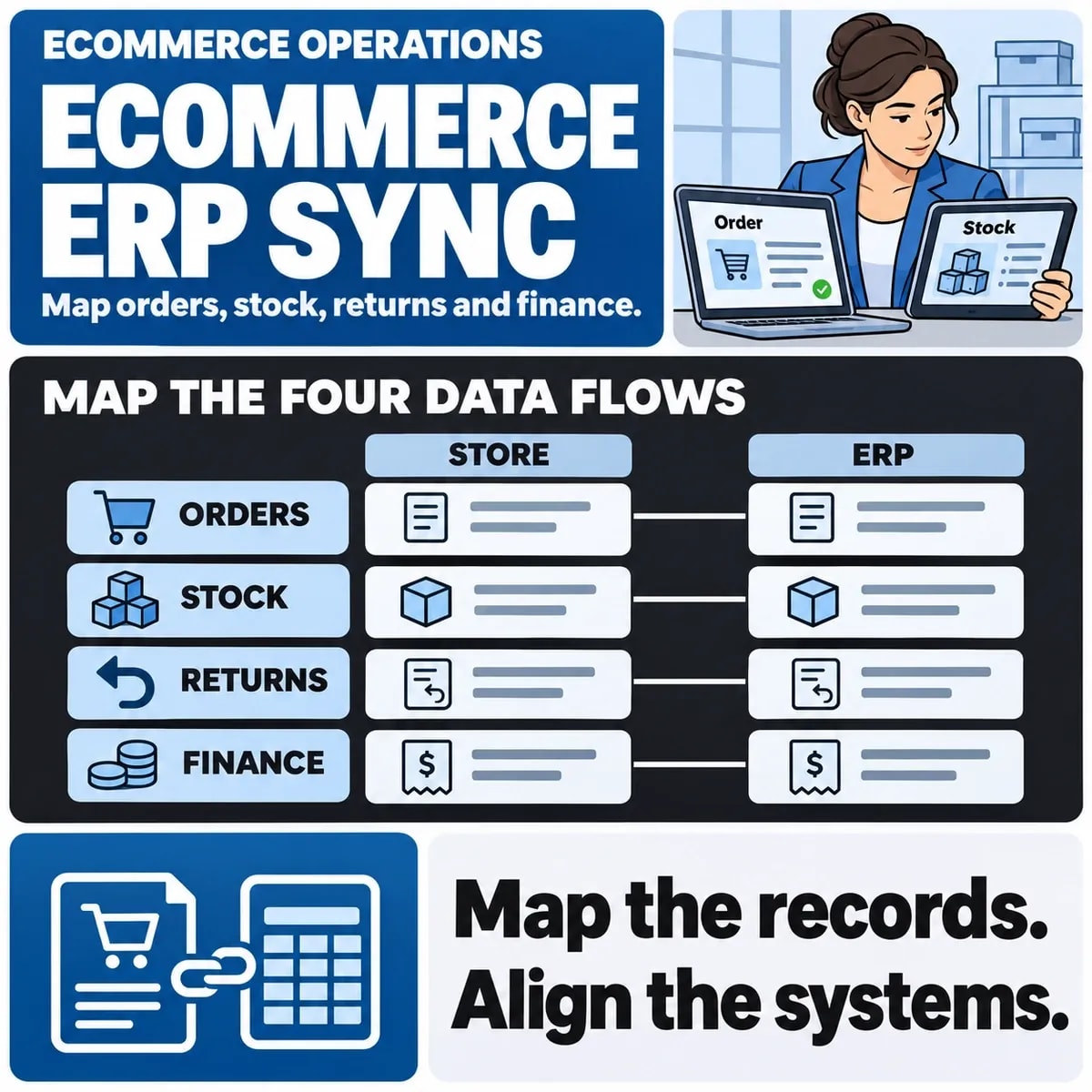

Ecommerce ERP integration connects a store with the business systems used to operate orders, stock, fulfilment or finance. A useful plan explains which system owns each record, what changes are exchanged and how the business identifies a result that needs investigation.
Begin with the operating workflow. A connection that transfers a new order does not necessarily handle cancellations, partial fulfilment, returns or later financial corrections. Agree those states before treating a connector demonstration as complete acceptance.
Map records across the order lifecycle
List products, variants, customers, orders, payments, fulfilments, returns and any other records the actual workflow needs. Assign identifiers and authoritative owners. Check how the same item is represented when the store and ERP use different structures.
For a fictional retailer, a catalogue variant may correspond to a stock-keeping unit in the operational system. A promotional bundle may need a different mapping. The example is an integration question, not a claim that a particular product handles bundles in one standard way.
Choose field ownership and update direction
| Information | Decision to make | Exception to test |
|---|---|---|
| Product details | Which system owns each published field? | A changed variant or archived product |
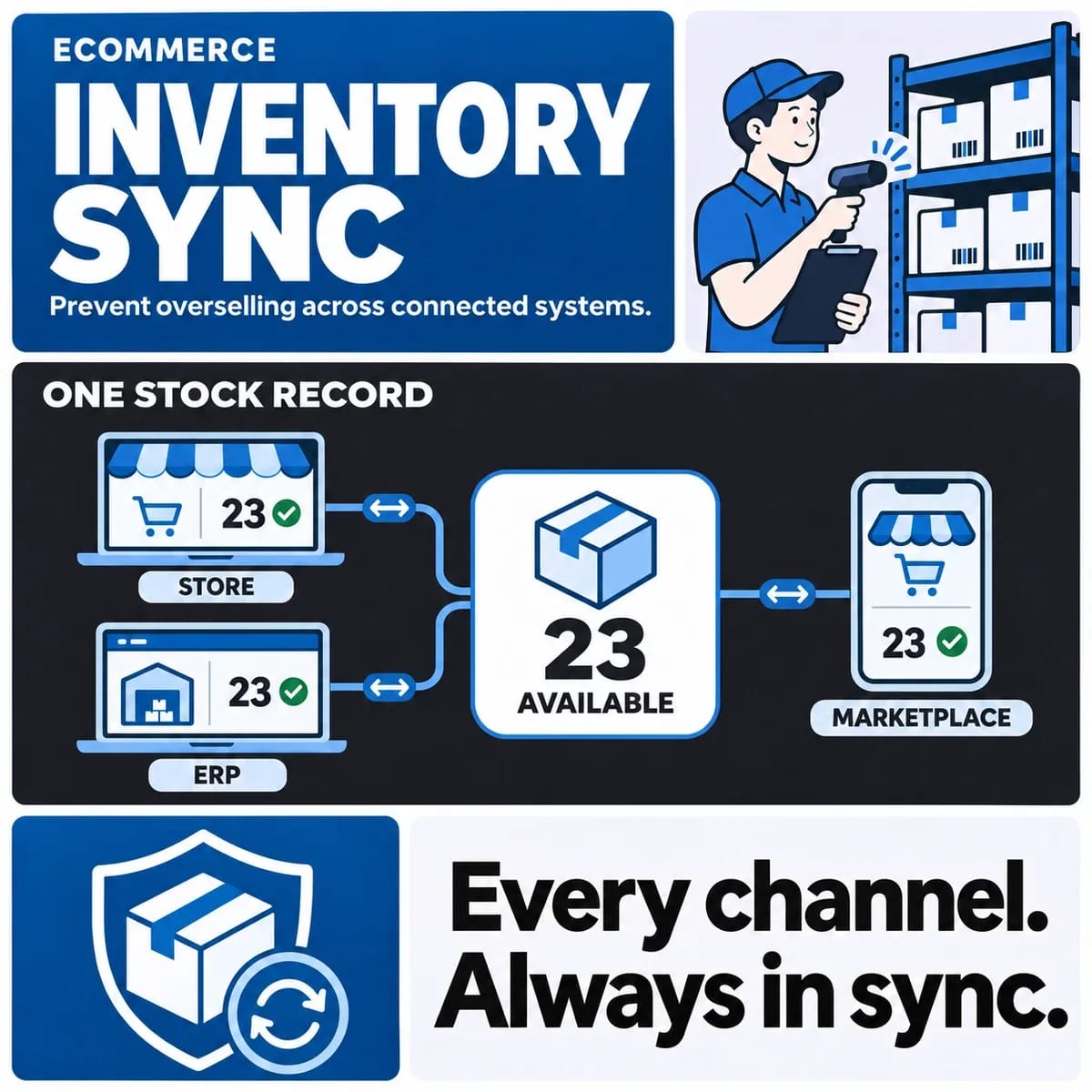
| Available stock | How is sellable availability calculated? | A reservation, return or delayed update |
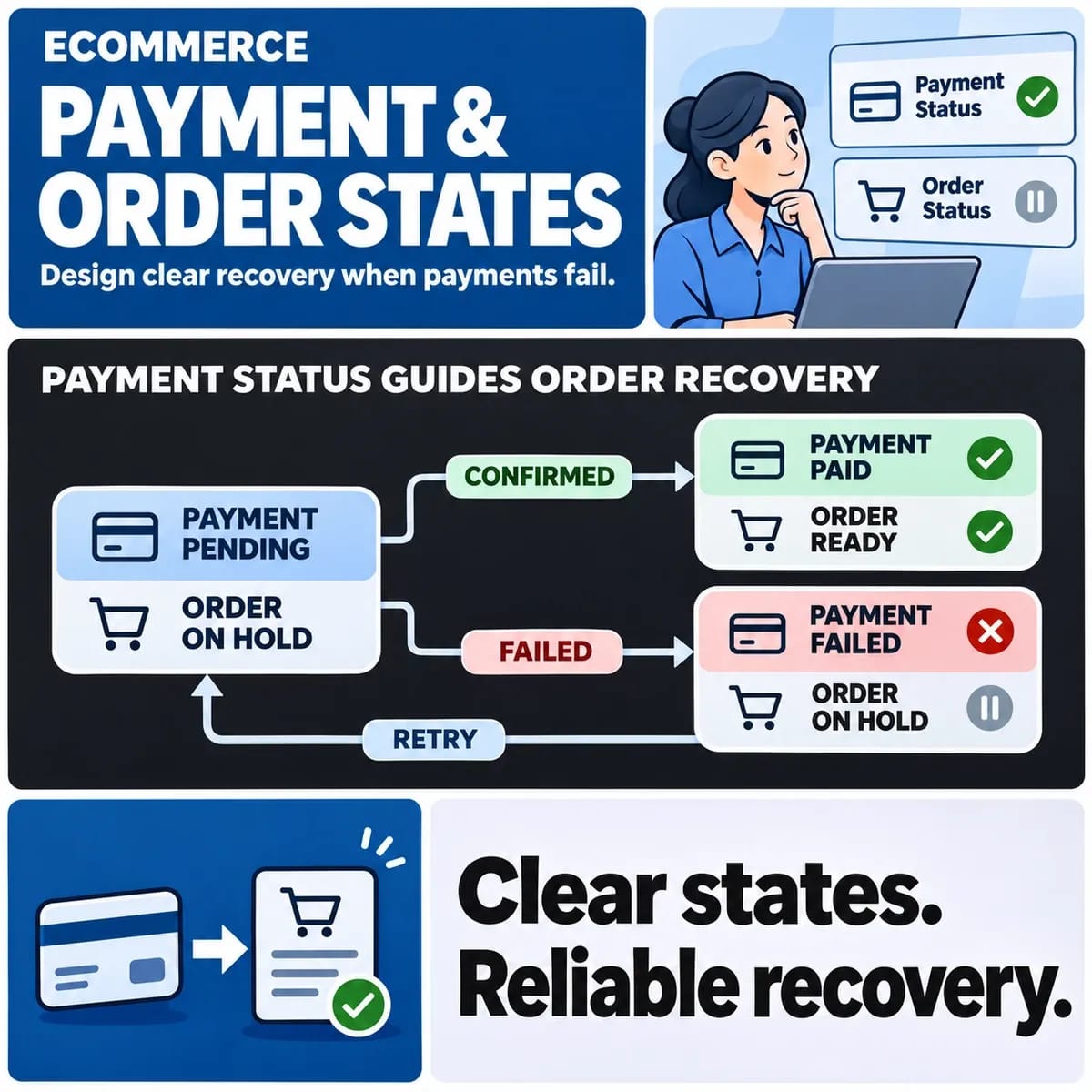
| Order state | What each state means in both systems | Partial fulfilment or cancellation |
| Financial record | Who creates and corrects the relevant transaction? | A refund or adjustment after export |
Ownership may differ by field. Do not assume the entire customer or product record should be updated in both directions. Record which changes are permitted and which need a reviewed exception.
Understand the supported connection methods
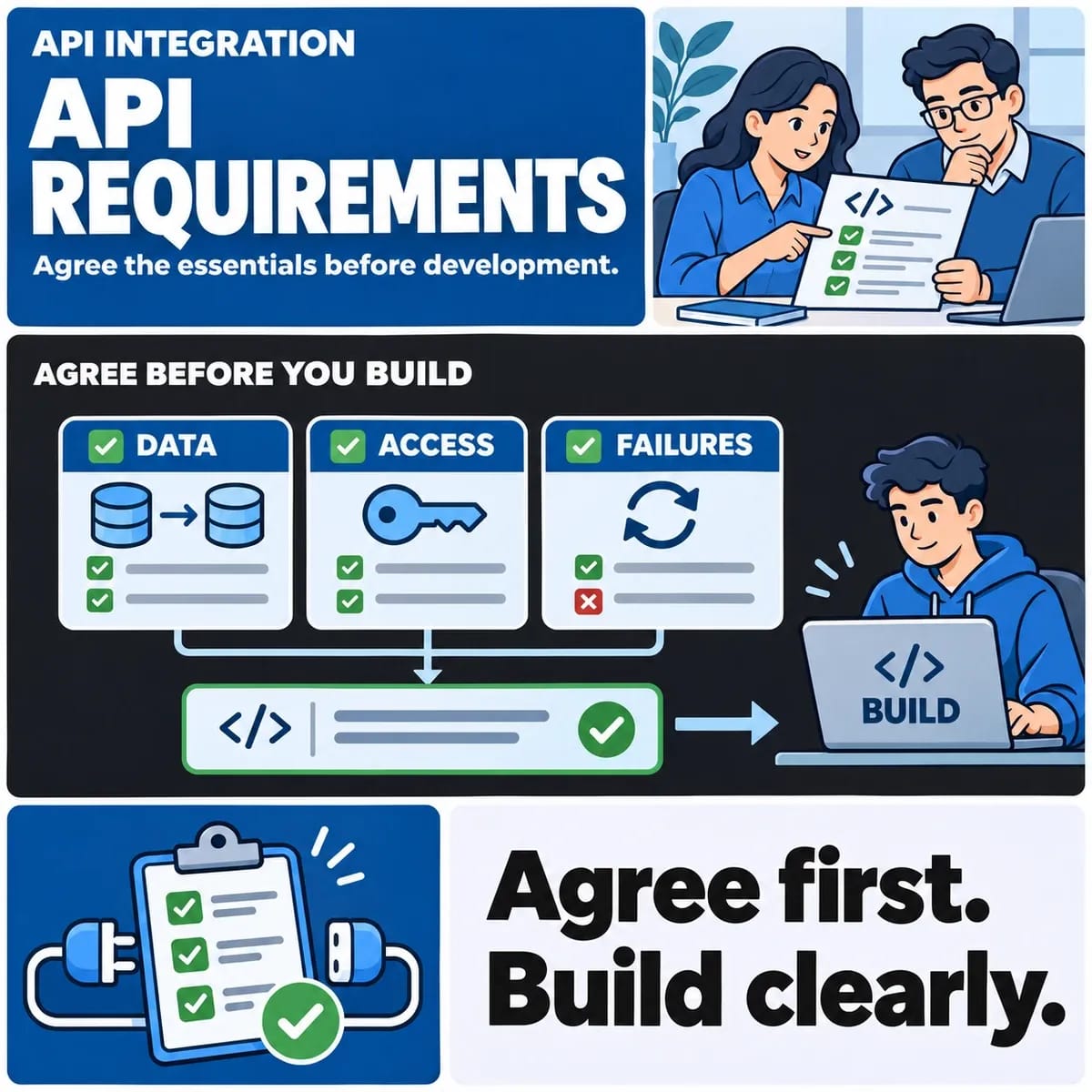
Check the APIs, events, data formats and access limits offered by each product. A connector may cover standard tasks while leaving a business-specific exception unresolved. Confirm the supported version and maintenance arrangements.
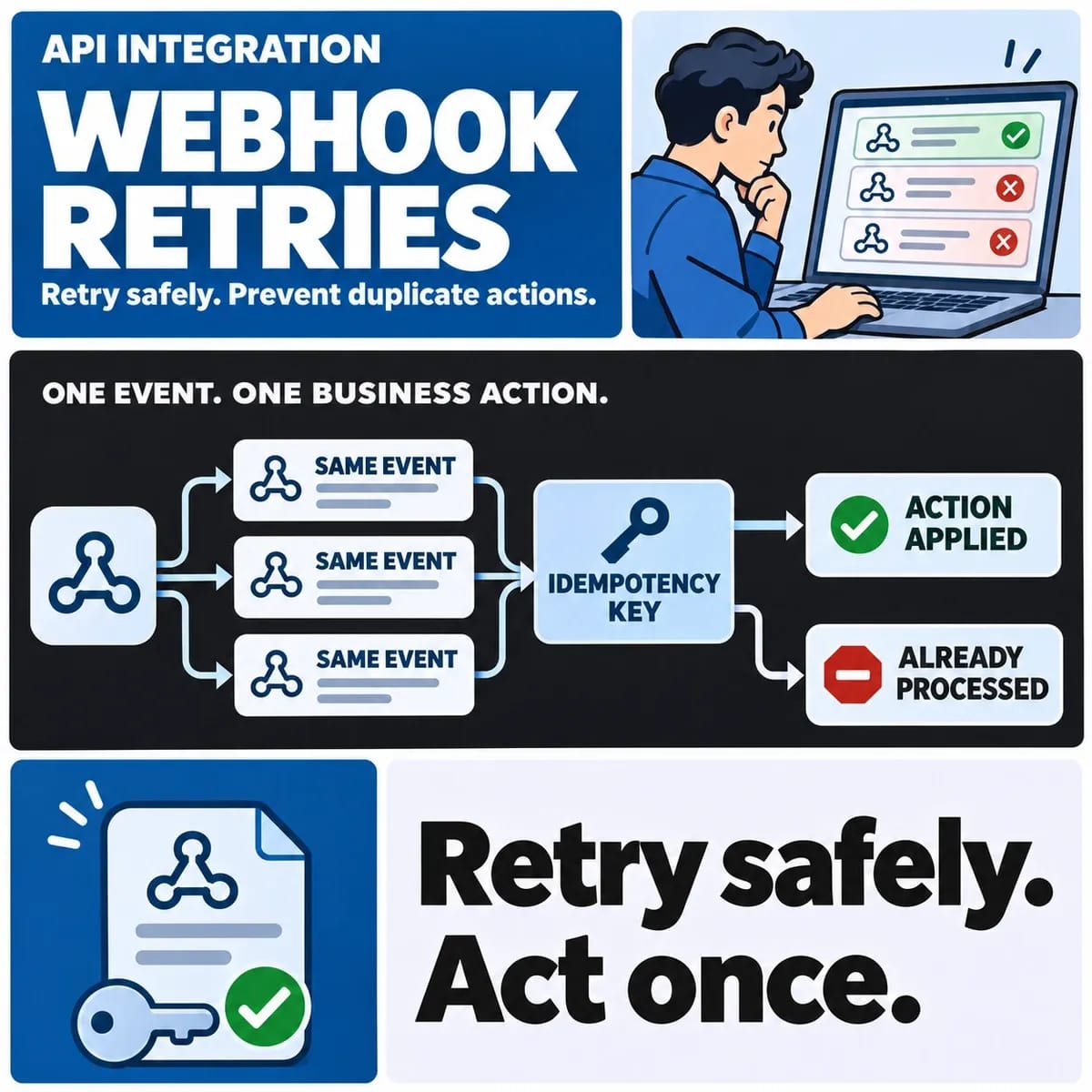
For example, Shopify documents webhooks as an event mechanism. Using an event does not establish that every relevant record has arrived in the other system. Define the expected outcome, failure handling and a way to reconcile the current state.
Distinguish accepted, processed and completed
A successful HTTP response may acknowledge receipt while work continues elsewhere. Give operational users enough information to understand the meaningful state of an order or transfer. Avoid showing a completed business action solely because one request returned successfully.
The webhook retries guide covers repeated delivery and safe processing in more detail. The ERP integration plan should identify where those mechanisms are needed rather than repeat a general implementation recipe.
Define reconciliation and investigation ownership
Agree how the team will find a missing record, mismatched amount or unexpected state. A useful reference should connect the source event, the destination record and the relevant business context. Avoid including unnecessary sensitive information in ordinary diagnostic logs.
Decide who investigates, what they can safely retry and which corrections need approval. A dashboard showing failed transfers is only useful when someone has the authority and information needed to resolve them.
Test full journeys and their exceptions
Use controlled examples for a new order, a delayed stock update, a partial fulfilment, a cancellation and a return. Add the cases that matter to the business, including multiple sales channels where relevant. Verify the result in the system that owns the outcome.
Check access boundaries and what happens when an external service is unavailable. Record any simulated dependency and the resulting limitation. The inventory sync guide remains the deeper reference for stock-specific conflicts and overselling risks.
Plan launch and support around a known boundary
Define which records and changes enter the new integration, how existing work is treated and who makes the release decision. A pilot may use a bounded product or operational scope if the actual systems support it. Keep a reconciliation and recovery plan for that scope.
Bring system versions, data examples, field ownership, lifecycle states and support arrangements to an ecommerce development discussion. For the underlying contracts and failure handling, review API integration services. These inputs support a scoped proposal without assuming a connector removes all custom work.