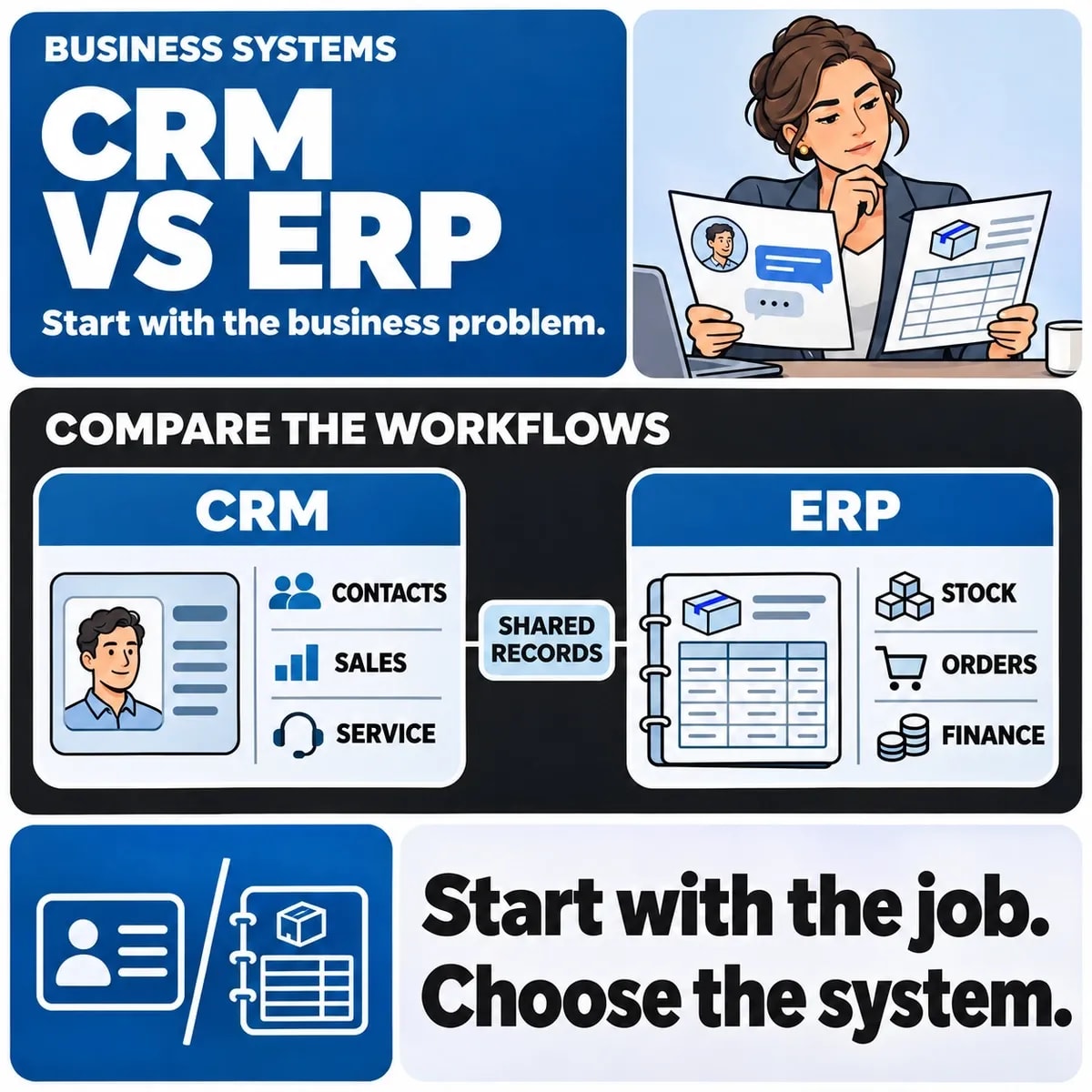

CRM usually refers to customer relationship management: the work involved in understanding prospects, managing relationships and supporting customer-facing activity. ERP means enterprise resource planning and commonly covers operational areas such as finance, purchasing, inventory and fulfilment. Product boundaries vary, and a software suite may include both.
The practical decision is which business process needs support and where its authoritative records should live. Begin with a real journey from enquiry to fulfilment and payment. That gives a more useful brief than choosing a product category before examining the work.
Find the process that is failing
If sales staff cannot track follow-ups, the immediate problem differs from warehouse staff seeing unreliable stock. Record the task, the people involved, the current tools and the consequence of an error. Include the handoff to the next team.
For a fictional supplier, sales may prepare a quotation while operations checks availability and finance issues an invoice. A new CRM could improve quotation tracking without solving an inventory discrepancy. The example illustrates system boundaries; it is not a claim about a delivered client project.
Compare the responsibilities of each system
| Business question | Typical CRM involvement | Typical ERP involvement |
|---|---|---|
| Who should follow up this enquiry? | Contact, opportunity and next activity | May supply account or product context |
| Can this order be fulfilled? | Customer communication and commercial context | Inventory, purchasing or fulfilment records |
| Has the customer paid? | May display an authorised summary | Finance or a connected accounting system may own the transaction |
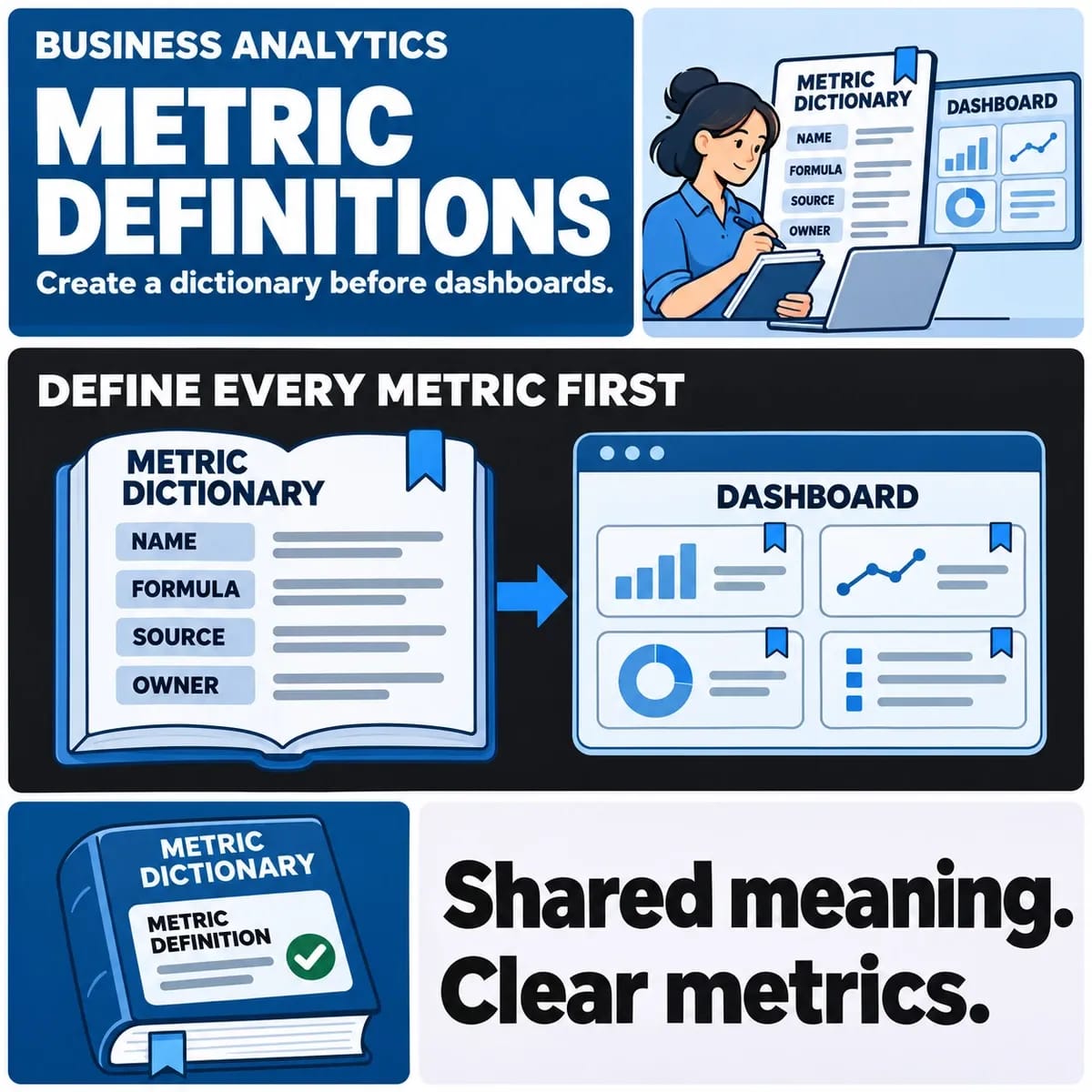
| Why do two reports disagree? | Check relationship and opportunity definitions | Check transaction definitions and reconciliation |
These are common roles, not a universal feature specification. Verify the exact product, modules, configuration and integrations being proposed.
Choose a source of truth for shared information
Customer names, addresses, product codes and order references may appear in several systems. Decide which application owns each field and who may change it. Define what happens when a correction arrives after another team has already used the record.
An identifier shared between systems is often more useful than matching only a display name. Ask how duplicates, merged accounts and archived products will be handled. A connection that creates records successfully still needs a plan for later changes.
Describe integration as a business contract
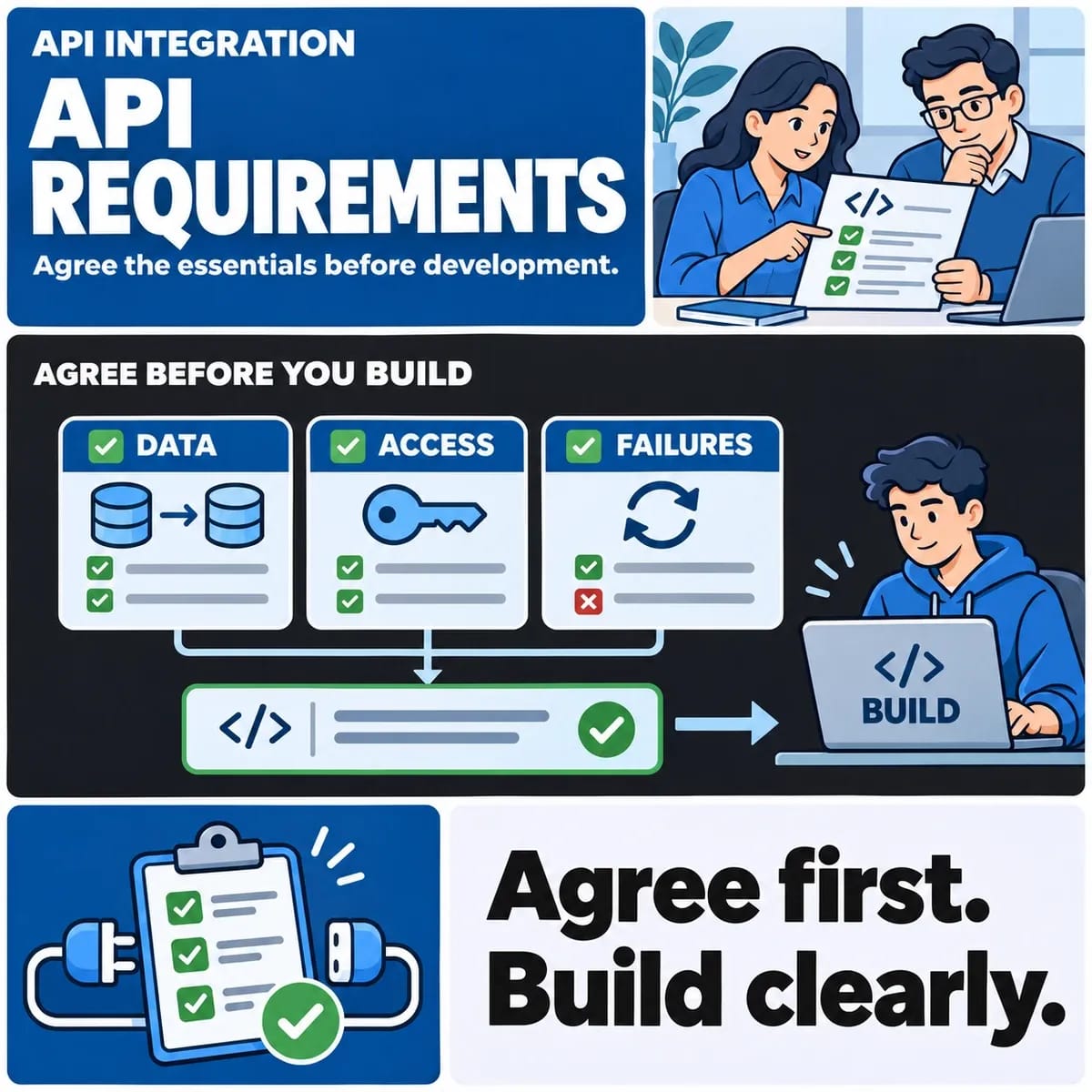
Map the event, the permitted data, the receiving action and the evidence of completion. An accepted order, a dispatched order and a paid invoice describe different events. Using one status for all three can create confusing customer messages and unreliable reports.
Microsoft's business-process overview illustrates an end-to-end way to frame application work. Its suite terminology does not determine the right architecture for every organisation. Use the actual workflow to identify where information crosses a boundary.
Compare configuration, integration and custom work
An existing product may support the requirement through configuration. Another need may require a supported extension or an integration. A custom application becomes a separate option when a material workflow cannot be supported adequately within the available products and constraints.
Request a demonstration using representative tasks and safe sample records. Include exceptions such as a cancelled order, a changed customer address and an unavailable external service. Evaluate maintenance and access to data alongside the demonstration.
Plan migration and acceptance separately
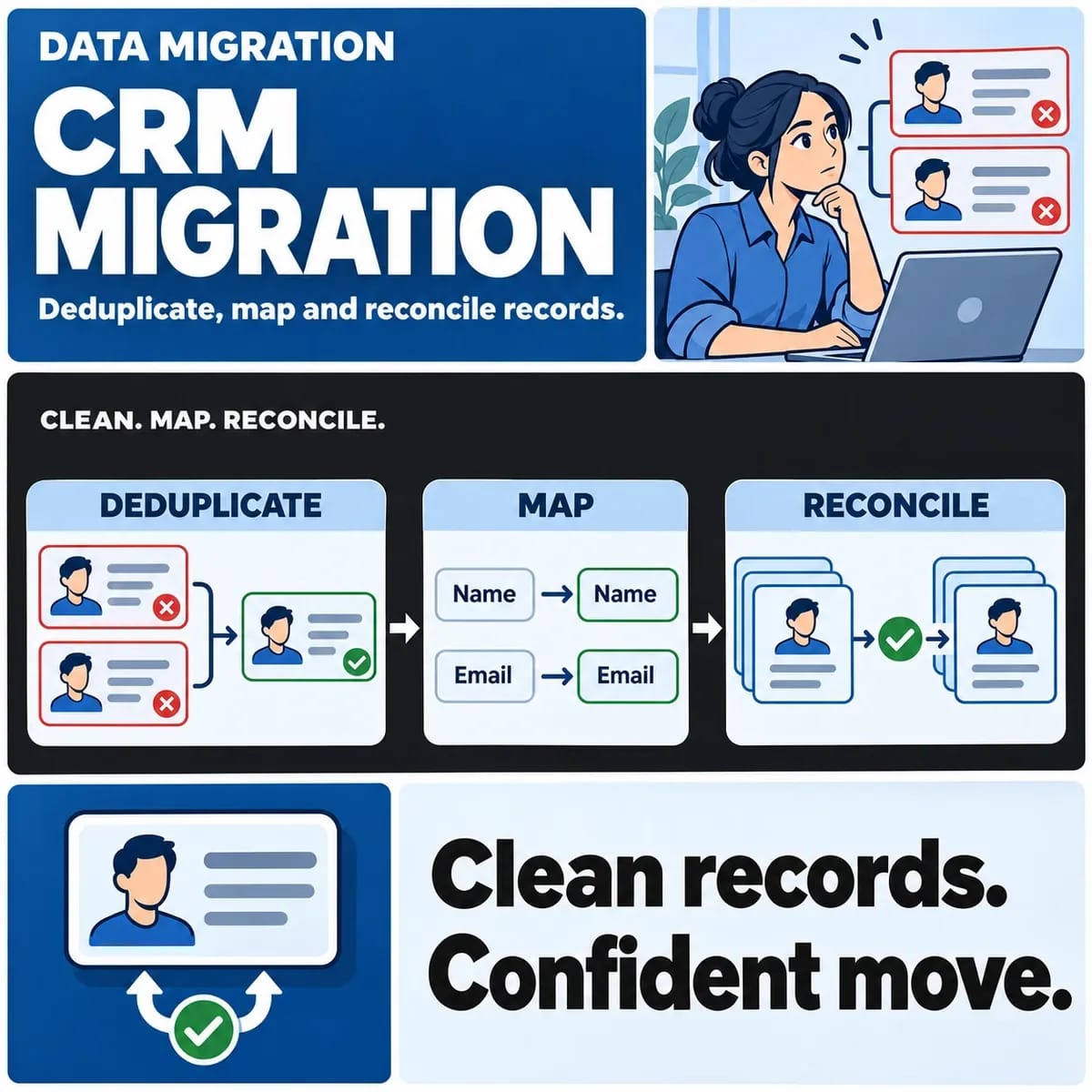
A platform decision does not settle how existing records will be transferred. Inventory data sources, resolve ownership and agree reconciliation checks. The CRM data migration guide covers mapping and record-quality questions in more detail.
Acceptance should follow complete business scenarios across the relevant systems. Test authorised roles and verify the resulting record where the outcome occurs. A successful screen response may be only one step in the process.
Prepare a decision brief
Keep the affected journeys, system responsibilities, shared fields, integration dependencies, migration scope and support owner in one brief. Record what can remain in existing tools and which requirements need further investigation. Compare proposals against the same assumptions.
For customer-facing workflows, explore CRM development. For wider operational systems, review enterprise software development. If the primary uncertainty is the connection between products, use API integration scoping to define that boundary first.