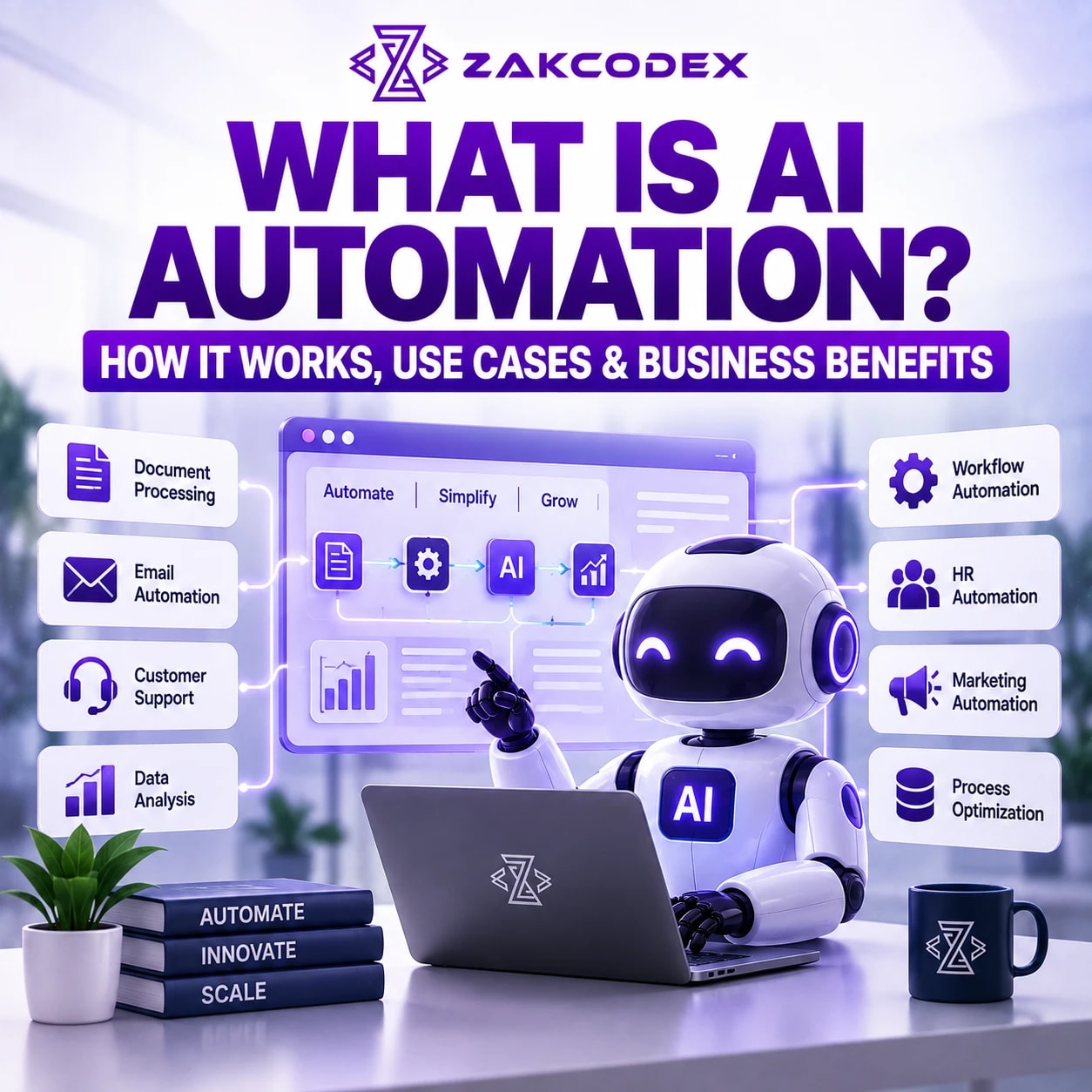

AI automation combines artificial intelligence with software workflows to interpret information and carry out tasks with defined controls. It uses capabilities such as language understanding, prediction or document extraction alongside rules and system integrations. For example, AI can classify a customer enquiry while a workflow routes it to the appropriate team.
The practical AI automation meaning is straightforward: software handles both parts of the interpretation and the steps that follow. Organisations exploring AI automation services should separate what the model recommends from what the system is authorised to execute. That distinction explains both its usefulness and its limitations.
How does AI automation work?
AI automation receives an input, interprets it, checks the result and triggers a permitted action. A workflow engine coordinates these steps, including exceptions and human approvals. The AI model is one component of the system.
- Receive: an email, document, scheduled event or webhook starts the workflow.
- Interpret: AI extracts fields, classifies intent or drafts a response.
- Retrieve: authorised systems supply relevant customer or business context.
- Validate: software checks required fields, business rules and permissions.
- Act: an integration updates a record or sends an approval request.
- Record: logs capture the outcome and unresolved exceptions.
Consider invoice processing automation: extract supplier details and line items, compare them with the purchase order, then queue discrepancies. Matching a document is different from authorising payment; the latter needs explicit controls.
Which technologies make AI automation possible?
Machine learning, language processing and generative AI provide interpretation; integrations and orchestration provide execution. Rules remain useful for calculations, thresholds and permissions. Not every process needs every technology.
- Machine learning: predicts categories or detects abnormal data patterns.
- Natural language processing: extracts meaning from messages and documents.
- Generative AI: produces drafts, summaries or structured responses.
- Retrieval systems: supply relevant approved information to a model.
- APIs and webhooks: exchange data and announce system events.
- Workflow orchestration: manages sequencing, retries, approvals and failures.
IBM describes intelligent automation as combining AI, business process management and robotic process automation. Artificial intelligence automation can therefore extend an existing process rather than replace its entire architecture.
How is AI automation different from other automation?
Traditional automation follows explicit instructions; AI adds interpretation of variable information. Workflow automation coordinates steps, while business process automation addresses a broader business outcome. Business process automation with AI combines these approaches.
| Approach | Main role | Example |
|---|---|---|
| Traditional task automation | Execute predefined rules | Send a reminder after an agreed interval |
| Workflow automation | Coordinate connected steps | Route a request through approvals |
| RPA | Automate repetitive software interactions, often through interfaces | Enter records into a legacy application |
| AI process automation | Interpret inputs within an operational process | Classify an enquiry before routing it |
RPA can work with AI, particularly where reliable APIs are unavailable. Predictable calculations and structured transfers often need conventional process automation solutions, without an AI model.
How do generative AI, agents and chatbots fit together?
Generative AI creates outputs; automation connects outputs to actions. An AI agent can choose tools and next steps within permitted boundaries, while a chatbot provides a conversational interface. These capabilities can overlap.
| Component | Responsibility | Example |
|---|---|---|
| AI automation | Operate a controlled process | Extract an enquiry and create a CRM task |
| AI agent | Select actions towards an objective | Investigate an account using authorised tools |
| AI chatbot | Exchange conversational messages | Answer a product question |
Anthropic's architectural explanation of agents distinguishes predefined workflows from systems where models dynamically direct tool use. AI agent development becomes relevant when flexible action selection adds value; a fixed workflow is often easier to validate.
What can businesses automate with AI?
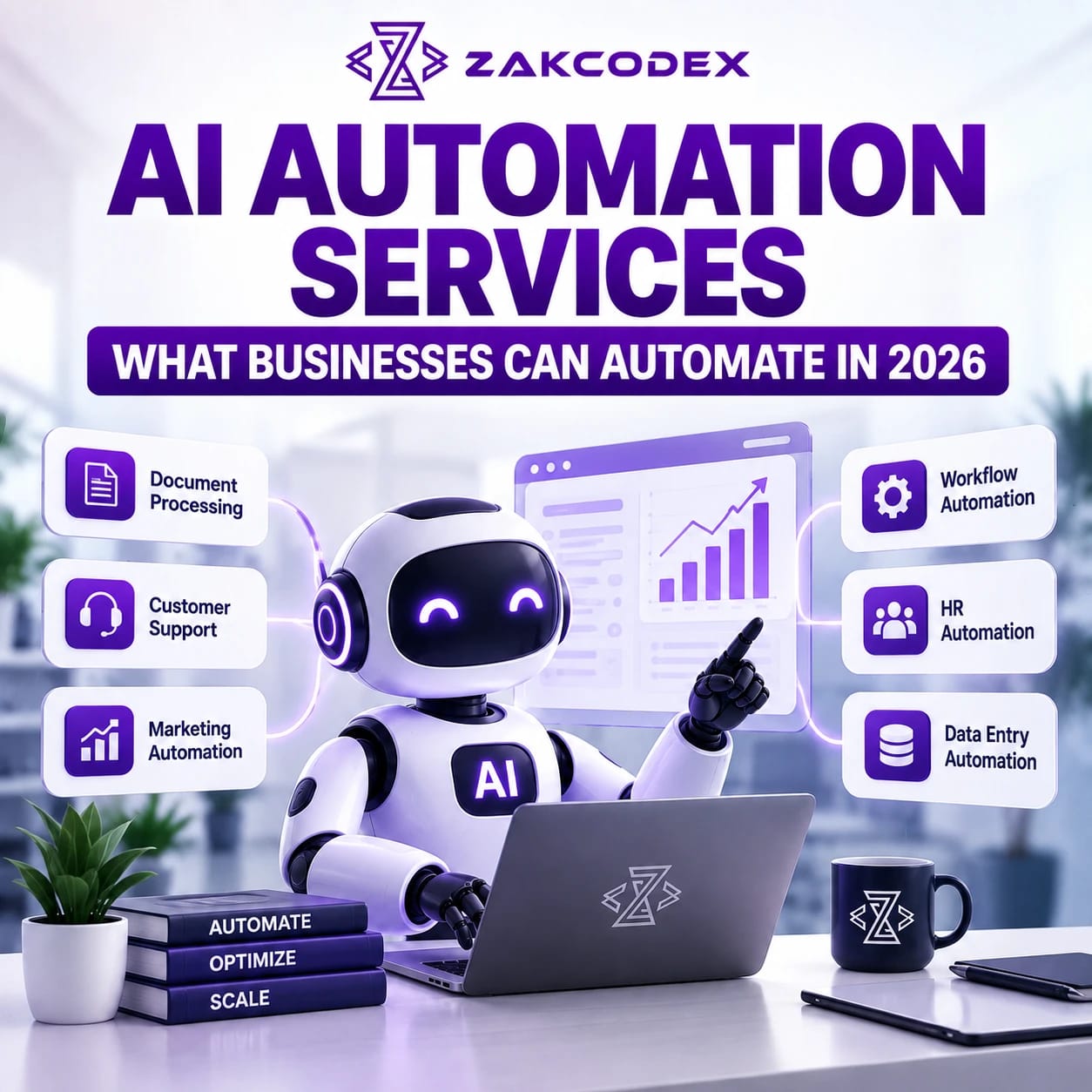
Useful AI automation use cases involve repetitive interpretation followed by a clear action. Examples span customer service, sales, administration and reporting. The following are illustrative opportunities, not claims about completed deployments.
| Function | AI automation examples | Control point |
|---|---|---|
| Customer service | Classify enquiries, summarise tickets and route support requests | Escalate sensitive or unresolved cases |
| Sales | Qualify inbound leads, update CRM records and prepare follow-ups | Validate customer identity and commitments |
| Marketing | Draft content and support CRM marketing automation | Approve claims and campaign audiences |
| Administration | Extract form data and organise incoming documents | Check required fields and duplicates |
| Finance and procurement | Extract invoices and compare purchase documents | Retain payment approval |
| HR | Schedule interviews and answer policy questions | Keep consequential employment decisions human-led |
| Reporting | Summarise validated metrics and flag unusual changes | Check source figures and explanations |
| Operations | Schedule appointments and coordinate hand-offs | Confirm availability and resolve conflicts |
How does customer-facing automation work?
Customer service automation connects conversation handling with account context and support workflows. A support assistant may retrieve approved guidance, draft an answer and preserve a handover summary. AI chatbot development covers the interface; integrations enable account-specific actions.
Sales process automation can extract requirements and create CRM activities. Automated follow-ups and marketing campaign workflows should respect contact preferences and review rules, rather than sending every AI-generated draft.
What happens in document and back-office workflows?
Intelligent document processing combines capture, extraction, validation and routing. Automated document scanning digitises pages; extraction turns their contents into usable fields. Poor scans and ambiguous layouts still require review.
Sales order automation can convert emailed orders into draft ERP records. Purchase order automation can prepare requests, while procure-to-pay automation connects purchasing, receipt checks, invoices and payment approval. Administration automation reduces rekeying across these stages.
Human resources automation can coordinate onboarding and employee support. Internal knowledge assistants retrieve authorised policies. Reporting and business intelligence automation should calculate metrics in trusted software before using AI to explain them; generated commentary does not establish causation.
What are the business benefits and risks?
AI automation benefits can include less repetitive work, faster handling and more consistent process execution. Employees may spend less time copying information and more time resolving exceptions. Benefits depend on process quality, data, model reliability and adoption.
| Potential benefit | Associated risk |
|---|---|
| Faster responses and completion | Incorrect actions can spread quickly |
| Reduced manual entry errors | AI extraction can introduce different errors |
| Better use of business data | Poor or unauthorised data can mislead |
| Higher processing capacity | Usage costs and review queues can grow |
| Employee productivity | Checking unreliable outputs can erase time savings |
Measure completed cases, correction rates, end-to-end time and cost per accepted outcome.
Which tasks should remain under human judgement?
Keep meaningful human involvement where errors could cause serious consequences or the task requires negotiation and accountability. AI can prepare evidence without making the final decision. An approval step must provide enough context and time for review.
| Suitable bounded task | Human-led decision |
|---|---|
| Summarise recruitment documents | Select or reject candidates |
| Compare invoice and order fields | Approve unusual payments |
| Draft a complaint response | Resolve sensitive disputes |
| Retrieve contractual clauses | Interpret legal obligations |
Do not automate an unstable process simply because a model can imitate it. Missing data, unclear ownership and unmanageable exception rates are reasons to repair the process first.
How should businesses prioritise opportunities?
Score opportunities by frequency, handling time, error impact, integration complexity and business value. High-volume work may offer broad time savings; a lower-volume, high-value process may warrant assistance with stronger oversight. Separate rule-based steps from judgement-based ones.
| Complexity | Illustrative opportunity | Main dependency |
|---|---|---|
| Low | Classify routine messages for review | Clear categories and examples |
| Medium | Extract documents and update CRM fields | Reliable matching and validation |
| Advanced | Coordinate an agent across procurement systems | Permissions, state tracking and recovery |
An automation strategy starts with a measurable bottleneck and a recoverable failure mode.
How is AI automation implemented?
Implementation starts with workflow design and ends with monitored operation. AI workflow automation needs testing across the whole process, including failures outside the model.
- Identify the process: record its owner, volume and current performance.
- Map the workflow: document decisions, exceptions and hand-offs.
- Identify systems and data: assess quality, access and history.
- Choose models and tools: compare performance on representative cases.
- Integrate through APIs: connect authorised systems and handle retries.
- Add approvals: define which actions need human review.
- Test and monitor: evaluate accuracy, permissions, outages and costs.
- Improve and scale: expand only after acceptable operational results.
API integration services connect CRM, ERP, SaaS, databases, email platforms, communication tools and internal systems. Prevent duplicate writes when events repeat, and provide recovery when one system succeeds but another fails.
What security and governance controls are needed?
Limit data access and actions, validate outputs, and preserve an audit trail. Models can produce plausible falsehoods or respond to malicious instructions embedded in documents. NIST's Generative AI Risk Management Profile provides an authoritative framework for evaluating such risks.
Use authentication, least-privilege permissions, approved data sources and retention controls. Record model and workflow versions, approvals and outcomes without unnecessarily exposing sensitive data. Test hostile inputs and changed source data; model confidence alone is not proof of correctness.
Should businesses buy, build or use managed automation?
Buy for standard workflows, build when internal capability supports it, and customise when integrations or controls require it. Compare total operating effort when evaluating AI business solutions.
| Approach | Fit | Trade-off |
|---|---|---|
| Off-the-shelf platform | Common connectors and workflows | Platform limits and usage charges |
| Internal build | Established engineering team | Maintenance responsibility |
| Custom development | Distinct processes or permissions | Greater implementation effort |
| Automation as a service | Managed operation and support | Supplier dependency and ongoing fees |
Custom software development is appropriate when standard tools cannot express required controls. Costs include integration, testing, model usage, hosting, monitoring and human review; savings are not guaranteed.
How do needs vary by organisation size?
AI automation for business should match operational complexity and support capacity. Small teams often benefit from a narrow workflow; larger organisations need stronger cross-system governance.
| Organisation | Starting emphasis |
|---|---|
| Small business | One repetitive process with an accessible owner |
| Medium-sized business | Departmental integration and shared exception handling |
| Enterprise | Identity controls, auditability and platform ownership across teams |
What comes next for AI automation?
More agent-driven autonomy is a plausible direction, not a reason to remove oversight. As enterprise AI solutions coordinate more actions, testing, governance and human-AI collaboration become more consequential. Begin with a bounded process, prove its reliability and expand according to evidence.