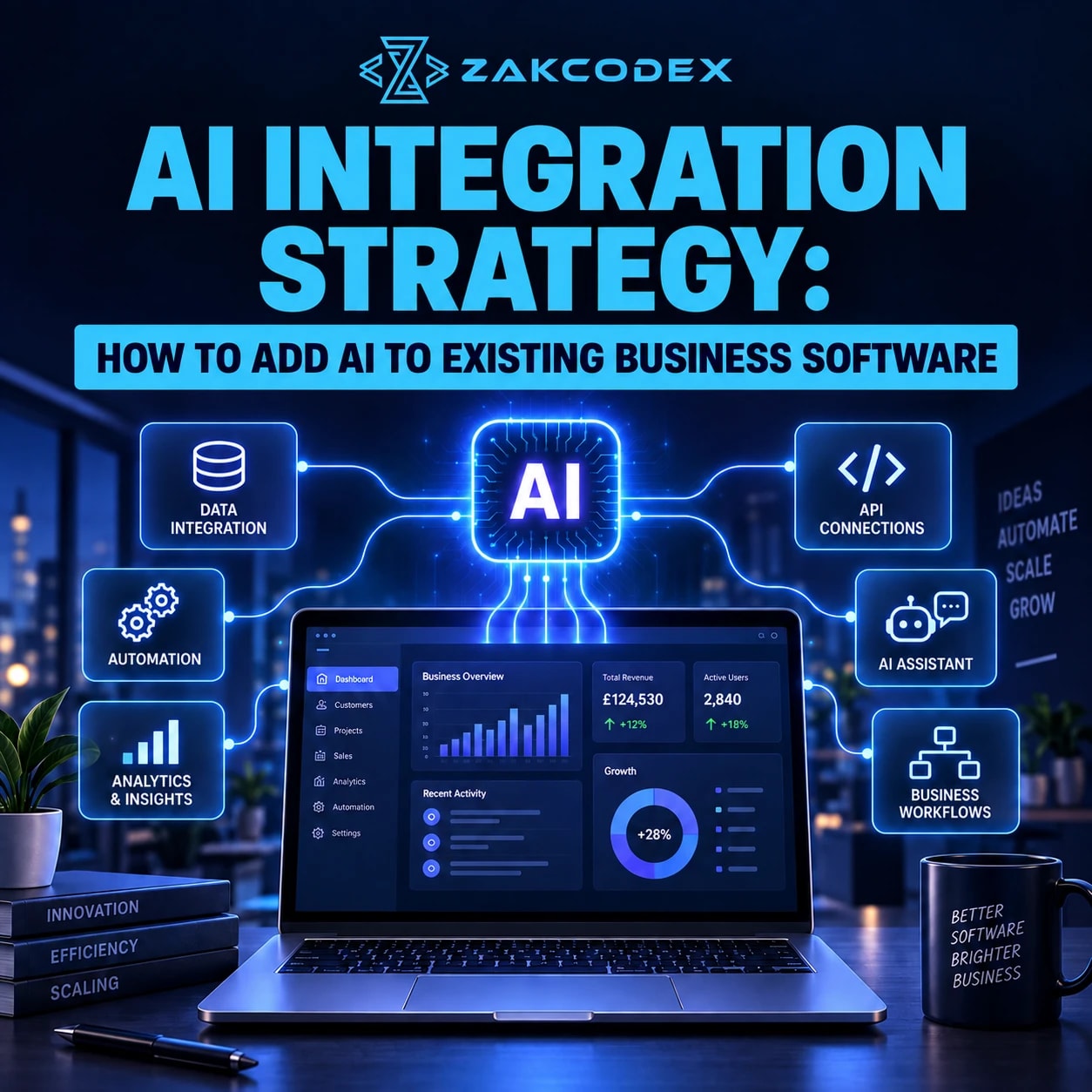

An AI integration strategy is a plan for adding AI capabilities to existing software, data and workflows without unnecessarily replacing the technology stack. Options include AI or LLM APIs, third-party platforms, custom models, machine learning services, middleware, microservices, data pipelines and embedded components. Retrieval can connect models to company knowledge where relevant.
The best approach depends on the business problem, architecture, data, security, latency, scalability, governance, budget and maintenance. Teams considering AI development services should first identify a measurable use case and a safe integration boundary. A complete rebuild is not the default requirement for artificial intelligence adoption.
How does integration differ from development and automation?
AI integration connects capabilities to existing applications; AI development creates or adapts those capabilities and their supporting software. Automation executes process steps, potentially using AI outputs. AI digital transformation is a broader organisational change involving people, processes and technology.
Adding a drafting feature does not automatically automate sending messages. Modernising a legacy endpoint does not require replacing the whole application. Building an AI-native product is a separate decision about the core product architecture.
What should an AI integration strategy decide?
Decide what the feature may read, recommend and change before selecting a provider. Record ownership and acceptance criteria for each boundary. This makes the AI implementation strategy reviewable.
| Integration Area | Key Decision | Main Risk |
|---|---|---|
| Business use case | Outcome and baseline | No measurable value |
| Existing architecture | Safe connection points | Unexpected dependencies |
| Data | Sources, quality and ownership | Misleading context |
| Model/provider | Capability and operating constraints | Unreliable outputs or dependency |
| API/integration layer | Contracts and failure handling | Core application disruption |
| Security | Data and credential protection | Leakage |
| Permissions | User and tenant boundaries | Unauthorised access |
| Testing | Representative acceptance checks | Prototype-only confidence |
| Human oversight | Approvals and escalation | Unreviewed consequential actions |
| Cost | Budgets and quotas | Unexpected usage bills |
| Scalability | Capacity and concurrency | Queues or provider limits |
| Monitoring | Quality and outcome ownership | Undetected deterioration |
Which business problem and data should you start with?
Choose a specific operational problem rather than a general ambition to “use AI”. The task determines model requirements, data access, architecture and success metrics. Compare against the existing workflow or a non-AI alternative.
| Business Problem | AI Capability | Typical Integration |
|---|---|---|
| Slow support triage | Classification and summaries | Support-platform API |
| Manual document entry | Extraction | Upload pipeline and review queue |
| Poor knowledge discovery | Search and grounded answers | Permission-aware retrieval |
| Uncertain demand | Forecasting | Batch predictions into ERP reports |
| Unfocused sales effort | Lead scoring | CRM recommendations |
| Repetitive drafting | Content assistance | Embedded editor feature |
| Unusual transactions | Anomaly detection | Event stream and analyst review |
| Weak product discovery | Recommendations | Application serving endpoint |
Audit frontend, backend, databases, APIs, authentication, roles, cloud infrastructure, event systems, existing automation and analytics. Identify technical debt and unsupported dependencies before proposing AI software integration.
Check data availability, structure, consistency, historical coverage and freshness. Record ownership, permissions, sensitive fields and access restrictions across silos. An AI feature may need data that the current application cannot safely expose; repairing that pipeline can matter more than changing models.
Should you buy a platform, use an API or build models?
An existing API can shorten initial development when its capabilities and data terms fit. Custom models provide different control but add training, deployment and maintenance responsibilities. No option is universally cheaper.
| Factor | AI API | Third-party platform | Custom model |
|---|---|---|---|
| Initial speed | Existing capability to connect | Configuration where workflows fit | Data and modelling work |
| Cost | Integration plus usage | Subscription and usage terms | Training, serving and engineering |
| Control/customisation | Application and supported settings | Vendor-defined options | Greater model-level control |
| Data privacy | Assess provider processing terms | Assess platform and subprocessors | Depends on hosting and controls |
| Scalability | Provider capacity and quotas | Platform limits | Internally managed serving capacity |
| Maintenance | Adapters and evaluations | Configuration and vendor changes | Full model operations |
| Dependency/flexibility | Provider-specific behaviour | Workflow and data portability | Skills and infrastructure dependency |
| Best fit | Supported capabilities in existing apps | Standard business needs | Validated specialised requirements |
Custom AI integration often combines existing models with tailored application logic. A full AI-native product is appropriate only when the product itself needs fundamentally different capabilities, not merely an additional feature.
What should the integration architecture look like?
A useful pattern is existing software → integration layer → AI service → validation and business rules → existing software. Keep permission checks and consequential decisions in controlled application logic. An integration layer can be a module; it need not become a separate microservice immediately.
| Pattern | Suitable situation |
|---|---|
| Direct backend integration | Small, bounded feature with manageable dependencies |
| Middleware or adapters | Shared policies and provider abstraction |
| AI microservice | Independent deployment or scaling requirement |
| Event-driven processing | Work triggered asynchronously by system events |
| Batch processing | Forecasts or enrichment that tolerate delay |
| Embedded component | AI assistance within an existing user interface |
Define backend contracts, an API gateway where useful, data access, caching, logging, analytics and approval steps. Isolate prompts and provider adapters so model replacement, fallbacks and evaluation do not require scattered core-application changes.
How should AI API and LLM integration work?
Call model services through an authenticated backend with controlled request and response handling. Do not expose long-lived sensitive API keys in frontend code. Enforce user permissions before assembling context.
Set rate limits, timeouts, bounded retries, request identifiers and usage budgets. Validate response structure and business meaning before saving results. Structured output can match a schema while containing an incorrect customer identifier or amount.
Generative AI integration supports drafting, summarisation, classification, extraction, chat and search assistance. LLM integration also needs prompt design, relevant context, grounding and output controls. Tool calling proposes an operation; the application must independently authorise and validate it.
When are retrieval and agents useful?
Retrieval-augmented generation supplies relevant source material to a model; agents select steps or tools towards an objective. Neither is required for every AI integration. Start with the least complex approach meeting the task.
RAG integration can connect an internal assistant to approved documents using retrieval indexes, embeddings and a vector database where useful. Preserve document permissions and freshness, and evaluate retrieval separately from answer quality. Microsoft's RAG design guidance provides an evaluation-oriented reference; retrieval does not eliminate hallucinations.
Agents may help with multi-step research or operational assistance. Limit tools, actions and budgets, record activity, and require meaningful approval for high-impact changes. A fixed API call is preferable when flexible planning adds no value.
How do CRM, ERP, SaaS and legacy integrations differ?
Match AI capabilities to each system's authority, data model and operating risks. Preserve existing permissions rather than giving the AI feature broad administrative access.
AI CRM integration can add lead scores, email drafts, summaries, classification, enrichment and next-action suggestions. Validate entity matching and respect role-based visibility. AI ERP integration can support forecasting, procurement, document checks and financial classification, with approval before material transactions.
AI SaaS integration requires tenant isolation across retrieval, storage, caches and logs. Define feature flags, per-tenant quotas or AI credits, user context and cost attribution. Treat the capability as a supported product feature.
Legacy software AI integration may use middleware, database connectors, event queues, batch exports or modernised endpoints. Prefer controlled read access and application APIs for writes. Unsupported platforms, unsafe data access or severe scalability constraints may require partial modernisation; rebuild only when targeted integration cannot meet business and security needs.
How do you protect data and retain oversight?
AI integration security is an application architecture responsibility. Minimise transmitted data, protect credentials, encrypt appropriate communication and storage, and define retention. Review third-party processing, residency needs and access controls.
OWASP's prompt-injection guidance explains how untrusted inputs can influence model behaviour. Restrict privileges and validate actions independently; prompts alone are not an access-control boundary.
Assign risk owners, restricted actions, review criteria and escalation paths. Audit logs should capture relevant versions, approvals and outcomes without unnecessarily retaining sensitive content. The voluntary NIST AI Risk Management Framework can structure governance discussions; adopting it does not by itself establish legal compliance.
How do you validate and release the integration?
Use traditional software QA alongside AI-specific evaluation. Test representative tasks, invalid inputs, edge cases, hallucinations, permissions, latency and load. Include provider outages, rate limits and user acceptance.
- Define the problem, audit the software and assess permitted data.
- Select a use case and agree quality, business and cost metrics.
- Choose the approach and provider; design contracts and security boundaries.
- Build a proof of concept and validate the riskiest assumptions.
- Integrate a limited workflow with security, governance and user feedback.
- Run regression, integration, failure and access tests before release.
- Deploy gradually, monitor outcomes and improve from evidence.
| Stage | What must be demonstrated |
|---|---|
| POC | Feasibility on representative inputs |
| MVP | Real user value in a limited workflow |
| Production | Reliability, security, monitoring, scale and support |
Handle failures with bounded retries, validated alternative models, permission-safe cached results, rules or human escalation. Preserve the standard non-AI workflow where possible. Prevent duplicate writes when retrying partially completed operations.
How should costs, scale and maintenance be managed?
Model usage economics before widening access. AI integration cost includes data preparation, software changes, testing and security as well as API charges. Enterprise integrations can add substantial identity, governance and operational complexity.
Separate upfront engineering from recurring API, compute, storage and maintenance costs. Forecast request volume, token usage and review effort. Evaluate smaller models, routing, batching and caching against quality requirements, with feature-level limits and alerts.
As concurrency grows, review provider capacity, queues, load balancing, asynchronous processing and data-pipeline throughput. Adding application servers does not remove a model provider's quota.
Monitor usage, latency, errors, output quality, fallback rate, provider availability, security events and business KPIs. AI observability should help distinguish model failures from stale data, broken integrations, confusing UX or poor process design. Version changes and retest; MLOps becomes relevant when operating trained models and evaluation pipelines.
What is the safest practical starting strategy?
Start with one measurable, bounded capability inside an existing workflow. Use managed APIs where appropriate, customise where control matters and expand only after adoption and value are demonstrated.
Avoid model-first selection, unnecessary agents, hidden credentials, absent fallbacks and prototype-only testing. Protect permissions, retain oversight and assign maintenance ownership. The integration succeeds when the complete workflow is dependable, not merely when the model produces an impressive answer.