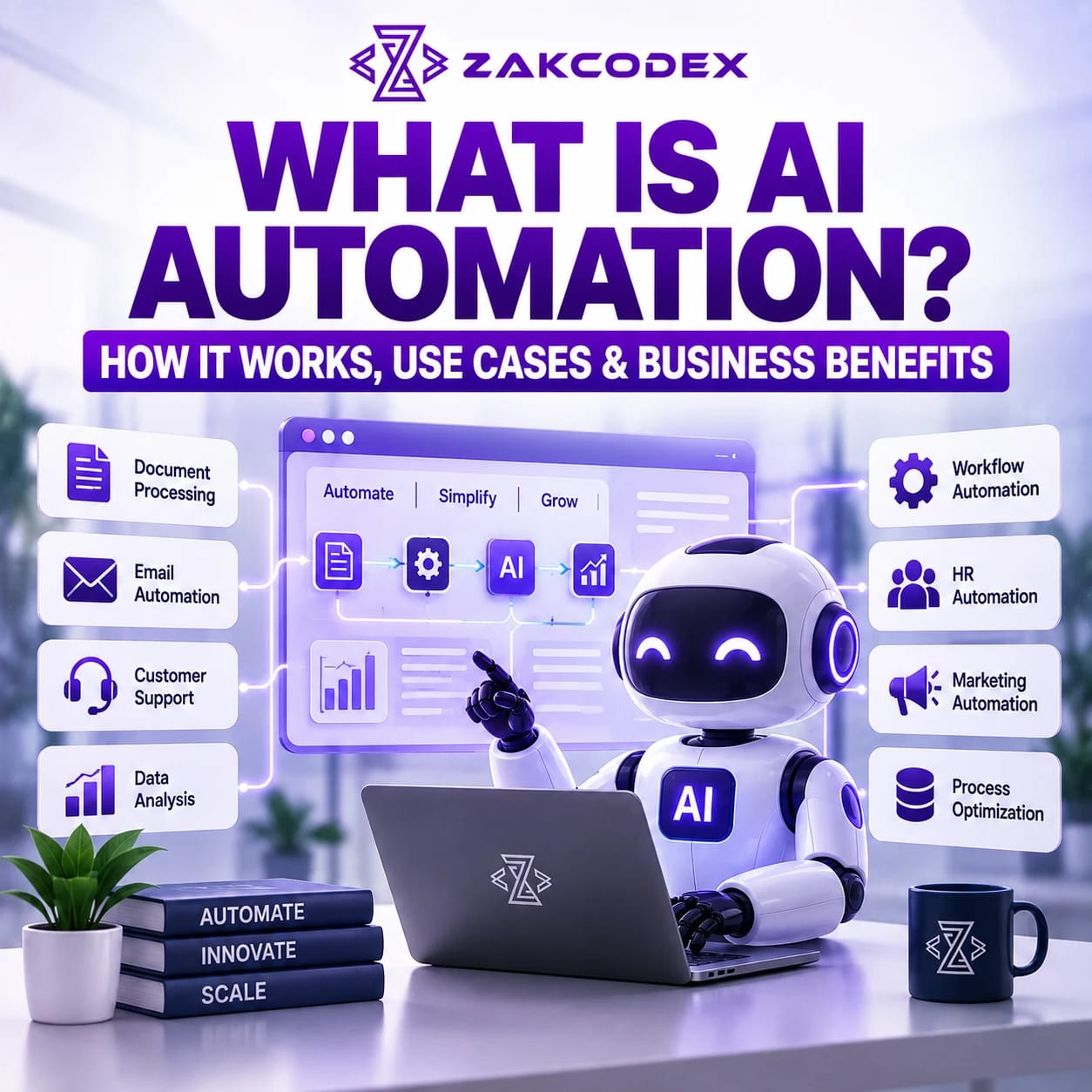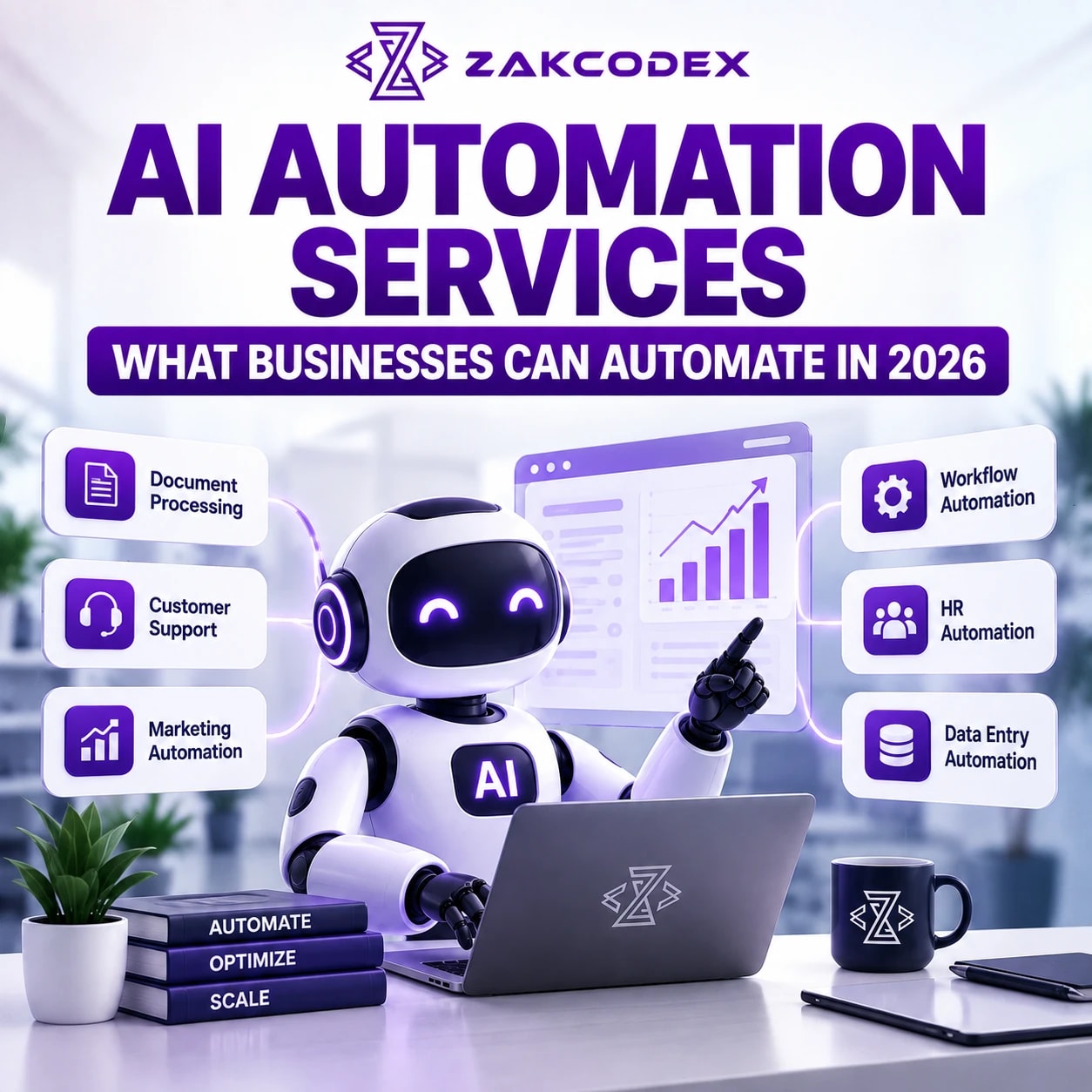

Businesses can realistically automate repetitive, rules-driven and information-heavy work such as lead qualification, customer enquiry routing, CRM updates, invoice data extraction, document processing, appointment scheduling, reporting, email follow-ups and internal knowledge retrieval. More advanced AI can also interpret unstructured information, generate content, recommend actions and coordinate multi-step workflows, provided appropriate permissions and human approval controls are in place. Organisations evaluating AI automation services should therefore start with specific processes where automation can remove measurable operational friction rather than attempting to automate an entire business at once.
What is AI automation?
AI automation combines artificial intelligence with software workflows so systems can interpret information, make bounded decisions and perform actions automatically. Unlike conventional task automation, which normally follows predefined rules, AI automation can work with emails, documents, conversations and other unstructured inputs.
In practice, AI automation for business usually combines several technologies. Machine learning can classify or predict outcomes; generative AI solutions can understand and generate language; workflow automation coordinates steps; APIs exchange information between applications; and business rules determine what the system may do.
This makes business process automation with AI useful for workflows that previously required a person to read, interpret, copy, categorise or summarise information before the next step could occur.
What are AI automation services?
AI automation services involve identifying automation opportunities, designing workflows, integrating business systems, implementing AI components and monitoring the resulting automation. Depending on the organisation, this can range from one automated workflow to an integrated automation layer across CRM, ERP, communications and internal systems.
A business automation consultant may begin with process discovery before recommending process automation solutions. Implementation can then involve automation development services, business automation software development services, business automation application development services, API integrations or existing automation platforms.
Some organisations also use automation as a service, where workflows, infrastructure, monitoring and ongoing improvements are delivered as a managed capability rather than a one-off project. This can make small business automation service adoption more practical when an organisation does not maintain an internal automation engineering team.
What can businesses automate with AI?
The strongest opportunities are high-frequency processes with predictable outcomes, digital inputs and clearly defined exceptions. AI expands the automation boundary by handling language, documents and other information that traditional rules struggle to interpret.
| Business function | Automation opportunity | Example |
|---|---|---|
| Customer service | Classification, answers and routing | Summarise a ticket and route it to the correct team |
| Sales | Lead qualification and follow-up | Score enquiries and create CRM tasks |
| CRM | Record maintenance | Extract information from emails and update contact records |
| Marketing | Campaign workflows | Segment contacts and trigger approved sequences |
| Finance | Document processing | Extract invoice fields and send exceptions for review |
| HR | Administrative workflows | Answer policy questions and coordinate onboarding |
| Operations | Workflow orchestration | Move requests through approval stages automatically |
| Management | Reporting | Combine authorised data and generate recurring summaries |
Customer service automation
Customer service AI can handle repetitive enquiries, classify requests, retrieve approved information, summarise conversations and route complex cases. It should generally escalate uncertain, sensitive or high-impact situations rather than attempting to resolve everything autonomously.
AI chatbot development is one part of this architecture. A chatbot provides the conversational interface; the wider automation may authenticate a customer, query an order system through an API, update a support ticket and trigger a follow-up workflow.
Sales, CRM and marketing automation
AI workflow automation can qualify inbound leads, extract requirements, detect intent, schedule follow-ups and create CRM activities. CRM marketing automation can also segment contacts, prepare personalised communications and trigger campaigns based on approved conditions.
For organisations requiring deeper workflows, custom CRM software development can connect automation directly to customer records, permissions and sales processes rather than creating isolated tools.
Email and communication automation
AI can classify incoming messages, identify urgency, summarise long threads, draft responses, extract actions and route communications. Sensitive external messages should often remain approval-based, particularly where legal, financial or contractual commitments are involved.
Data entry and document processing
Data entry automation is particularly valuable where teams repeatedly transfer information between PDFs, spreadsheets, emails, portals and business systems. Intelligent document processing adds AI to identify document types, extract relevant fields and validate information before it enters another system.
Examples include invoices, purchase orders, application forms, contracts and onboarding documents. Low-confidence extraction can automatically enter a human review queue instead of silently writing questionable data.
Finance, HR and reporting
Finance teams can automate invoice capture, reconciliation preparation, expense classification and approval routing. Human resources automation can support onboarding, policy retrieval, interview scheduling and administrative requests, while employment decisions with significant consequences require much stronger governance and meaningful human involvement.
Reporting automation can retrieve authorised information from databases, CRM platforms and operational software, calculate predefined metrics and generate management summaries. This is especially useful when teams currently spend hours assembling recurring reports manually.
Operations, scheduling and internal knowledge
Operations teams can automate approvals, status changes, notifications, hand-offs and exception management. Appointment workflows can check availability, collect required information, create bookings and send reminders.
Internal knowledge assistants can search approved company documentation and answer employee questions about procedures, products or policies. Access controls should ensure users retrieve only information they are authorised to see.
How do AI agents change business automation?
AI agents can dynamically determine which permitted actions to take towards a defined objective, whereas simple automation executes a predetermined sequence. They are useful when a workflow requires interpretation and tool selection, but autonomy should be constrained by permissions, budgets, validation rules and approval gates.
| Simple automation | AI agent automation |
|---|---|
| Follows predetermined steps | Can select between permitted actions |
| Best for predictable inputs | Can interpret variable information |
| Uses explicit conditions | Can use AI reasoning within defined boundaries |
| Example: send reminder after three days | Example: analyse a lead, retrieve CRM context and recommend the next action |
| Lower autonomy | Requires stronger monitoring and governance |
AI agent development becomes relevant when a process needs controlled interaction across multiple tools rather than a single prompt or chatbot response.
AI chatbots vs AI automation: what is the difference?
An AI chatbot is primarily a conversational interface; AI automation is the broader system that performs business actions. A chatbot may answer a question, while an automation can update a database, create a ticket, trigger an approval or schedule an appointment.
The two frequently work together. A customer can communicate through a chatbot while APIs and workflows perform the underlying operational tasks.
How does AI automation compare with RPA and traditional automation?
Traditional automation is strongest when rules and inputs are predictable; RPA reproduces repetitive interactions with software interfaces; AI automation adds interpretation and probabilistic decision support. Mature business automation solutions often combine all three rather than treating them as competing technologies.
| Approach | Best suited to | Typical example |
|---|---|---|
| Traditional workflow automation | Stable rules and system events | Send an email when an order reaches a status |
| RPA | Repetitive UI-based tasks, especially where APIs are unavailable | Transfer structured information between legacy applications |
| AI automation | Language, documents and variable inputs | Interpret an enquiry and determine its routing category |
| Intelligent automation | End-to-end processes combining multiple techniques | Extract a document, validate it, update a system and manage exceptions |
Robotic process automation remains useful for deterministic computer interactions. Where reliable APIs exist, however, direct integration is often more maintainable than automating screen clicks.
How do APIs connect AI automation with existing software?
APIs allow an automation to securely exchange data and trigger functions in CRM, ERP, SaaS and internal applications. They turn an AI model from an isolated reasoning component into part of an operational workflow.
For example, an automation might receive an enquiry, classify it, use a CRM API to locate the customer, create an opportunity, use a calendar API to find availability and record the outcome. API integration services are therefore an important foundation for many digital automation services.
Which processes are good candidates for automation?
Prioritise repetitive processes that consume meaningful time, use accessible digital data and have measurable outcomes. Avoid choosing processes merely because AI could technically perform them.
| Characteristic | Suitability |
|---|---|
| High volume and repetitive | High |
| Clear rules with structured exceptions | High |
| Requires reading routine documents or messages | Often high with AI |
| Frequent manual copying between systems | High |
| Rare process with constantly changing rules | Low |
| Irreversible high-impact decisions | Low for autonomous execution |
| Requires nuanced negotiation or accountability | Usually human-led |
A practical prioritisation method is to assess each candidate by frequency, staff time, error impact, technical feasibility, data availability and risk. Start with workflows offering strong operational value without disproportionate governance complexity.
What should businesses not automate?
Businesses should be cautious about fully automating high-stakes, ambiguous or irreversible decisions. AI should support rather than silently control decisions where errors could materially affect people, finances, legal obligations or safety.
- Final hiring, dismissal or disciplinary decisions.
- Major financial commitments without approval thresholds.
- Legal interpretations requiring professional judgement.
- Safety-critical decisions without appropriate controls.
- Sensitive customer disputes requiring empathy and discretion.
- Processes with poor-quality or inaccessible source data.
How should AI automation be implemented?
Successful implementation starts with the process, not the AI model. Map the existing workflow, identify decisions and exceptions, define measurable outcomes and then select the smallest architecture capable of improving it.
- Discover: document the current process, systems, bottlenecks and owners.
- Prioritise: score opportunities by value, feasibility and risk.
- Design: define triggers, business rules, AI responsibilities, integrations and approval points.
- Integrate: connect authorised CRM, ERP, SaaS, databases and internal applications.
- Test: evaluate normal cases, edge cases, failures and adversarial inputs.
- Deploy: introduce the automation gradually with monitoring and fallback procedures.
- Improve: review logs, exceptions, costs and outcomes continuously.
Complex requirements may justify custom software development or dedicated AI development rather than connecting multiple generic tools.
What data, security and governance controls are required?
AI automation needs the same disciplined security engineering as other production software, plus controls for AI-specific uncertainty. Organisations should determine what data the system can access, what actions it can perform and where human approval is mandatory.
Practical controls include least-privilege permissions, authentication, encryption, audit logs, data retention rules, environment separation, output validation, monitoring and restricted tool access. Businesses processing personal data should also assess applicable privacy obligations. In the UK, Information Commissioner's Office guidance emphasises accountability, transparency, data protection risk assessment and meaningful human oversight for relevant AI processing.
US organisations can also use the National Institute of Standards and Technology AI Risk Management Framework as a voluntary framework for identifying and managing AI risks. Governance requirements should ultimately reflect the organisation's jurisdiction, industry, data and use case rather than relying on a universal checklist.
What are the benefits and risks of AI automation?
| Potential benefit | Corresponding risk |
|---|---|
| Faster processing | Errors can propagate faster without validation |
| Reduced repetitive administration | Poorly designed workflows can automate the wrong process |
| Consistent workflow execution | AI outputs can still be probabilistic |
| 24-hour handling of routine requests | Complex cases may require human judgement |
| Better use of operational data | Privacy and access-control risks increase if permissions are weak |
| Scalable process capacity | Usage and infrastructure costs require monitoring |
The objective is therefore not maximum automation. It is dependable automation with clear ownership of exceptions.
How much does business AI automation cost?
There is no meaningful universal price because cost depends on workflow complexity, integrations, data, security requirements, AI usage and whether custom software is required. A single departmental workflow can require substantially less engineering than an enterprise AI solution coordinating multiple systems and approval layers.
Businesses should consider discovery and implementation costs alongside model or API usage, hosting, third-party software licences, monitoring, maintenance and future workflow changes. The correct commercial comparison is usually total cost of ownership against the existing cost and limitations of the process.
Should businesses build, buy or use custom automation?
Buy when requirements are standard, configure when existing platforms cover most of the workflow, and build custom automation when the process or integration requirements create genuine competitive or operational differentiation.
| Approach | Best when | Trade-off |
|---|---|---|
| Buy | A mature SaaS product already solves the requirement | Fast deployment but limited customisation |
| Configure | Low-code or automation platforms support the required applications | Flexible initially but complexity can grow |
| Custom automation | Processes, integrations or controls are organisation-specific | Greater control but higher engineering responsibility |
| Hybrid | Standard platforms can be combined with custom components | Requires careful architecture and ownership |
How should businesses choose an AI automation provider or consultant?
Choose based on process engineering and production implementation capability, not demonstrations of AI prompts alone. A competent automation consulting partner should understand software architecture, APIs, security, data, workflow orchestration and operational failure handling.
Ask prospective providers how they handle authentication, permissions, audit logs, unreliable AI outputs, system outages, human approvals and changing business rules. They should also be able to explain why a workflow needs AI at all; many processes are better solved with conventional automation.
Final recommendations for businesses considering AI automation
For most SMEs exploring business automation UK opportunities or US organisations modernising operations, the most effective starting point is a process that employees perform repeatedly and can describe clearly. Measure its current time, cost, delays and exceptions before designing the replacement.
Begin with bounded AI automation use cases such as enquiry routing, document extraction, CRM administration, reporting or scheduling. Connect systems through reliable APIs where possible, introduce human approval where consequences are significant, and maintain logs so actions can be audited.
As confidence grows, individual workflows can evolve into broader intelligent automation, contact centre automation, enterprise AI solutions and controlled agentic systems. The organisations that benefit most will not necessarily be those deploying the greatest amount of artificial intelligence automation, but those that apply the right combination of process automation, software engineering and AI to well-defined operational problems.