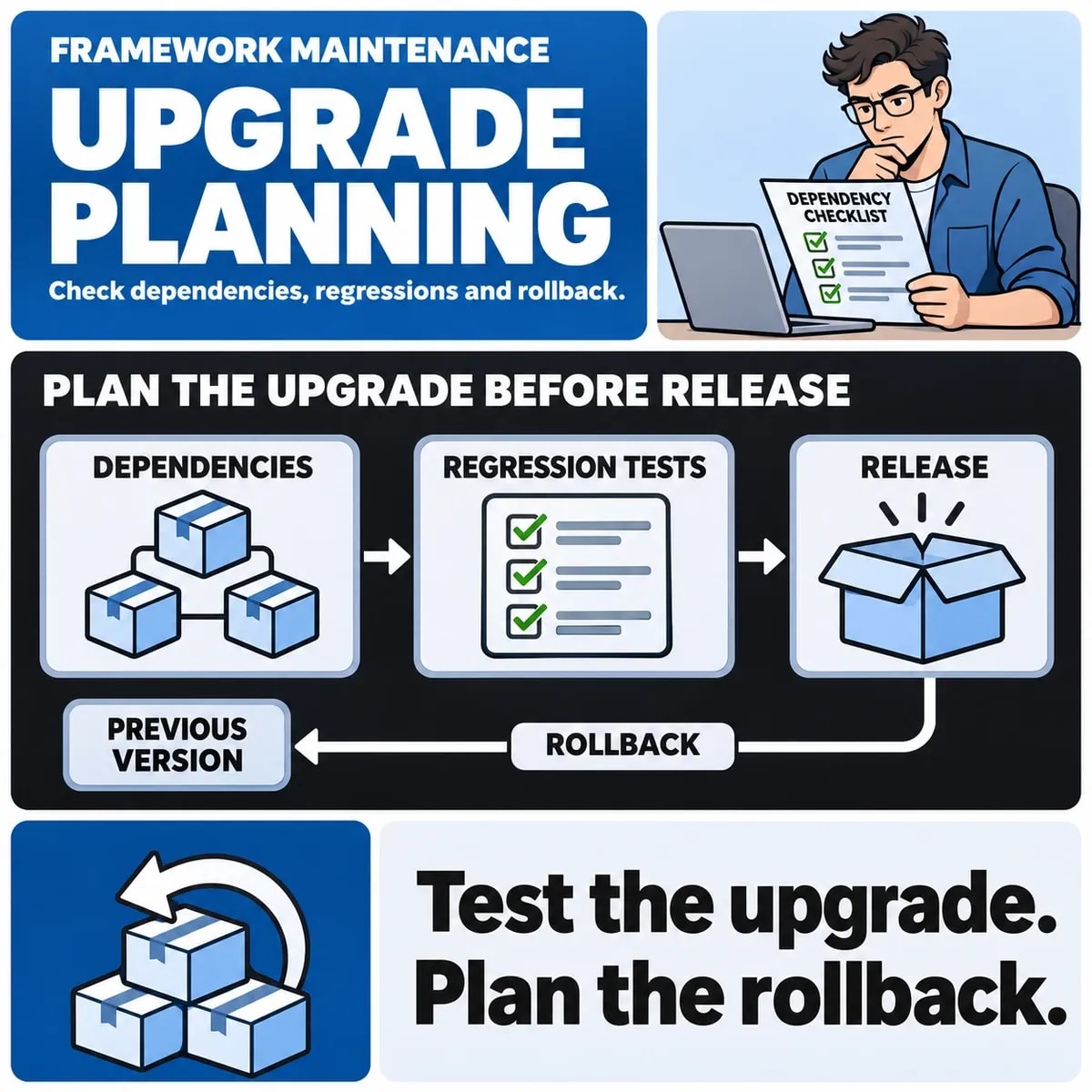

A Laravel upgrade plan should identify the application's current state, the supported target and the business behaviour that must remain dependable. The important deliverable is evidence that the changed system can operate within its agreed release and recovery plan.
Start by separating the upgrade from optional redesign or new features. Some related changes may be necessary, but each addition changes the scope and the tests required. A framework version number alone does not describe the condition of the application.
Record the actual application baseline
Inventory Laravel, PHP, Composer dependencies, frontend tooling and the services the application uses. Include database versions, scheduled tasks, queues, file storage and external integrations. Record how the application is built and released.
Check the lock file and the deployed environment as well as the package manifest. Ask whether the team can reproduce a working environment from controlled source and configuration. Note missing knowledge before using a narrow estimate as a release commitment.
Choose a target using compatibility and support
Review the framework's official release and upgrade guidance for the current and proposed versions. The Laravel 13 upgrade guide is one version-specific reference; it is not an instruction that every application should move directly to that version.
Map runtime and package compatibility, including dependencies that are no longer maintained. For an old application, define an incremental path where needed and specify the evidence required at each step. Do not infer that an automated dependency update has verified custom application behaviour.
Build a business regression checklist
List the journeys that matter: authentication, permissions, record creation, exports, notifications and the relevant customer actions. Describe the expected outcome and where it should be verified. Include the roles that can and cannot perform an action.
| Area | Example check | Evidence to retain |
|---|---|---|
| Permissions | A user cannot access another account's record | Role, attempted action and actual result |
| Background work | A queued export reaches the correct authorised destination | Job state and delivered result |
| Integrations | A delayed or repeated response does not corrupt the workflow | Safe test input and resulting state |
| Scheduled tasks | The intended task runs under the new environment | Schedule, execution record and business outcome |
These checks need application-specific detail. Use synthetic or appropriately controlled data and avoid sending test transactions through production systems.
Rehearse with a representative safe environment
Use an isolated environment with the dependencies needed for the agreed tests. Document differences from production, particularly unavailable integrations, data volume and worker configuration. A test that bypasses a real dependency supports a narrower conclusion.
Run existing automated checks and supplement gaps with focused manual scenarios. If the application has little test coverage, record that uncertainty and prioritise the workflows with the greatest business consequences. Do not silently describe an untested feature as preserved.
Plan data and worker compatibility
Review schema changes, stored data and any assumptions made by queued jobs or scheduled commands. Decide how work already in progress will behave during the release. Old and new application code may coexist during a rollout, so compatibility needs an explicit plan.
Changing code back may be insufficient after an irreversible data change. Identify which recovery actions are possible, what evidence supports them and who can authorise them. Keep database changes out of an automatic upgrade sequence until they have been reviewed.
Define the release and recovery decision
Agree prerequisites, the permitted window, monitoring, a decision owner and the conditions for pausing or rolling back. Test recovery against the actual deployment design. A backup file is useful only within a workable restore process.
The UAT guide can support the business acceptance decision. Keep unresolved exceptions visible, including their impact and the person accepting them. A green build is one input to the release decision.
Keep upgrade work distinct from modernisation
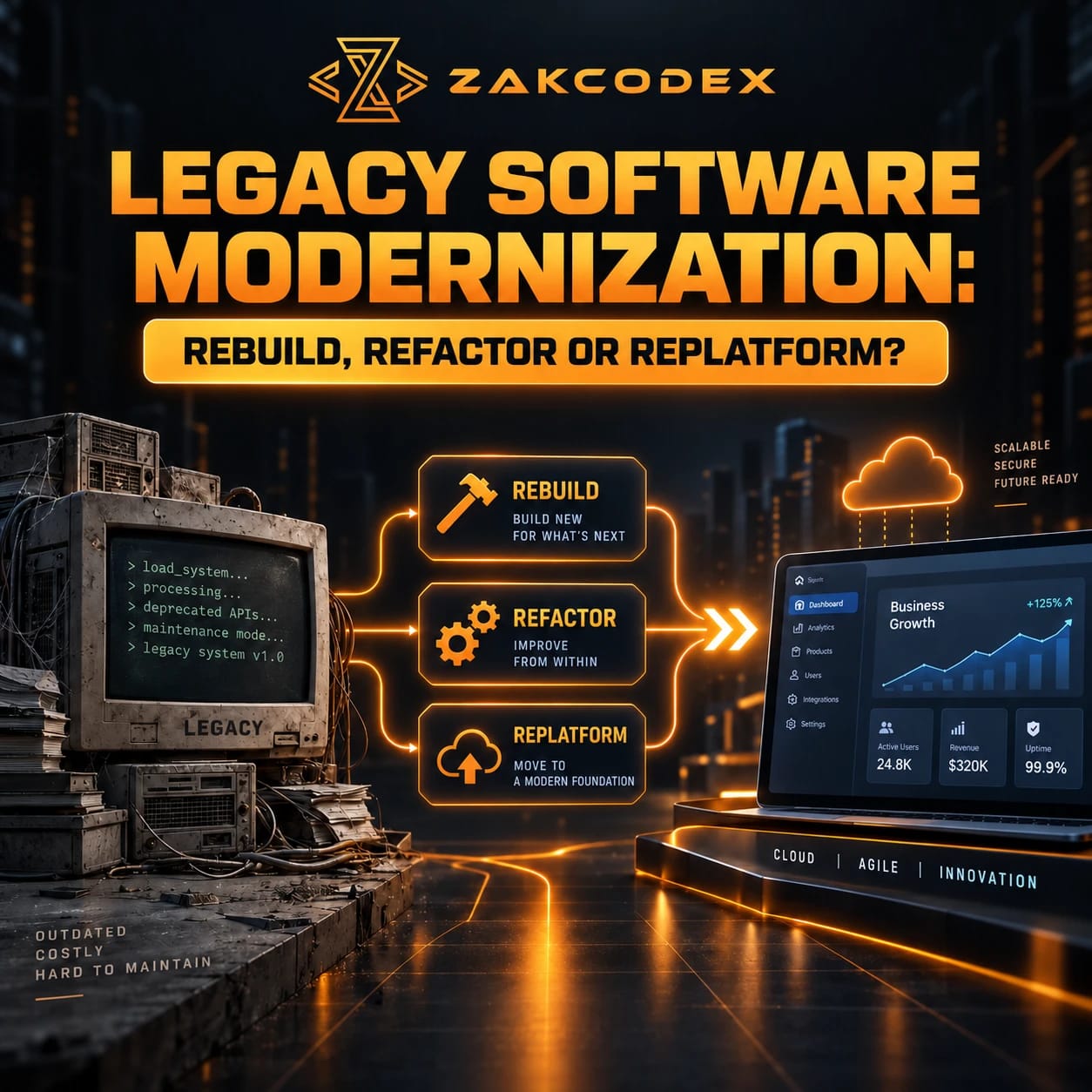
An upgrade may reveal structural problems worth addressing later. Record them with evidence rather than allowing the immediate work to become an undefined rewrite. The modernisation guide covers the broader architectural choices.
For a Laravel development discussion, bring the current version, repository access arrangements, deployment outline, dependency list and critical workflows. Those inputs support a scoped investigation. No universal upgrade duration, price or performance gain is assumed here.