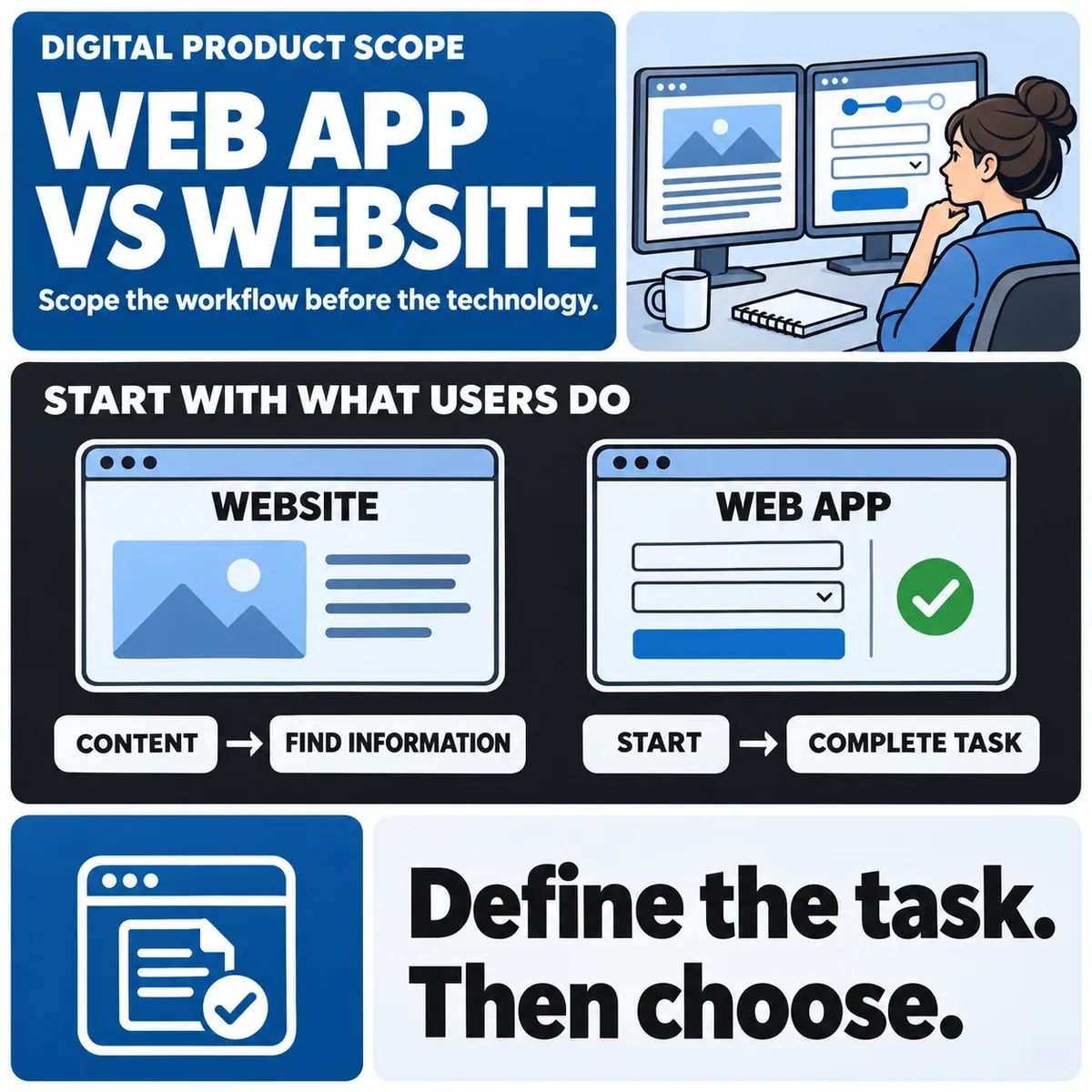

A website and a web application both use web technologies and can be accessed through a browser. People often use “website” for an information-led experience and “web application” for software that supports tasks and changing records. The terms overlap, so a project brief needs to explain the actual behaviour required.
Start with what a person must accomplish. Reading a service description, requesting a quotation and managing a customer account require different work even when they appear under the same domain.
Describe the user task before choosing a label
Identify the audience, entry point, intended outcome and information needed. A public service page may help a visitor decide whether to enquire. A staff portal may let an authorised user allocate work, update records and follow a case through several states.
For a fictional training provider, a course catalogue and a learner portal can coexist. The catalogue explains the offering; the portal supports enrolled learners and their records. The example illustrates a requirements distinction rather than a delivered project or a mandatory architecture.
Compare the work behind each experience
| Requirement | Information-led site | Task-oriented application |
|---|---|---|
| Primary outcome | Understand, compare or make an enquiry | Complete and track a defined workflow |
| Content ownership | Approved editing and publishing | May combine edited content with operational records |
| User roles | Often public visitors and content editors | May need multiple operational permissions |
| Acceptance evidence | Useful content and working journeys | Correct records, transitions and connected outcomes |
A website can include accounts or transactions, and an application can contain public content. Avoid using one feature, such as a login form, as a complete definition of the project.
Map data and state changes
List what the user can create, read, change and submit. Define the meaning of important states and the authoritative record behind them. An enquiry received, a booking requested and a booking confirmed are distinct outcomes.
Explain what happens after an action: who sees it, which system processes it and how a user knows it succeeded. This makes backend and integration requirements visible before the interface is estimated.
Identify integrations and access rules
Existing CRM, payment, scheduling or reporting systems may influence the scope. Check their supported APIs and access arrangements. A simple-looking interface can involve substantial connected work if several systems must agree on the result.
Define permissions for each role, including viewing records and performing actions. A browser interface does not reduce the need to enforce those rules in the application. Use safe examples to test what happens when someone attempts an action outside their role.
Choose technology from the requirements
A CMS may suit regularly edited public information. A custom workflow may require an application alongside that CMS or a different delivery approach. Evaluate the team, supported integrations, content responsibilities and maintenance needs before selecting a framework.
MDN's overview of how the web works explains the browser/server foundations. Those foundations support both information and task-led experiences; a language or framework name does not establish the appropriate project scope.
Estimate the complete delivery and operating scope
Include content preparation, design, data handling, integrations, accessibility, testing, hosting and maintenance. Identify what the first release needs and which features can wait. A product label alone is insufficient for a defensible price or timeline.
Agree who owns source code, accounts and release responsibilities, where applicable. Include ongoing content review and application support in the operating plan. A small initial interface can still require a dependable owner for its connected systems.
Validate the riskiest assumption early
A prototype can investigate whether users understand a journey. A small integration test can investigate whether an external system supports the required action. Neither is a complete acceptance test of a finished product, so record the question and limits of each activity.
The software discovery guide explains how to structure early questions. Keep the software categories guide as a supporting definition rather than using categories to decide the build automatically.
Prepare a brief for the next discussion
Bring the main user tasks, changing records, roles, content needs, integrations and support arrangements to a web development discussion. If an existing product can meet the requirements, include that option in the comparison. The purpose of the brief is to choose a supportable solution to a defined problem.