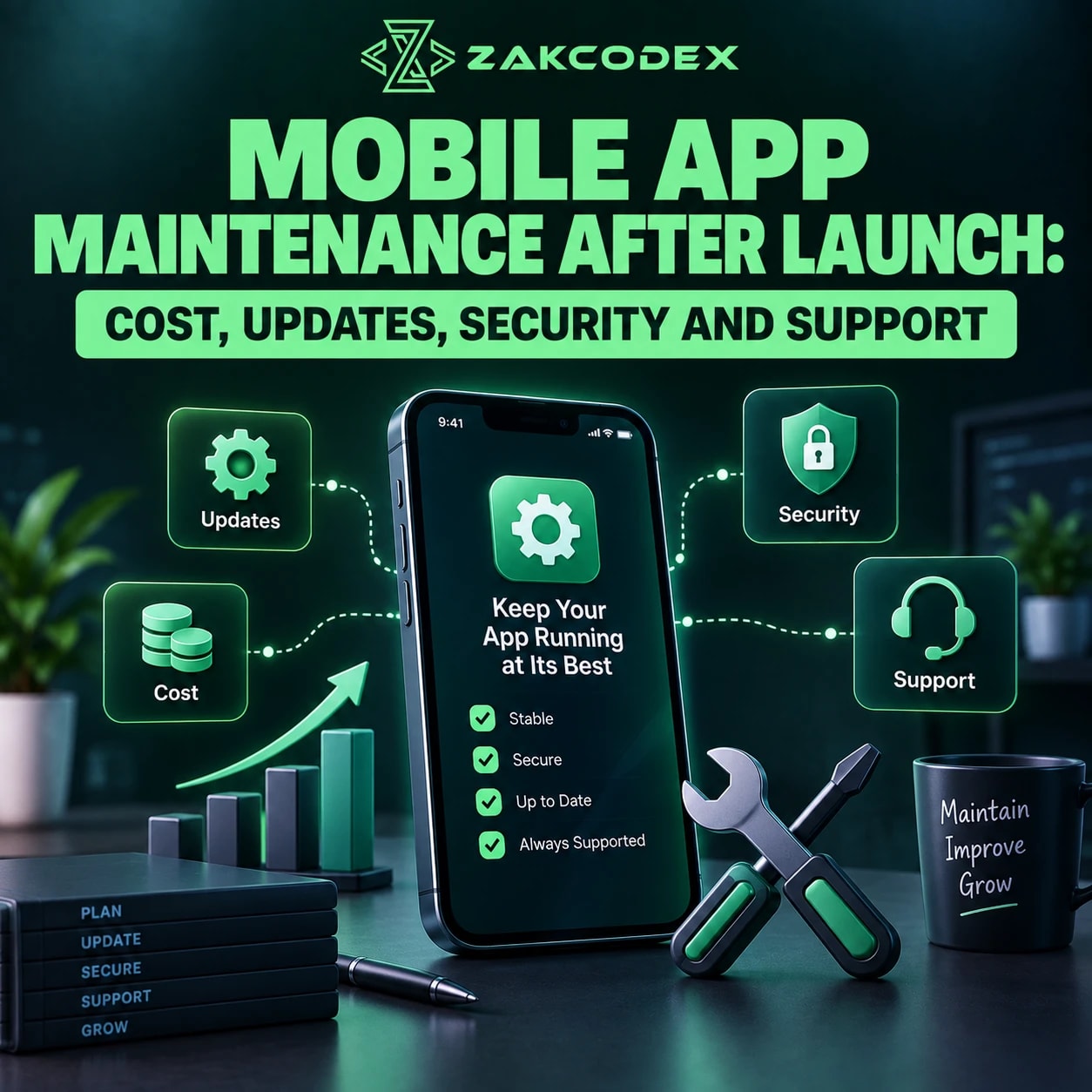

App maintenance is the ongoing work that keeps a released mobile application reliable, secure, compatible and useful. Launch is the beginning of production responsibility: bug fixes, crash monitoring, OS and device testing, security patches, dependency updates, backend and API maintenance, performance optimisation, analytics, store compliance and user support continue afterwards. Planned improvements need their own agreed scope.
The lifecycle is Launch → Monitor → Fix → Check Compatibility → Update Dependencies → Patch Security → Maintain Backend/APIs → Optimise → Review Feedback → Improve → Support. Budgeting for mobile application development should include this continuing work. Maintenance cost depends on complexity, platforms, integrations, usage, technical debt, update frequency and support expectations.
Why do mobile apps need maintenance after launch?
An app's environment continues changing even when its code does not. New operating systems, devices, SDKs, APIs, security findings and business requirements can affect previously stable functionality.
Production also introduces network conditions, data volumes and user behaviours absent from test environments. A low crash rate does not establish that payments, navigation or synchronisation work well.
| Maintenance type | Purpose | Example |
|---|---|---|
| Corrective | Fix defects | Repair a login failure |
| Adaptive | Accommodate external change | Update an API integration |
| Preventive | Reduce future failures | Add tests around fragile code |
| Perfective | Improve existing behaviour | Reduce checkout effort |
New feature development adds capabilities, such as subscriptions to an app that previously sold individual items. Routine maintenance preserves or improves existing capabilities; major modernisation changes underlying foundations. Define these boundaries in the backlog and support agreement.
What does mobile app maintenance include?
Application maintenance and support covers the mobile client and the services it depends on. Assign responsibility across the stack so failures do not fall between suppliers.
| Maintenance area | Typical work | Why it matters |
|---|---|---|
| Bug fixes | Reproduce, repair and regression-test | Restore intended behaviour |
| Monitoring | Crashes, errors and service alerts | Detect production problems |
| OS compatibility | Test supported versions and devices | Preserve critical workflows |
| Dependencies | Review SDKs and libraries | Avoid unsupported components |
| Security | Patch and review controls | Reduce exposure |
| Backend/API | Maintain contracts and infrastructure | Keep connected functions available |
| Performance | Investigate measured bottlenecks | Maintain responsiveness |
| App stores | Review policies and submissions | Support continued distribution |
| Analytics | Validate events and failed flows | Identify user impact |
| Support | Triage reports and communicate | Connect users with resolution |
What should happen immediately after release?
Confirm monitoring, analytics and incident ownership before relying on live usage. Review crashes, authentication, API failures, payments, server health and device-specific feedback during the initial production period.
Capture build version, OS, device class and relevant diagnostic context without collecting unnecessary sensitive information. Combine support requests, store reviews, surveys and interviews with product analytics to distinguish defects from confusing workflows.
| Severity | Illustrative impact | Handling |
|---|---|---|
| Critical | Data exposure or widespread service failure | Activate incident process and containment |
| High | Important workflow blocked | Prioritise repair and workaround |
| Minor | Limited issue with usable workaround | Schedule against impact |
| Cosmetic | Visual inconsistency without task failure | Plan alongside other improvements |
Severity depends on business context: a seemingly minor display defect can be serious if it misrepresents a transaction. Reproduce the issue, identify root cause, test the fix and verify production behaviour after release. Not every bug requires an emergency update.
How do OS, device and dependency updates affect maintenance?
iOS and Android changes can alter permissions, notifications, authentication, background processing and interface behaviour. Test important workflows against supported environments around relevant platform releases.
Maintain a device matrix based on users and risk: screen size, resolution, memory, OS version and camera or sensor behaviour where relevant. Android spans varied manufacturers and hardware; iOS still needs testing across supported devices and versions.
Analytics, payments, maps, social login, push and crash-reporting SDKs create their own update work. Review release notes, deprecated APIs and build-tool compatibility. An upgrade can fix a vulnerability while introducing regressions, so dependency updates need validation.
| App approach | Maintenance consideration |
|---|---|
| Native iOS/Android | Separate platform code and toolchains need coordinated releases. |
| Flutter | Shared code still depends on framework, plugins and native behaviour. |
| React Native | Shared JavaScript coexists with native modules and platform tooling. |
Track App Store and Google Play policy notices, SDK requirements, privacy declarations, permissions and submission issues. Verify current requirements before each affected release. Apple's App Review Guidelines explicitly include responsibility for third-party SDKs and accurate submission information; approval does not replace ongoing testing.
Why do backend, API and database maintenance matter?
A backend change can break installed apps without changing their mobile code. Preserve API compatibility for supported client versions and plan migrations around the fact that users update at different times.
Authentication, accounts, messaging, search and payments depend on stable contracts, error handling and provider limits. Payment, CRM, analytics, messaging and AI providers may change permissions, SDKs, pricing or behaviour; track their notices and test integrations.
Maintain servers, databases, queues, object storage, caching, background jobs and authentication services. Review schema migrations, indexes, slow queries, data integrity and storage growth. Growing usage may justify API optimisation, load testing, caching or additional capacity; measure the bottleneck before adding infrastructure.
Mobile app performance monitoring should cover startup, screen responsiveness, memory, battery impact, network requests and backend latency. Correlate device symptoms with server and database metrics so a slow query is not mistaken for a rendering problem.
What should security and recovery maintenance cover?
Security maintenance is continuing work across the client, backend and dependencies. Pre-launch testing cannot account for every later vulnerability or configuration change.
Review patches, authentication, authorisation, token storage, secrets, encryption, input validation and access controls. Use mobile app security testing alongside backend checks; OWASP MASVS organises mobile verification around areas including storage, cryptography, authentication, networking and platform interaction.
Reassess consent, collection, tracking, retention, account deletion and disclosures when product behaviour or SDKs change. Identify applicable regional and contractual obligations with the responsible specialists rather than assuming a previous privacy review remains sufficient.
Back up databases, configuration and files; document infrastructure restoration and secure credential recovery. Agree acceptable data loss and recovery objectives, then test restoration. A successful backup job is not proof that a usable service can be recovered.
Alerts should identify actionable failures in crashes, APIs, authentication, databases, queues and external services. Route them to an owner and remove noisy duplicates so urgent incidents remain visible.
How much does mobile app maintenance cost?
There is no universal monthly price or reliable percentage that fits every application. Estimate routine engineering, infrastructure, support coverage and foreseeable changes separately, then allow for uncertainty.
| Cost driver | Why it affects maintenance |
|---|---|
| Complexity and platforms | More workflows and environments to test |
| Backend and integrations | More services and external dependencies |
| Usage and data growth | Changing compute, storage and support demand |
| Security requirements | Specialist review and control maintenance |
| Update frequency | Engineering, QA and release coordination |
| Technical debt | Harder diagnosis and riskier changes |
| Support expectations | Availability, escalation and coverage costs |
| Team structure | Recruitment, handover or supplier coordination |
Baseline costs may include hosting commitments, monitoring tools and reserved developer availability. Variable costs include usage, emergency repairs, major OS changes and provider migrations. Feature work should remain visible as a separate budget.
Monthly budgeting supports continuous operations; an annual plan reserves capacity for deeper upgrades, technical debt and architecture reviews. Annual app maintenance cost should include both, rather than simply multiplying a quiet month's bill. Ask UK or US suppliers to state currency, tax treatment, third-party charges and exclusions consistently.
Is ad-hoc support or a maintenance retainer better?
A retainer can reserve capacity for recurring work when the agreement explicitly provides it. Ad-hoc support may suit infrequent needs with flexible timing, but availability must still be understood.
| Factor | Ad-hoc support | Maintenance retainer |
|---|---|---|
| Availability | Subject to agreed scheduling | Defined reserved coverage |
| Cost | Per task or time used | Recurring scope or capacity |
| Predictability | Variable workload and spend | Clearer baseline; exclusions remain |
| Response | Negotiated per arrangement | Contract-defined expectations |
| Monitoring | Must assign ownership separately | Included only if specified |
| Preventive work | Requires deliberate commissioning | Can reserve regular capacity |
A mobile app SLA should define support hours, severity, escalation, communication, responsibilities and exclusions. Response time means acknowledging or starting work; resolution time means restoring or fixing the issue. Neither follows automatically from a retainer fee, and store review or provider outages can affect recovery.
Who should maintain the app?
Choose ownership based on product knowledge, availability, specialist needs and continuity. The original development team has context, but a new team can take over with a proper technical handover.
| Team | Strength | Trade-off |
|---|---|---|
| Original developers | Code and deployment familiarity | Verify continuing capacity |
| In-house | Direct priorities and knowledge retention | Staffing and coverage costs |
| External partner | Flexible specialist support | Onboarding and context transfer |
| Hybrid | Internal ownership plus expertise | Explicit responsibility boundaries |
Handover should include source code, architecture diagrams, API documentation, tests, build and deployment instructions, signing arrangements and controlled environment access. Confirm account ownership and credential recovery; do not depend on one person's laptop.
When does maintenance become modernisation or rebuilding?
Modernisation becomes relevant when unsupported foundations, regressions or technical debt make ordinary changes unsustainable. Rebuilding requires evidence that smaller interventions cannot meet essential needs.
Consider refactoring, framework upgrades, replatforming or backend restructuring first. Age alone is insufficient justification. Compare remaining business value, security constraints, migration risk and total future ownership cost before replacing working capabilities.
What should a post-launch maintenance plan contain?
Combine continuous observation, regular reviews, event-driven responses and periodic deeper assessment. Set frequency by risk and workload rather than an arbitrary release calendar.
- Verify crash reporting, errors, analytics and infrastructure monitoring; assign incident ownership.
- Document severity, support channels, access and escalation.
- Review patches, dependencies, SDKs, OS/device compatibility and store notices.
- Check API health, backend/database performance, backups and restoration.
- Review user feedback; prioritise defects by urgency, exposure and business impact.
- Regression-test releases, record technical debt and separate feature requests.
- Revisit costs, scalability and architecture as usage changes.
Plan app support and maintenance before launch, fund routine and unexpected work, and keep documentation current. Sustainable maintenance protects existing value while providing evidence for the next improvement.