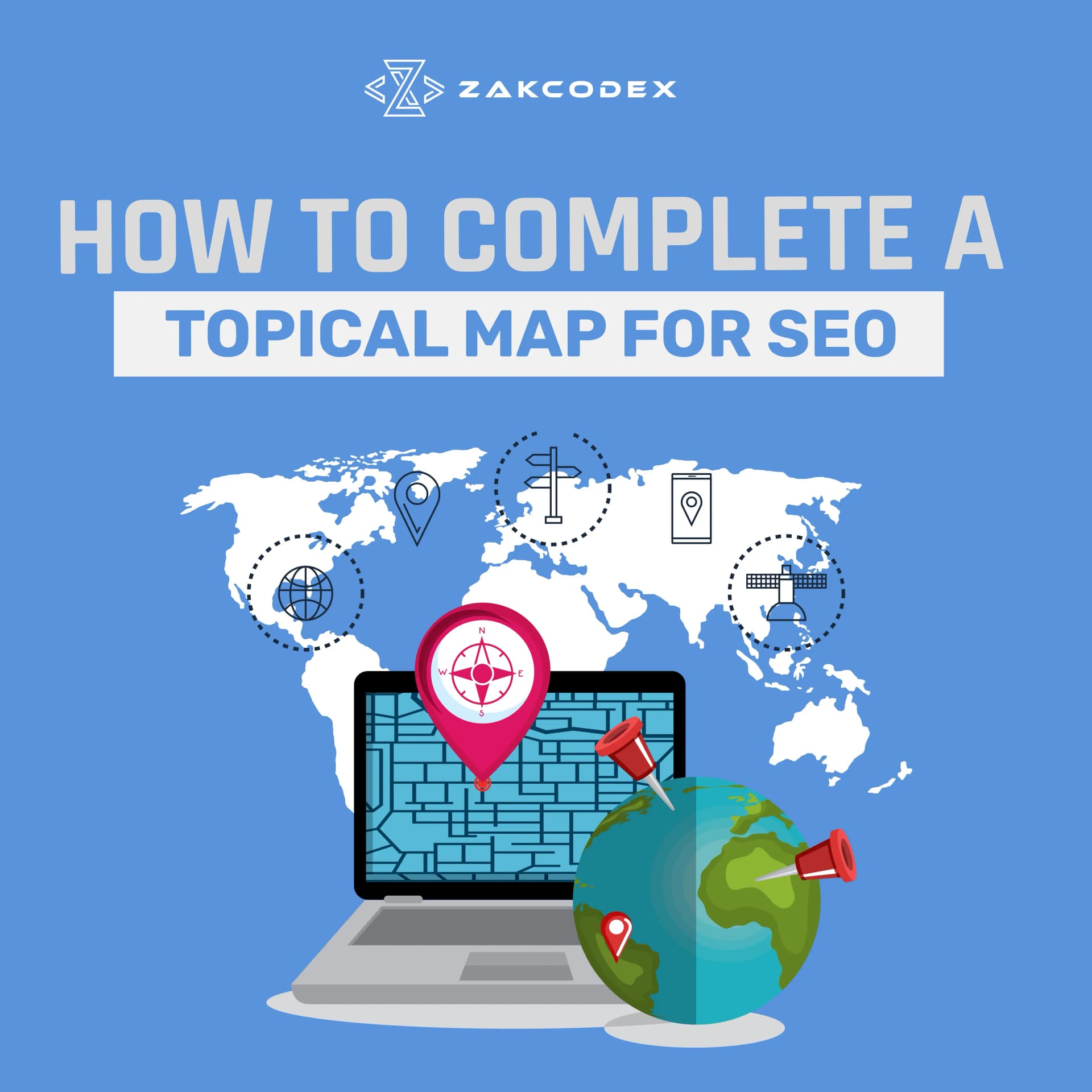
In modern search engine optimization, creating a topical map has become one of the most powerful strategies for improving organic rankings. A topical map helps websites move beyond individual keywords and build authority around entire subject areas. When done correctly, it tells search engines that your website is an expert on a specific topic, increasing the chances of ranking for hundreds of related search terms.
Whether you are building a new site or improving an existing one, understanding how to create and complete a topical map can transform your SEO performance. This guide explains what a topical map is, why it matters, and how to develop one step by step.
What Is a Topical Map in SEO
A topical map is a structured plan that organizes all the topics, subtopics, and content ideas related to your main niche. It connects keywords and pages in a logical way so that your website covers every aspect of a subject.
Think of it as a blueprint of your website’s knowledge base. Each page contributes to a larger theme, supporting the main topic through related and interlinked content. Instead of publishing random blogs, a topical map ensures your site builds relevance, depth, and authority.
For example, a fitness website might have a topical map centered on “strength training.” Under that core topic, subtopics could include “workout plans,” “nutrition for muscle growth,” “supplements,” and “injury prevention.” Each of those areas can be broken down further into supporting articles.
The goal is to show search engines that your site offers comprehensive, trustworthy information that users find valuable.
Why a Topical Map Is Important for SEO
Search engines have evolved beyond keyword matching. Today, Google’s algorithms like RankBrain and the Helpful Content Update focus on understanding context and relationships between topics. This is why building a topical map is essential.
A well-planned topical map helps you:
Build Topical Authority
When your content covers a subject completely, Google recognizes your site as an authority on that topic. Over time, this boosts the ranking of all related pages.
Strengthen Internal Linking
A topical map naturally creates opportunities for internal links between related articles. This improves crawlability and helps users explore your site more efficiently.
Reduce Keyword Cannibalization
By organizing your topics properly, you avoid creating multiple pages targeting the same keyword. Each piece of content has a clear purpose and supports your SEO strategy.
Improve Content Planning
A topical map acts as a content calendar. It tells you what to write next and how each article fits into the larger SEO structure.
Increase User Engagement
When visitors find related content easily, they stay longer on your site. This reduces bounce rates and signals to Google that your website provides value.
Step 1: Define the Core Topic
The first step in creating a topical map is choosing your main topic or niche. This should reflect your business focus and what your audience cares about most.
If you run an SEO agency, your core topic might be “search engine optimization.” For a health brand, it could be “weight management” or “healthy eating.”
Your core topic should meet three conditions:
- It has significant search demand.
- It matches your products, services, or goals.
- It has room for subtopics and clusters.
Once you have your central topic, you can build everything else around it.
Step 2: Conduct Keyword and Entity Research
A strong topical map starts with solid keyword research, but the focus is not just on keywords. You must also identify entities, which are the people, places, concepts, or things related to your topic.
For example, if your main topic is “digital marketing,” related entities might include “SEO,” “content strategy,” “email marketing,” “PPC,” and “analytics.”
Use tools like Google Keyword Planner, Ahrefs, or Semrush to find:
- Primary keywords with high relevance
- Long-tail keywords with lower competition
- Questions people ask on Google (use tools like AnswerThePublic or AlsoAsked)
The goal is to uncover how searchers explore your topic and what gaps exist in current content.
Step 3: Group Keywords Into Clusters
Once you have a list of keywords and entities, organize them into clusters based on search intent. Each cluster represents a subtopic within your overall map.
For instance, under “search engine optimization,” you could have clusters like:
- On-page SEO
- Technical SEO
- Link building
- Keyword research
- Local SEO
Each of these clusters will include multiple supporting articles that address specific questions or related terms.
Grouping keywords into clusters ensures your website covers every angle of the topic and builds a clear relationship between main and supporting pages.
Step 4: Create Content Hierarchy
Now that you have your clusters, you need to structure them logically. This is where you design the hierarchy of your topical map.
Start with a pillar page that serves as the ultimate guide for your main topic. It should provide an overview and link to all related cluster pages. Then, each cluster page links to supporting articles that go deeper into the details.
For example:
- Pillar Page: Complete Guide to SEO
- Cluster Page: On-Page SEO Best Practices
- Supporting Article: How to Optimize Meta Tags
- Supporting Article: Using Internal Links Correctly
- Cluster Page: Technical SEO
- Supporting Article: Understanding XML Sitemaps
- Supporting Article: Improving Site Speed
This structure not only improves user navigation but also helps search engines understand how topics connect on your site.
Step 5: Optimize Internal Linking
Internal linking is the backbone of an effective topical map. It connects pages in a way that distributes authority and helps Google crawl your site more efficiently.
When writing each article, link back to its cluster page and, where relevant, to the pillar page. Similarly, link from higher-level pages down to detailed content.
For example, if your blog post discusses “best SEO tools,” you can include a link to your main “SEO Guide” page. This signals to Google that both pages are part of the same topic family.
Internal linking should feel natural and helpful to the reader. Avoid adding too many links that do not fit contextually.
Step 6: Use Schema Markup and Structured Data
Adding structured data helps search engines better understand your content relationships. Use schema markup to define articles, FAQs, reviews, or products depending on your niche.
If your topical map includes how-to guides or product reviews, schema can make your listings more visible through rich snippets. This can lead to higher click-through rates and improved search performance.
Step 7: Track Performance and Adjust
After building your topical map and publishing content, monitor its performance regularly. Use tools like Google Search Console to track keyword rankings, impressions, and clicks.
If certain clusters perform better than others, analyze why. You may need to strengthen internal links, improve content depth, or update older articles with fresh data.
A topical map is not static. It should evolve as your industry, keywords, and audience behavior change.
Common Mistakes to Avoid
Many marketers make the mistake of treating topical mapping as a one-time setup. Others focus only on keywords without considering search intent or internal structure.
Avoid these common pitfalls:
- Creating overlapping topics that compete with each other
- Ignoring user intent while grouping keywords
- Publishing thin content that lacks substance
- Neglecting interlinking between clusters
- Failing to update outdated pages
A well-maintained topical map remains one of the most powerful long-term SEO assets your site can have.
Final Thoughts
Completing a topical map for SEO takes research, structure, and consistent content creation. The goal is to organize your website so that every piece of content reinforces the others. This approach tells search engines that your site provides deep, interconnected knowledge, which builds trust and improves rankings.
By defining your core topic, grouping related ideas, and linking everything strategically, you can transform your website into a trusted source of information. A strong topical map not only helps search engines but also improves user experience, engagement, and conversions.
When search engines view your website as an expert on a topic, your authority grows, and so does your traffic.